You’re ready to start. We’re ready to help.
Find out how Salesforce can help enhance customer, partner, and employee engagement.


It’s easy to turn Chatter on.
Work across departments, sync with your team, and keep your business moving from any mobile device.
Success starts here.
Whether you’re looking for training or consulting services, Success Services is ready to help with the largest concentration of Salesforce innovators.


Get API/advanced user info.
Get advanced system admin information here, including the integration of APIs.
Connect on the Salesforce Success Community.
Use the Chatter Community to learn about advanced features and capabilities.


Get the mobile app.
Download the Salesforce mobile app and benefit from all the same features you have on your desktop’s browser version.
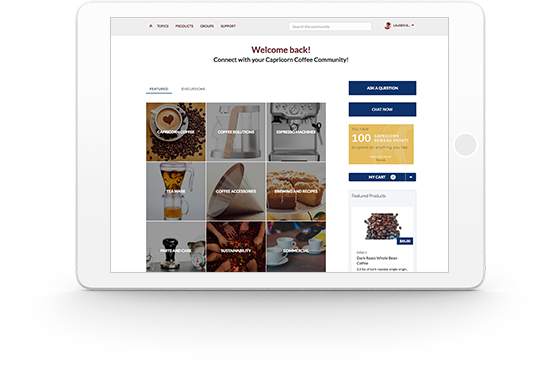
Get more out of Chatter with Community Cloud.
Community Cloud transforms business with next-gen communities and portals to connect customers, partners, and employees with information and experts.
Questions? We’ll put you on the right path.
Ask about Salesforce products, pricing, implementation, or anything else. Our highly trained reps are standing by, ready to help.