From possibility to product, we build belonging throughout our process.

We bring in perspectives and lived experiences from across the disability community throughout product development. By embedding accessibility in our process, we work to reduce barriers and create better experiences for more people.


How accessibility shapes our products

Accessibility is embedded throughout our product lifecycle. This approach helps teams explain our accessibility practices with confidence, gives customers greater transparency, and equips builders with guidance for creating more accessible experiences.

Sticky notes, graphs, and handwritten notes cover a whiteboard and glass wall in the foreground, while a group of coworkers meets around a table in the blurred background.

1. Research and design

Researching alongside people with disabilities helps us uncover barriers early. Inclusive design practices and Salesforce Lightning Design System guidance provide a more accessible foundation.

A pair of hands types on a keyboard at a desk with two computer monitors.

2. Development

Training, code reviews, and automated and manual accessibility testing help teams identify issues. Builders can use a11y to check customizations like color contrast and assistive tech support.

Three coworkers gather around a computer monitor to work together on a problem.

3. Implementation

The Accessibility (A11Y) Agent turns product requirements into accessible code, reviews it against Web Content Accessibility Guidelines (WCAG) standards, surfaces issues, and explains findings.

A woman wearing glasses looks ahead with a focused expression as lines of computer code float around her.

4. Expert validation

Digital accessibility engineers test products with assistive technologies and collaborate with people with disabilities to help validate experiences and ensure products work as intended before release.

Two coworkers collaborate over a laptop. One smiles while talking on the phone, and three other people sit around a table in the background.

5. Documentation and support

Documentation, learning resources, and trained support teams help customers understand accessible features and find answers. Customers can also report issues or build their knowledge with Trailhead.

Three coworkers stand around a desk with their hands resting on a document containing diagrams or technical drawings.

6. Continuous improvement

Feedback, accessibility audits, and evolving standards inform ongoing product improvements. Published accessibility conformance reports (ACRs) provide greater visibility into product accessibility.

Bonnie Parisi

Trusted, ethical AI doesn’t leave people behind. We’re using it in innovative ways to close gaps, not widen them — building a more accessible future by design.”

Bonnie Parisi
VP, Product Accessibility, Salesforce

Build accessibility into every step

Develop the knowledge and practical skills to address accessibility throughout product design and development. Explore learning paths, standards, and developer guidance for identifying barriers and making informed decisions.

A pair of hands rests on a computer keyboard.

Build your accessibility foundation

Discover practical ways to create more accessible product experiences in Trailhead.

A person holds a smartphone with an enlarged, floating representation of its screen above it.

Explore accessibility and AI

Explore best practices for designing accessible AI experiences on Trailhead.

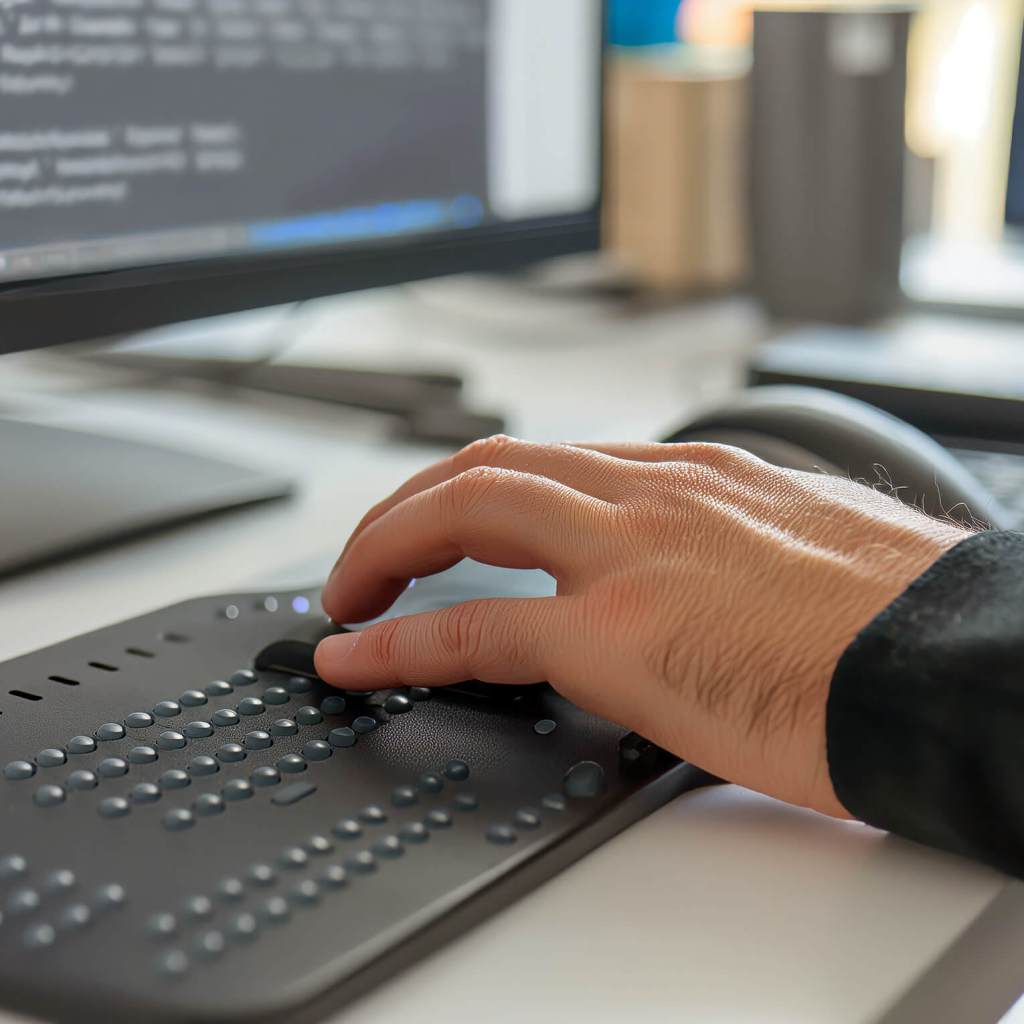
A hand hovers above an assistive keyboard.

Check product accessibility status

ACRs provide details about how individual Salesforce products support recognized accessibility standards. Use them to inform procurement, implementation, and accessibility decisions.

Explore accessibility stories and insights

Discover stories, expert perspectives, and practical insights that highlight how we're working to remove barriers, advance accessibility, and create better experiences for everyone.

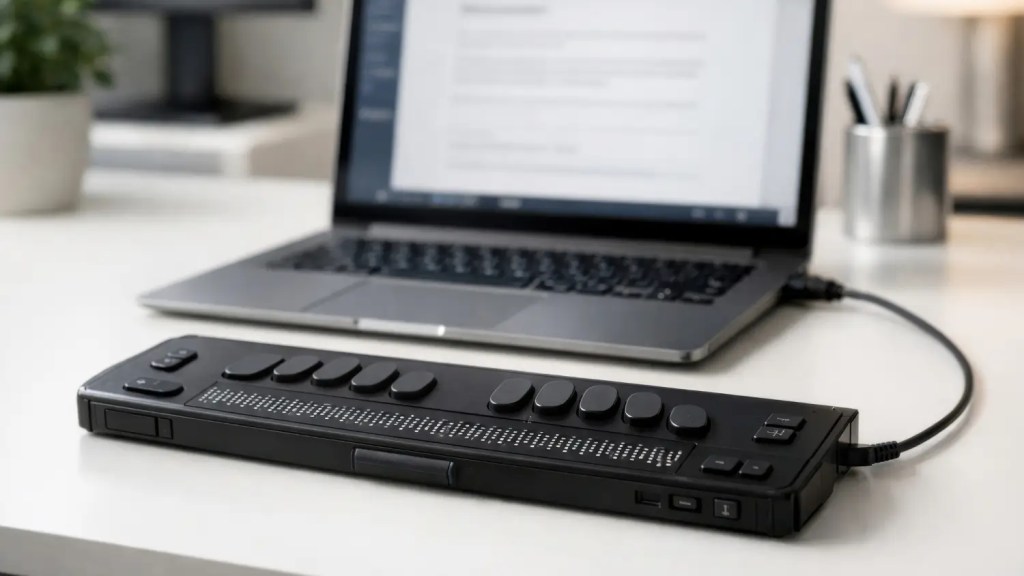
A laptop and assistive touch keyboard sit on a desk

AI agents don’t live with disabilities—people do

A man holds a smartphone close to his ear

Accessibility is the blueprint for trustworthy AI

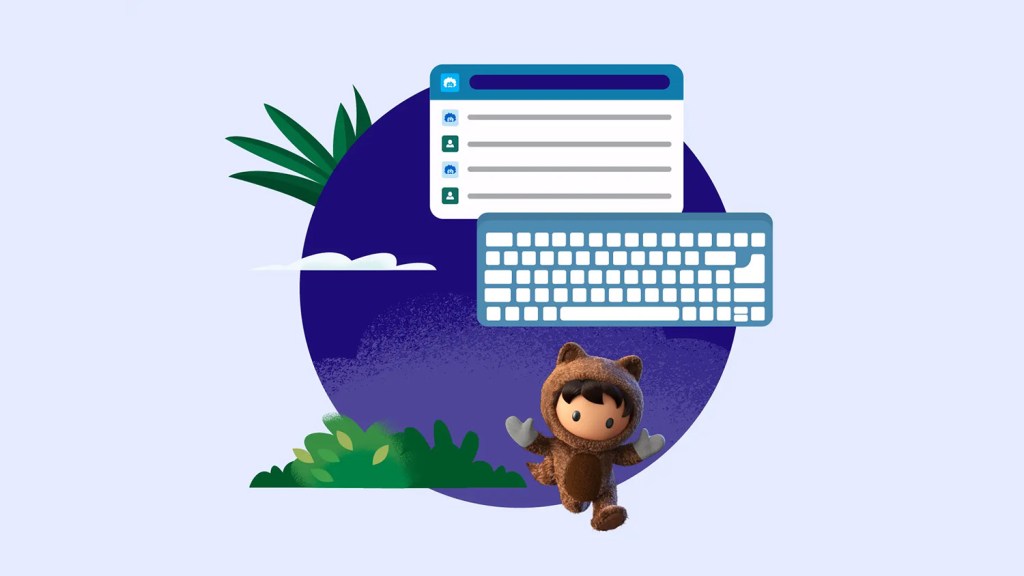
Astro skips and two illustrations—one of a keyboard and another of an interface—hover above him.

We design AI interfaces with accessibility in mind—here’s how

Continue exploring accessibility at Salesforce

Get to know more about our approach to accessibility, discover resources for building more inclusive AI experiences, and explore real-world stories of accessibility in action.

A shield icon appears to the right of the text “How we build Trusted AI.”

Learn more about how we build accessible AI

A rocket icon appears to the right of the text “Resources.”

Explore resources on how to build accessible AI

A magnifying glass surrounded by UI text boxes appears to the right of the text “Responsible AI in practice.”

Read more about accessibility case studies at Salesforce