

When was the last time you checked an app on your phone? Maybe you’re even reading this on your phone’s browser app right now. Statistically speaking, people check their phones over 100 times a day, if not more, and most of that time is spent scrolling through apps. So here’s the question — if that’s where people are spending their time, shouldn’t that be where your business is too?
We live in a mobile world now. Apps are just how people shop and connect with businesses today. It’s become the standard way to do things. This quick guide will show you why your startup or small and medium businesses (SMB) needs a mobile app and how to build one without spending too much.
What you’ll learn:
Benefits of a mobile app for your startup or small business
Mobile apps, or mobile applications, have become a practical tool for SMBs to engage customers and grow sales. If you’re in the right industry to create an app, why not try?
Your customers want to reach your business instantly, whether they’re commuting or relaxing at home. The real question isn’t whether you need an app — it’s how fast you can get one. Being available online (and in someone’s pocket) opens new channels for engagement. Here are some benefits of investing in a mobile app:
Direct communication: Mobile app push notifications put offers and updates in front of customers instantly and help build repeat visits.
Constant visibility: Your app sits on customers’ screens, maintaining your brand presence wherever they are. App store listings also attract new customers searching for your services.
Simplified transactions: Prospects and customers can purchase directly through you, book appointments, or access support directly through the app, eliminating barriers that slow down sales.
Market differentiation: Having a mobile app sets your small business apart. In fact, 60% of consumers prefer apps over websites, making your business more accessible and competitive.
Customer insights: Track user behavior and preferences to deliver personalized experiences, targeted promotions, and relevant content that increases your conversion rates.
Attract more customers with Salesforce AI


Industries mobile apps are booming in
The mobile app revolution is happening across every sector, but some industries are seeing explosive growth. Here are the areas where apps are making the biggest impact:
- Healthcare (mHealth): Apps can provide on-demand consultations, manage patient records, monitor health metrics (like heart rate), and improve mental health and sleep quality.
- Finance and banking (Fintech): Mobile apps are crucial for enabling secure digital transactions, managing accounts, and offering real-time financial insights.
- Ecommerce (mCommerce): Apps provide convenience for shopping on the go, allowing businesses to compete better and offer seamless purchasing experiences.
- Education: The e-learning sector is booming, with apps offering personalized learning experiences, interactive content, progress tracking, and multimedia resources.
- Travel and Transportation: Apps simplify booking, provide navigation, and offer real-time tracking for travel and logistics services, enhancing efficiency and user satisfaction.
And, don’t leave out these up and coming growing sectors:
- Gaming: The gaming industry continues to be a major area for app development, offering immersive and interactive experiences.
- Real Estate: Mobile apps are transforming how people buy, sell, and manage properties, offering new ways to view listings and interact with agents.
- Restaurants: Apps are used for online ordering, making reservations, and building customer loyalty programs, providing convenience for both businesses and customers.
Mobile apps: Building vs. buying (or automating)
If you want a mobile app for your business, the big question is whether to build it from scratch or buy it through an existing provider (which typically are already automated). This choice will shape your future growth, let’s dig into both:
The custom-build challenge
The path of custom development, building your mobile app from scratch, typically is a longer process involving more parties. It can lead to higher initial costs and longer waits to launch. You’ll need ongoing maintenance, and you might depend heavily on specialized developers. As your team grows, these challenges can become harder to manage.
To custom build a mobile app, you’ll need to:
- Hire or contract specialized mobile developers for iOS and Android platforms
- Set up development environments and choose programming languages (like Swift, Kotlin, React Native, or Flutter)
- Design and develop user interface and user experience from scratch
- Build backend infrastructure, including servers, databases, and APIs
- Implement security protocols and data protection measures
- Create testing frameworks and conduct extensive quality assurance (QA)
- Handle app store submissions and approval processes
- Set up app analytics and monitoring systems
- Train internal teams on the custom code base and systems
- Manage version control and deployment pipelines using tools like Git, GitHub, or GitLab
- Establish ongoing maintenance and update schedules. Handle bug fixes and feature requests as they arise
The no-code alternative
A simpler alternative is the no-code or low-code route for mobile apps, simply by buying from a trusted provider. This approach offers a fast and affordable way to get powerful business solutions. Instead of writing lines of code, you use prebuilt visual tools to construct workflows. This means you can create an app without needing a developer.
Focus on what your customers want from your mobile app: easy ordering, appointment booking, loyalty rewards, instant notifications about deals, or quick access to your services. No-code platforms let you drag and drop these features into place, customize your branding, and launch your app without needing a developer or technical expertise.
Ready-made solutions that scale
The beauty of modern app solutions is how they integrate everything your business already does — from customer communications to sales tracking to marketing campaigns. Your mobile app becomes the hub where customers interact with your business, while you manage everything from one dashboard.
This integrated approach isn’t new — Salesforce has been demonstrating for years how mobile apps can work together with your customer relationship management (CRM) and existing business workflows.
These integrated solutions are designed for businesses that want to move fast. They offer built-in customization with templates and drag-and-drop builders, so you can have a professional mobile app that reflects your brand and serves your customers exactly how you want.
Your roadmap to a mobile application
Getting a mobile app for your business might seem like a big project, but with a clear plan, it’s entirely doable. Here’s a simple roadmap to guide you:
Step 1: Define the purpose of your app
Before you do anything else, be clear about what your app will do. What problem does it solve for your customers? Who are the main people who will use it? Where will it live? Put these answers together into an application project management tool, and then begin to conceptualize the design.
Step 2: Choose your development approach (Build or buy)
Based on your app’s purpose and unique needs, decide how it will be created. If you have very specific requirements that no existing tool can meet, custom development might be for you. But for most SMBs, using a no-code or low-code platform is quicker and more cost-effective.
Step 3: Design core features and user experience
Next, it’s time to design the app to fit your brand. Focus on the main features your app needs to provide. What are the essential functions that provide value? How will this reflect in the capabilities, brand, and design of the app? And, think about how easy you want your app to be. An intuitive, simple design will keep customers coming back.
Wherever you are — just get started.
No matter where you are on your journey as a business owner, you can get started with Starter Suite for free — the CRM made for growth.

Step 4: Market for launch and ongoing maintenance
Once your app is ready, you’ll be preparing to market and launch it. How will people find your app? What type of messaging is planned for promotion? And how will you gather feedback from users? Plan how you’ll promote it, whether through app store optimization, social media, or your existing marketing channels. Also, think about how you’ll update the app and gather feedback from users to keep it working well.
- App store optimization: App Radar, Sensor Tower, or Mobile Action for keyword research and ASO tracking.
- Analytics and user feedback: Google Analytics for Firebase, Mixpanel, or Amplitude for user behavior tracking. Salesforce Data Cloud and Tableau provide powerful insights into customer patterns. UserVoice or Zendesk handle feedback collection.
- Marketing and promotion: Hootsuite or Buffer for social media management, Salesforce Email Marketing for email campaigns, Google Ads and Facebook Ads for paid promotion.
- Beta testing and QA: TestFlight (iOS) or Google Play Console (Android) for beta distribution and BrowserStack or Firebase Test Lab for device testing.
- Maintenance and updates: GitHub or GitLab for version control, Discord or Slack for team communication, and Trello or Asana for project management.
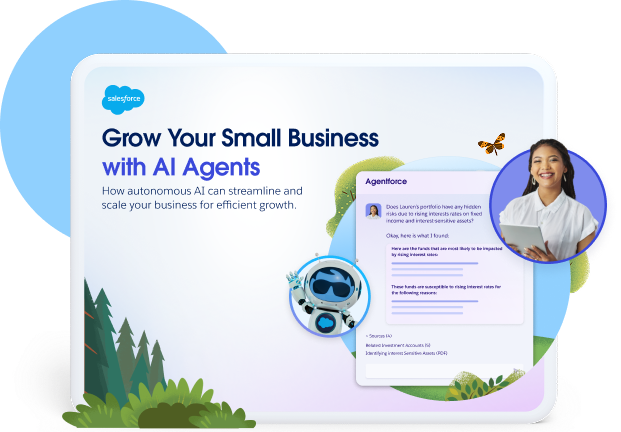
Grow Your Small Business With AI Agents
Learn how autonomous artificial intelligence (AI) can scale your small business for efficient growth with this free e-book.
Thank you for downloading the free e-book "Grow Your Small Business With AI Agents"
Here's your free e-book!Integrate your app with your CRM
A mobile app works best when connected to your other tools. Start by linking it with your CRM system to bring sales, marketing, commerce, and service together in one place.
When connected, your app automatically logs every customer interaction and purchase. This helps you track activities and personalize communication. A smart CRM can create follow-up tasks or send targeted emails based on customer actions — all within the mobile app.
For businesses looking to maximize their CRM integration, platforms like Salesforce offer comprehensive training through their Trailhead app, helping teams learn how to build these connected experiences effectively.
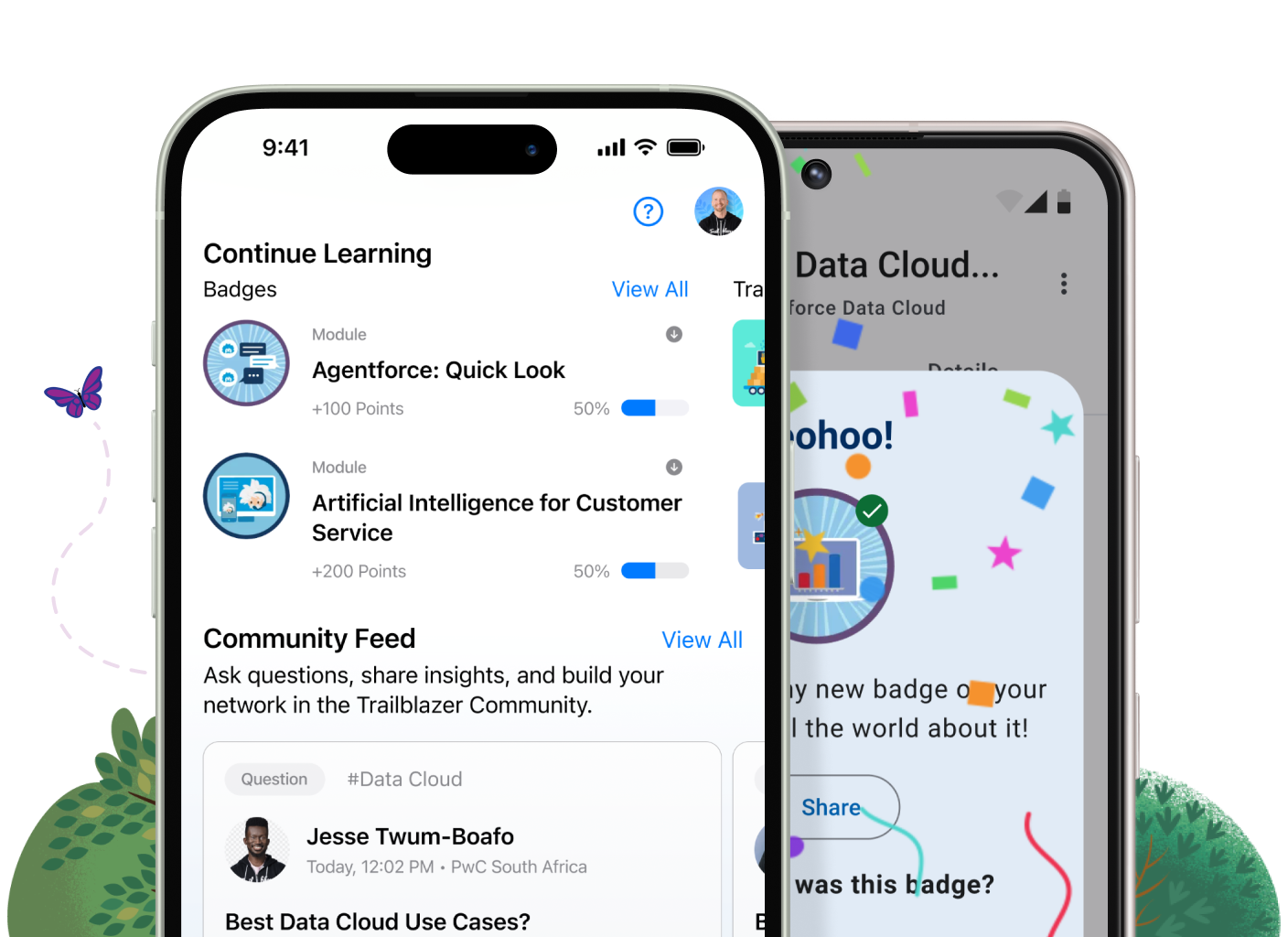
Learn on the go with Trailhead GO
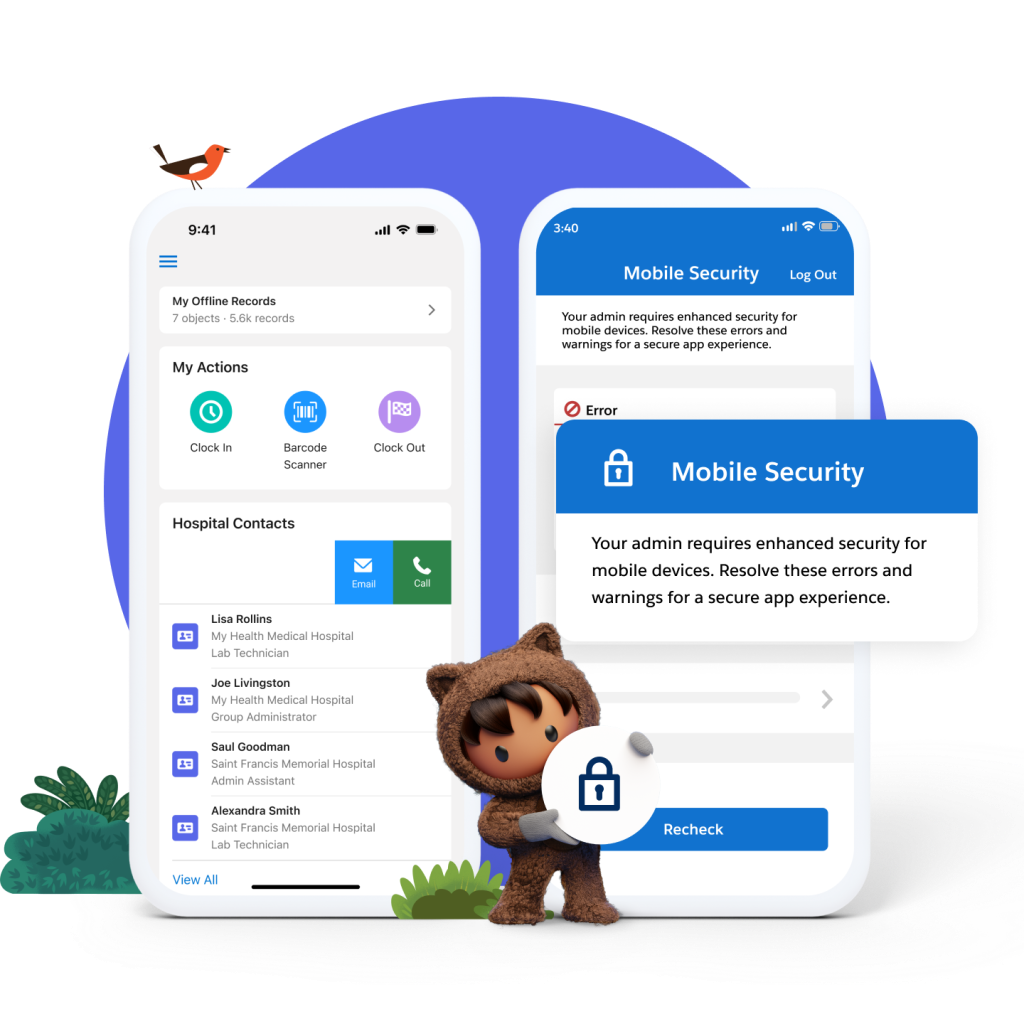
Making sure your team knows how to use all these tools is crucial for success. Salesforce’s Trailhead GO app makes learning simple and fun. This free mobile app teaches you everything about running your business better — from managing customers to setting up automated emails. You can learn during lunch breaks or while commuting. Download it for free on your phone and start building skills that help your business grow.
Market your mobile app with AI
AI helps your app reach customers more effectively across the board. With marketing AI tools, your app can learn from user behavior to make smarter marketing decisions. Let’s find out how:
- Personalized suggestions: AI tracks how customers use your app and recommends products they’re likely to buy or offers that fit their preferences. This increases repeat visits.
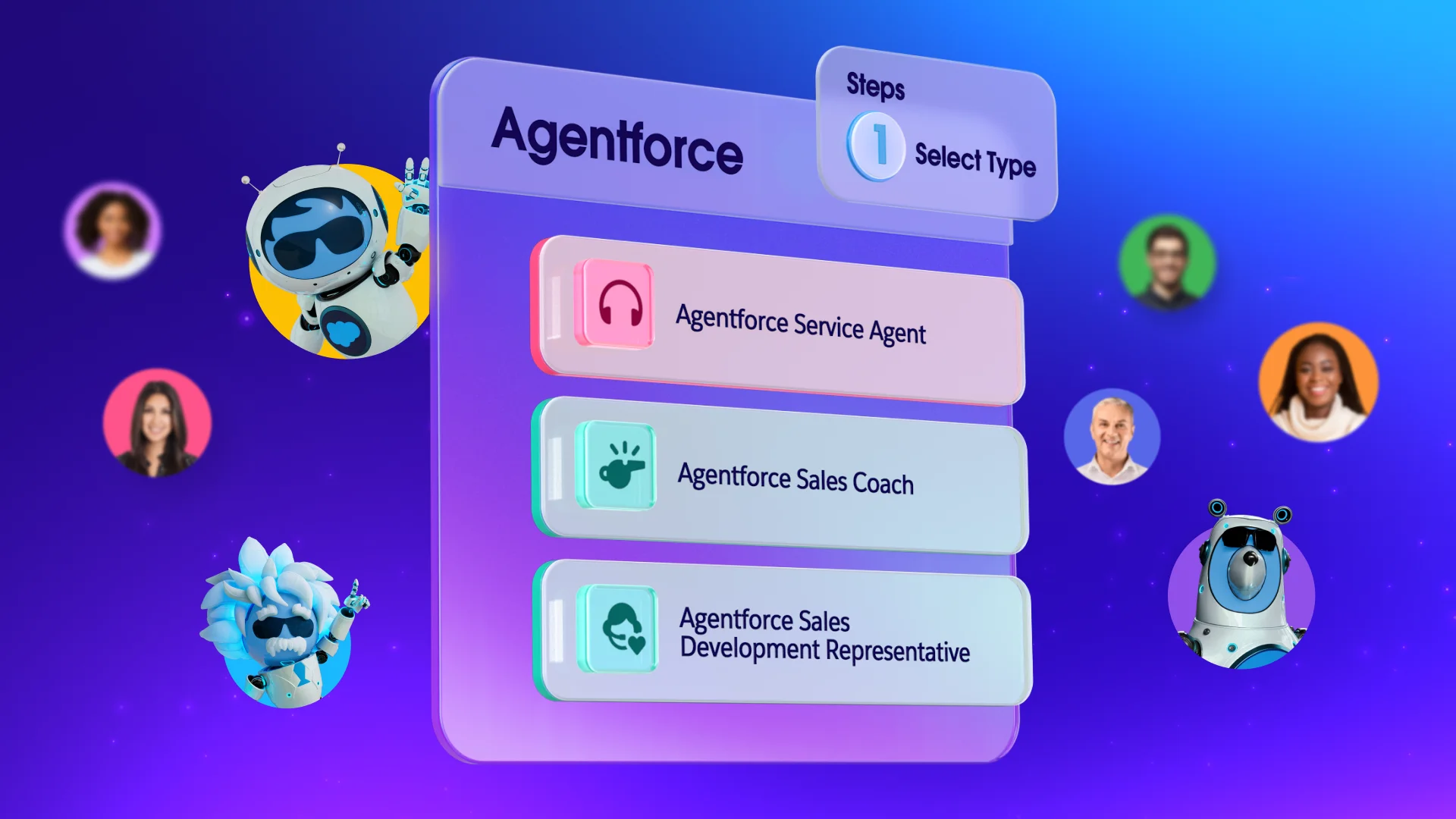
- 24/7 chatbots: Automated chatbots or AI agents handle basic customer questions in your app, freeing your team to tackle bigger issues while customers get instant help.
- Trend-spotting: Your app creates data every time someone uses it. AI finds patterns to predict what customers might need next, so you can stay ahead instead of just reacting.
- Smart campaigns: AI features in your CRM, like Einstein insights, show you the best times to reach customers with the right message for better results.
Your mobile app awaits
You’ve learned how a mobile app strengthens customer connections and increases brand visibility. Now you can choose the path of building or buying for yourself. You know your business and what it needs..
AI-powered tools help small businesses scale by automating routine tasks. This lets your team focus on what matters most. Your business needs tools that support growth, not complicate it. Ready to get started?
Start your journey with Starter Suite today. Looking for more customization? Explore Pro Suite. Already a Salesforce customer? Activate Foundations and try out Agentforce today.
AI supported the writers and editors who created this article.
Frequently Asked Questions (FAQs)
A custom app is built from the ground up, giving you full control over features and design — but it often requires more time and budget. Platforms, such as low-code and no-code solutions in Salesforce Platform, offer ready-made frameworks you can adapt to your needs.
Custom development can be costly because of ongoing developer fees, security updates, and maintenance. Using Salesforce AppExchange solutions or low-code tools within Salesforce gives small businesses a more predictable cost structure.
Custom app development can take a long time, sometimes many months. No-code or low-code platforms allow for much faster deployment, often letting you get an app up and running in a matter of weeks or even days for simpler functions.
Yes. With Salesforce, mobile apps can sync directly with your CRM. This means customer interactions, purchases, or service requests captured in the app Flow seamlessly into Salesforce, helping you personalize communications and keep all customer data in one place.
Any small business that interacts regularly with customers can benefit. Retailers, service providers, and businesses that depend on loyalty or repeat purchases often see the most immediate value.