

How does your data actually connect with your tools? Your ecommerce platform is here, your support tickets are there, and your customer data is scattered across spreadsheets, email threads, and some apps you don’t even use anymore.
That’s the reality for most small and medium businesses: Manual, repetitive data entry across siloed tools, no budget for custom integrations, and lost productivity from transfers that should be automatic. You want automation. You just don’t have a developer to build it.
That’s exactly the gap MuleSoft was built to close — and now it’s available directly inside Salesforce Suites, sized for lean teams, and set up in minutes, not months. Whether you’re an ops-minded owner, a team lead juggling five tools, or a founder trying to scale without adding headcount, MuleSoft gives you the connected foundation your small and medium businesses (SMBs) needs to run smarter — and prepare for AI.
What MuleSoft does for your business
At its core, MuleSoft is an integration, automation, and application management platform that connects your apps, data, and systems — whether they live in the cloud, on-premises, or both. It gives your team a single place to build, manage, and automate connections between tools that were never designed to work together.
Think of it as the connective tissue between your customer relationship management (CRM) software, your inventory system, your marketing platform, and your support tools — all sharing data in real time.
Prebuilt connectors make it fast
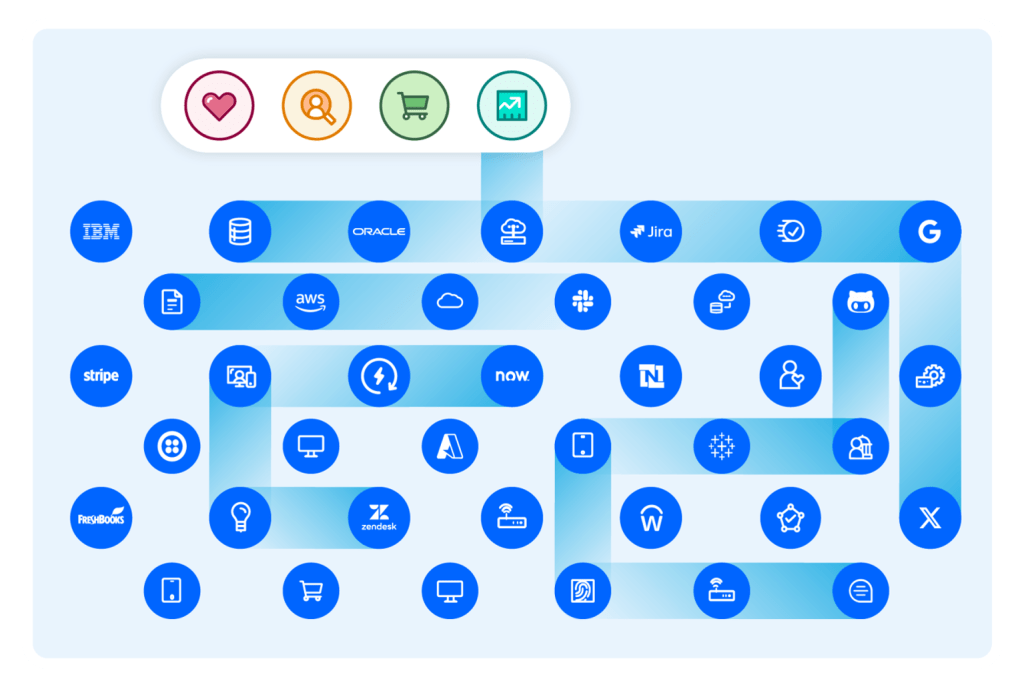
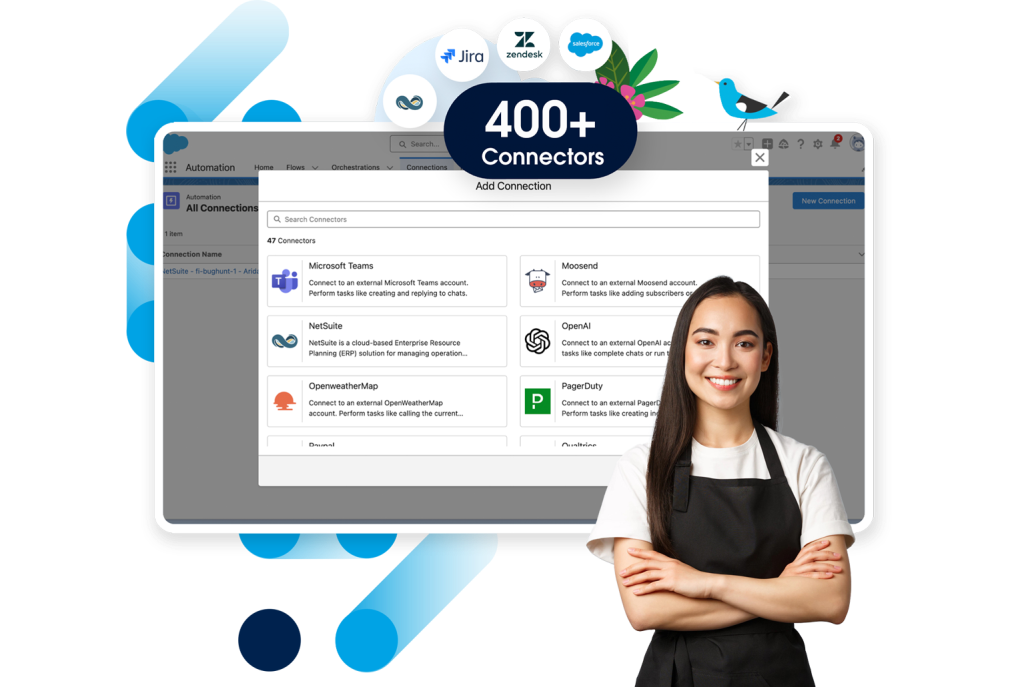
The MuleSoft Anypoint Platform includes a marketplace of hundreds of prebuilt connectors for popular business apps — from Semrush to Slack. You don’t need to build integrations from scratch or wait on a development team. You pick the connector, configure your workflow, and your systems start talking. Anypoint Platform enables teams to deliver integration projects five times faster with reuse versus writing custom code every time.
How MuleSoft integration works in practice
Here’s a practical scenario: Imagine a small retailer that sells online and in-store. Without integration, their online orders, in-store purchases, loyalty programs, and support tickets live in completely separate systems. A customer service rep has no idea what someone bought last week. Marketing can’t send relevant offers because they don’t have a full picture. With MuleSoft integration for small businesses, all of that data flows into a unified view — so every team has the context they need to do their job well.
For startups, especially, this kind of connected setup means you can scale without rebuilding your systems from scratch. You’re adding capacity, not chaos. And now, you have these capabilities inside your CRM with Salesforce Starter and Pro Suites. Data just became your best friend, and co-worker that connects it all together. Keep reading to find out more.
MuleSoft and Salesforce Suites: Better Together
Find out how your favorite small business CRM now has integrated data with MuleSoft.
Why AI makes small business app integration smarter
Once your data flows freely across systems, you can layer in artificial intelligence (AI) to automate even more. MuleSoft’s Intelligent Document Processing (IDP) extracts, and organizes data from PDFs, images, and other document formats automatically — no manual data entry required. For a small business owner, that means less time processing invoices or purchase orders and more time focused on customers.
MuleSoft also includes robotic process automation (RPA) tools that handle repetitive tasks like form filling, data entry, and report generation across any system — even ones without an API. This kind of small business app integration puts enterprise-level efficiency within reach for teams of any size, without the enterprise-level IT budget.
MuleSoft and Salesforce Suites: Better together
MuleSoft is built to work hand-in-hand with Salesforce Suites, which brings all your business data together into a single view of every customer. When your CRM knows what your customer bought, what support cases they’ve opened, and how they’ve engaged with your last campaign — all in one place — your team can deliver the kind of consistent experience that keeps people coming back.
The stakes are real. According to the latest MuleSoft Connectivity Benchmark Report, 93% of IT leaders plan to introduce autonomous agents within the next two years, and nearly half already have. That shift is built on connected data — and getting your integration foundation right now means your business is ready to take advantage of what’s coming:
Here are some MuleSoft features available in Salesforce Suites:
- 150+ built-in connectors: Connect to the apps you already rely on — out of the box, no coding required.
- 5 Easy-setup integrations: Guided setup for QuickBooks, Jira, Google Sheets, and more.
- Automated data flows: Set up automated processes that move data between tools and eliminate manual work.
- Right-sized for SMB: Both Starter and Pro Suites include two connections and two flows — enough to drive real value without overwhelming smaller teams.
- No developer required: Built for ops-minded users and business owners, not IT teams required.
MuleSoft for small business and the power of Agentforce
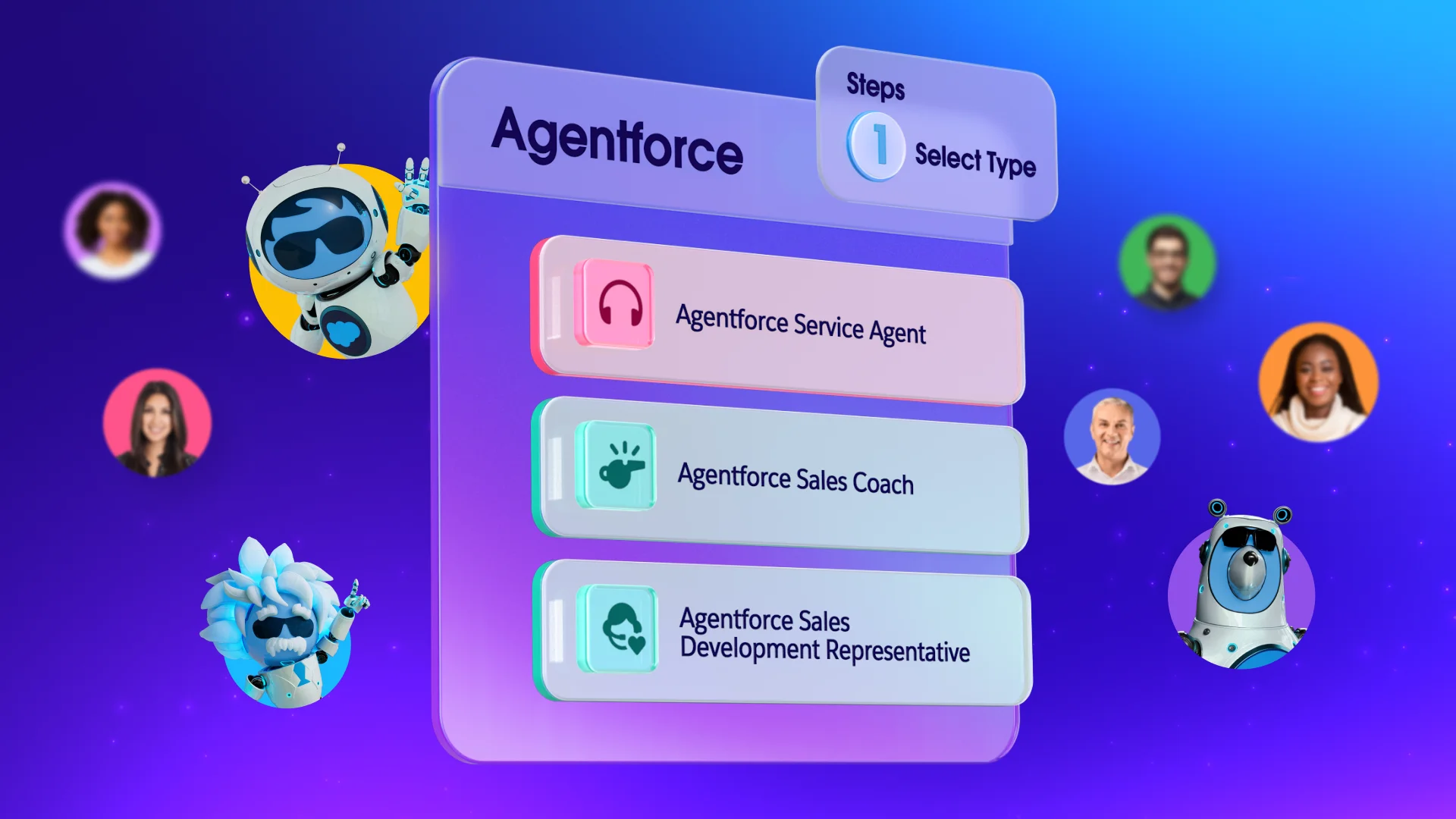
One of the most exciting developments in the Salesforce ecosystem right now is the rise of AI agents. Agentforce lets you deploy agents that can take action across your business — answering customer questions, routing service requests, surfacing the right data for your sales team, and more.
MuleSoft is what makes Agentforce work at its best: It connects the external systems, third-party apps, and data sources your agents need to access so they can actually get things done. For a growing SMB, that’s the kind of productivity multiplier that used to be reserved for companies with much bigger teams.
Get started with MuleSoft for small business today
You don’t have to overhaul your entire tech stack at once. MuleSoft is built to help you start fast and grow over time — connecting one system, then another, as your needs evolve. Start your AI journey with Salesforce Suites today, or if you’re already a Salesforce customer, activate Foundations today to get even more from what you already have.
And when you’re ready to see what AI agents can do for your business, try Agentforce and experience the connected, intelligent business you’ve been working toward.
AI supported the writers and editors who created this article.
Is MuleSoft only for large enterprises?
Not anymore. While MuleSoft has deep roots in enterprise IT, Salesforce has built starter packages specifically designed for smaller teams. MuleSoft is now available in Salesforce Suites made for small businesses.
What kinds of apps can MuleSoft connect for a small business?
MuleSoft offers hundreds of prebuilt connectors for popular tools, including CRM systems, ecommerce platforms, accounting software, marketing automation tools, and customer support apps. If your app doesn’t have a connector, MuleSoft’s API-led approach lets you build a custom connection without starting from scratch every time.
Do I need a developer to use MuleSoft?
Not necessarily. MuleSoft for Flow: Integration is a low-code option that lets business users set up integrations and automate workflows directly within Salesforce. That makes it a realistic choice for small teams without dedicated IT staff.
How does MuleSoft help with the customer experience?
When your systems are connected, your team has a complete picture of every customer interaction — across sales, service, marketing, and commerce. That means faster response times, more relevant outreach, and fewer moments where a customer has to repeat themselves. It’s the kind of experience that builds real loyalty over time.
What’s the difference between MuleSoft and Salesforce Flow?
Salesforce Flow is great for automating processes within Salesforce. MuleSoft goes further — it connects Salesforce to external systems, legacy tools, and third-party apps, then keeps data moving between them in real time. Together, they give you end-to-end automation across your entire business. Explore both on Trailhead to see how they work together.