



As a boutique agency, you’re unique. That’s what makes you special. However, a typical day in the life of a digital agency, and may not be working. Is your designer waiting for feedback? Or a client is asking for a quick update? Or worse, do your tools live in 10 different places? If that feels like you, then these time-saving tools matter more to you than they would to a 500-person shop.
That’s why we created this list of business tools. Every new tool promises to save time, but somehow your team ends up with disconnected systems, context switching all day. This guide walks through tools for boutique agencies that work, listed from A to Z, so you can pick the few that fit and skip the rest.
Why tools for boutique agencies are different
A boutique agency is a small, specialized creative or marketing shop where a handful of people do everything: One person often handles the pitch, the project and the invoice. There’s no operations department to clean up after a messy handoff, so every minute lost to admin is a minute taken from the creative work clients hired you for. That’s where small and medium business (SMB) teams have an edge, if they choose well. The goal isn’t more software. It’s fewer places to look.
The basic toolkit is short: A CRM to keep client details and deals in one place, a team chat app like Slack for fast communication, and a simple project and invoicing tool to track work and get paid. Bringing them together means quicker answers, fewer dropped handoffs and more time for billable work. There are more resources on Trailhead, Salesforce’s free online learning platform, and the Small Business Administration. Let’s get to the list.
The A to Z list of time-saving tools for agencies
You don’t need every item here. Skim the list, circle the two or three that fix your biggest time sink, and skip the rest. Each one is tagged with the part of the business it helps — sales, service, marketing, commerce, or team operations — and most now come with artificial intelligence (AI) built in.
Here’s the A-Z list of tools to consider (note that most of these can be found in a CRM):
- Analytics (all teams): Pull your numbers into one view, and AI can flag what changed and why, so you’re not building reports by hand every week.
- Booking and scheduling (sales): Let prospects pick a time for a discovery call without the five-email scheduling dance.
- Contact management (sales and service): A customer relationship management (CRM) system keeps every lead, deal and client conversation in one place, and AI can suggest the next step.
- Document signing (sales): Get proposals and contracts signed in a click instead of a print-sign-scan loop.
- Email automation (marketing): Send the right message to the right client segment, with AI drafting subject lines and first-pass copy.
- Forecasting (sales): See which deals are likely to close, with AI spotting the ones that have gone quiet.
- Goal tracking (team operations): Keep targets and weekly priorities visible, so everyone knows what matters this week.
- Help desk (service): Turn client questions into tracked cases, with AI sorting and routing them to the right person.
- Invoicing and billing (commerce): Build invoices from the hours and projects you’ve already logged, and chase late payments automatically.
- Job and project tracking (team operations): Turn a client brief into tasks with owners and due dates.
- Knowledge base (service): Store answers to the questions you get every week, and let AI surface them in seconds.
- Lead scoring (sales): Let AI rank new leads by how likely they are to buy, so you call the warm ones first.
- Meeting notes and summaries (team operations): Capture decisions and action items automatically, instead of rewriting them after every call.
- Notifications and alerts (team operations): Get pinged when a deal moves, a ticket stalls or an approval is waiting.
- Order management (commerce): Track every order from checkout to delivery, with no spreadsheet in the middle.
- Payment processing (commerce): Take cards and digital payments online or in person, and match them to invoices automatically.
- Quote builders (sales): Put together accurate, on-brand quotes in minutes, using pricing you’ve already set.
- Reporting (all teams): Share clear performance updates with clients and leadership without a late-night data pull.
- Social media scheduling (marketing): Plan a week of posts in one sitting, with AI suggesting captions and the best times to publish.
- Team chat (team operations): Give every client and project its own channel, so questions and approvals stop living in email.
- Unified customer view (service): See every email, call and order for a client on one screen, so nobody asks them to repeat themselves.
- Virtual assistants (service and sales): AI agents answer common questions and handle follow-ups around the clock, and hand off to you when it gets personal.
- Workflow automation (team operations): Connect your apps so a signed contract can start a project, send a welcome note and create an invoice without anyone lifting a finger.
- eXperience surveys (service): Collect quick client feedback after each project, and let AI group the themes for you.
- Your content calendar (marketing): Map campaigns, deadlines and approvals in one shared view.
- Zero-touch follow-ups (sales and service): Set up automatic check-ins after a proposal or a closed project, so no client slips away quietly.
Grow your ambitions with the #1 AI CRM.
See what’s possible with the AI-powered CRM suite for growing teams.
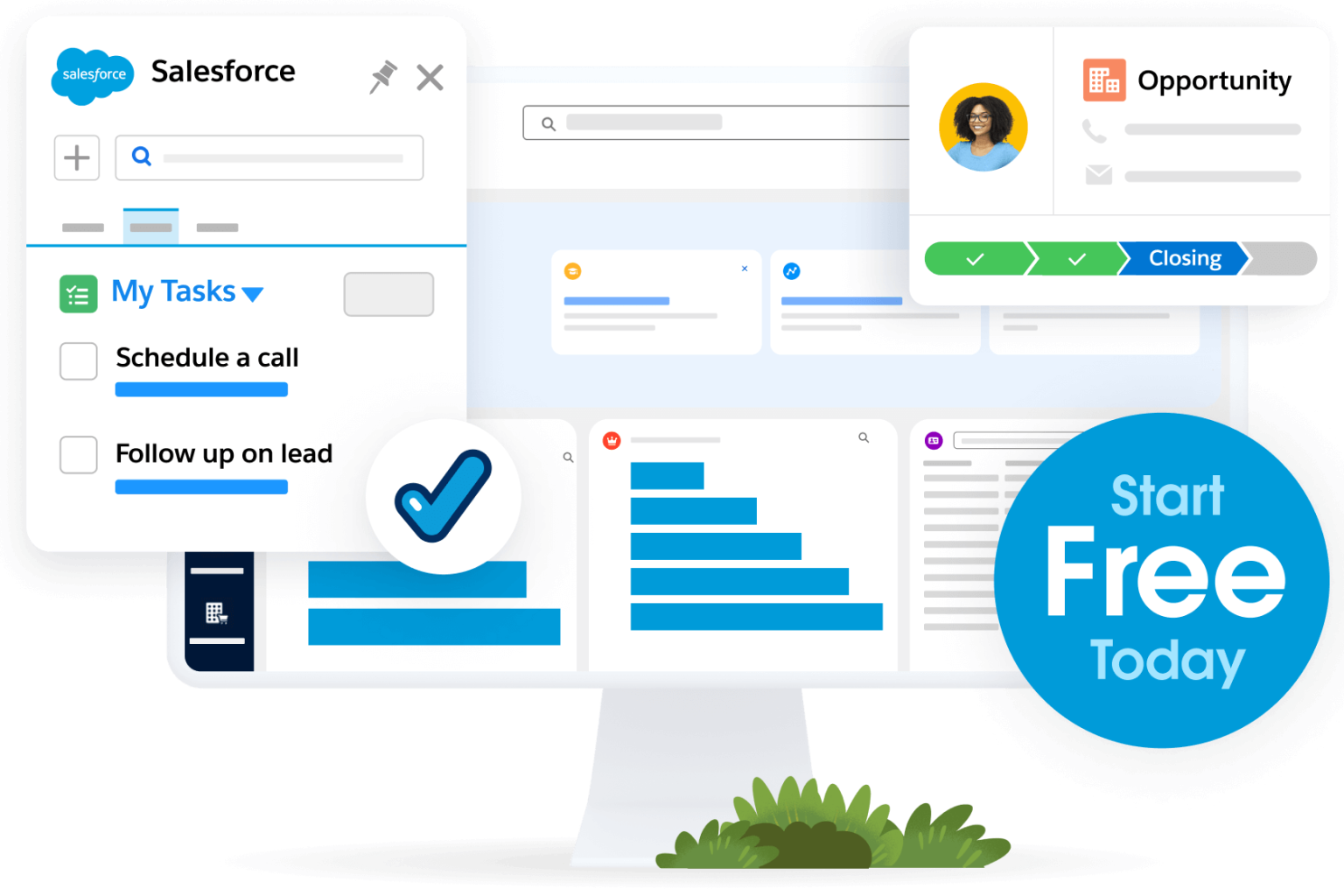
Slack and CRM are where it all comes together
Tools only save time if your team uses them together. Slack gives your agency one place for client channels, quick questions, and approvals. Your CRM holds the client story behind them: The deal, the contract, the conversation, and what’s next. Put the two side-by-side and updates land where people already are, with the context to act on them.
For agencies, you can give every client their own channel in Slack, connect it to your CRM, and let updates flow in. A new lead, a signed proposal, or a stalled deal shows up in the channel, so the whole team sees it without opening another app.
Want to dig deeper? Try this Slack for small business trail that walks you through it step by step if you want a free place to start on Trailhead.
Get Slack for Small Business.
Growing teams can take business to the next level.

Add AI agents to your unique needs
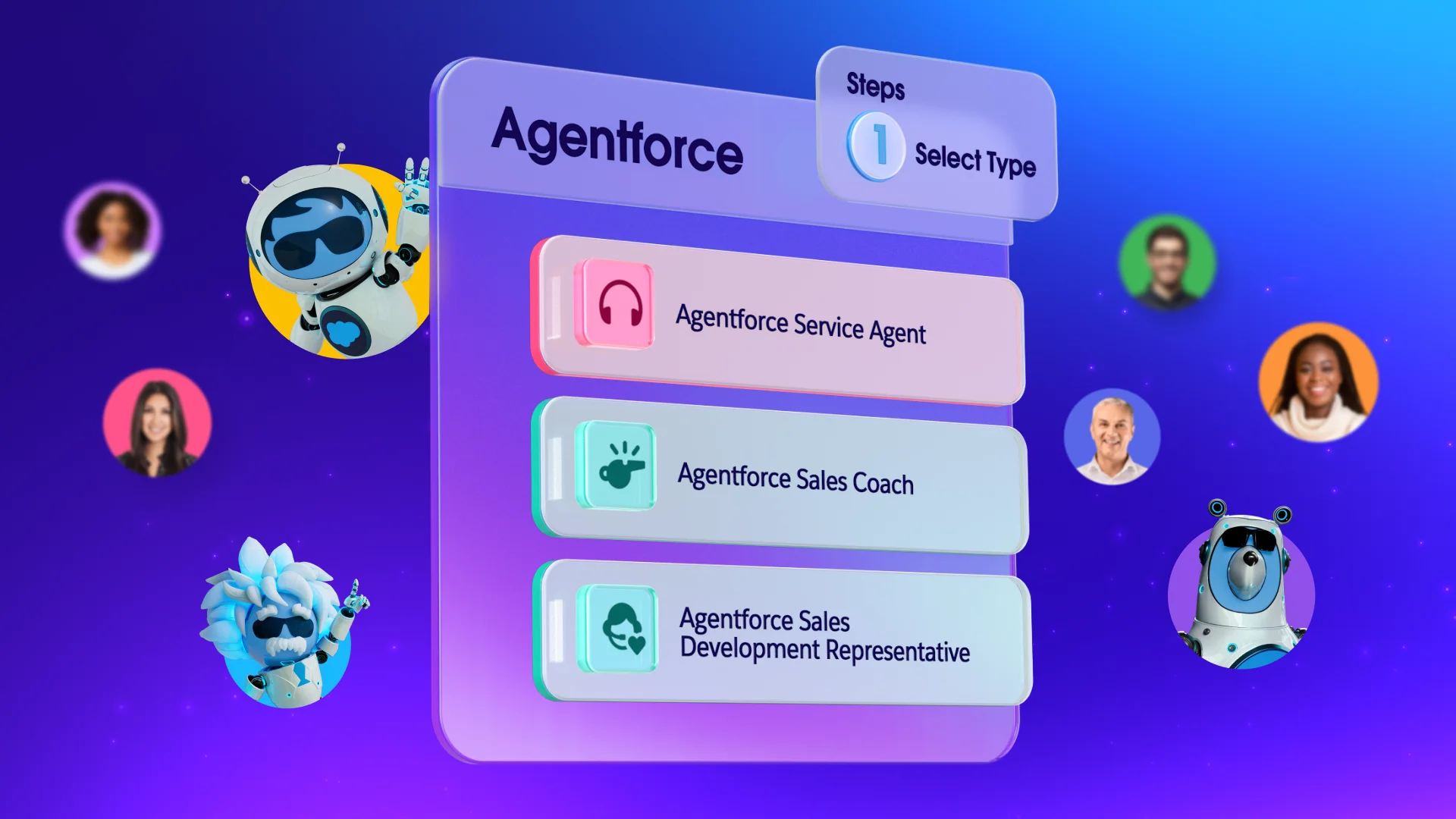
Once your core tools talk to each other, AI agents are the next layer. They can score leads, answer common client questions, and keep follow-ups moving, which matters when your sales team is lean or non-existent.
Agentforce is built by experts in sales and service, so the work it does is something you can put your name on. According to Salesforce’s research, 76% of SMB customers say their teams now work off the same view of the customer. For a boutique agency, that’s the difference between a smooth handoff and a confused client. Start small. Pick one repeat task and let an agent take the first pass. You stay in charge of the relationship, and the agent handles the busywork.
Build your agency’s toolkit with time-saving tools
The best time-saving tools for boutique agencies are the ones your team forgets they’re using, because the work just flows. Start with a CRM that holds your client story. Add Slack as the place conversations happen, and layer in design, delivery, and automation tools only where you feel the pain. We hope this list helped you figure out the best path to success.
Get started with Starter Suite for free or activate Foundations to try out Agentforce today.
AI supported the writers and editors who created this article.
What are the best time-saving tools for a boutique agency?
Start with a CRM, a team messaging app like Slack, a project tool and a simple automation app. Add design and video tools only if your team feels a specific bottleneck.
How many tools should a small agency use?
Fewer than you think. Most boutique agencies do well with five to eight tools that connect to each other, since every extra app adds logins and handoffs.
Do I really need a CRM for a small agency?
Yes, if you want to track leads, proposals and client history in one place. A CRM like Salesforce keeps follow-ups from slipping, and you can see how Salesforce supports small business teams of every size.
How does AI help agencies save time?
AI can draft summaries, sort requests, answer common questions and flag leads that need attention. That gives your team more hours for strategy and creative work.
Can Slack replace email for client work?
For day-to-day questions and approvals, often yes. Many agencies keep email for contracts and formal updates, and move everything else into shared client channels in Slack.