

Every day, your customers go on a journey — one that shapes how they find, engage with, and buy from your business. This process, known as journey mapping for small business, helps you understand each step customers take — whether they “heart” a campaign on Instagram or click a referral link from a friend.
What does your customer journey look like for your startup or small or medium businesses (SMBs)? Some may hear about your business through a friend, or some may walk right through your doors (or digital storefronts) based on curiosity. All of these customers are on a path — and that path has a map. This is customer journey mapping. And it’s an adventure you’re going on as a business owner.
You’ll learn what journey mapping is, how to read your customer roadmaps, and even better — create your own. Let’s go on a journey together.
What is customer journey mapping for small businesses?
A customer journey map is a visual representation of the steps a customer takes when interacting with your business — from the first time they notice your brand to the moment they make a purchase. For small businesses, it’s a strategic tool that helps you see the experience through your customer’s eyes and find ways to improve each stage of their journey. When you build this map, you’ll learn a few things: how customers find your brand, where they feel unsure or stuck, what matters most to them as they move forward, and the points where they finally commit.
With that insight, you can make better choices, guide your team with a shared view, create experiences that feel supportive, and grow relationships that last. Journey mapping for small businesses is less about charts and more about connection — giving you the clarity to serve your customers with heart.
Attract more customers with Salesforce AI


How journey mapping grows sales for SMBs
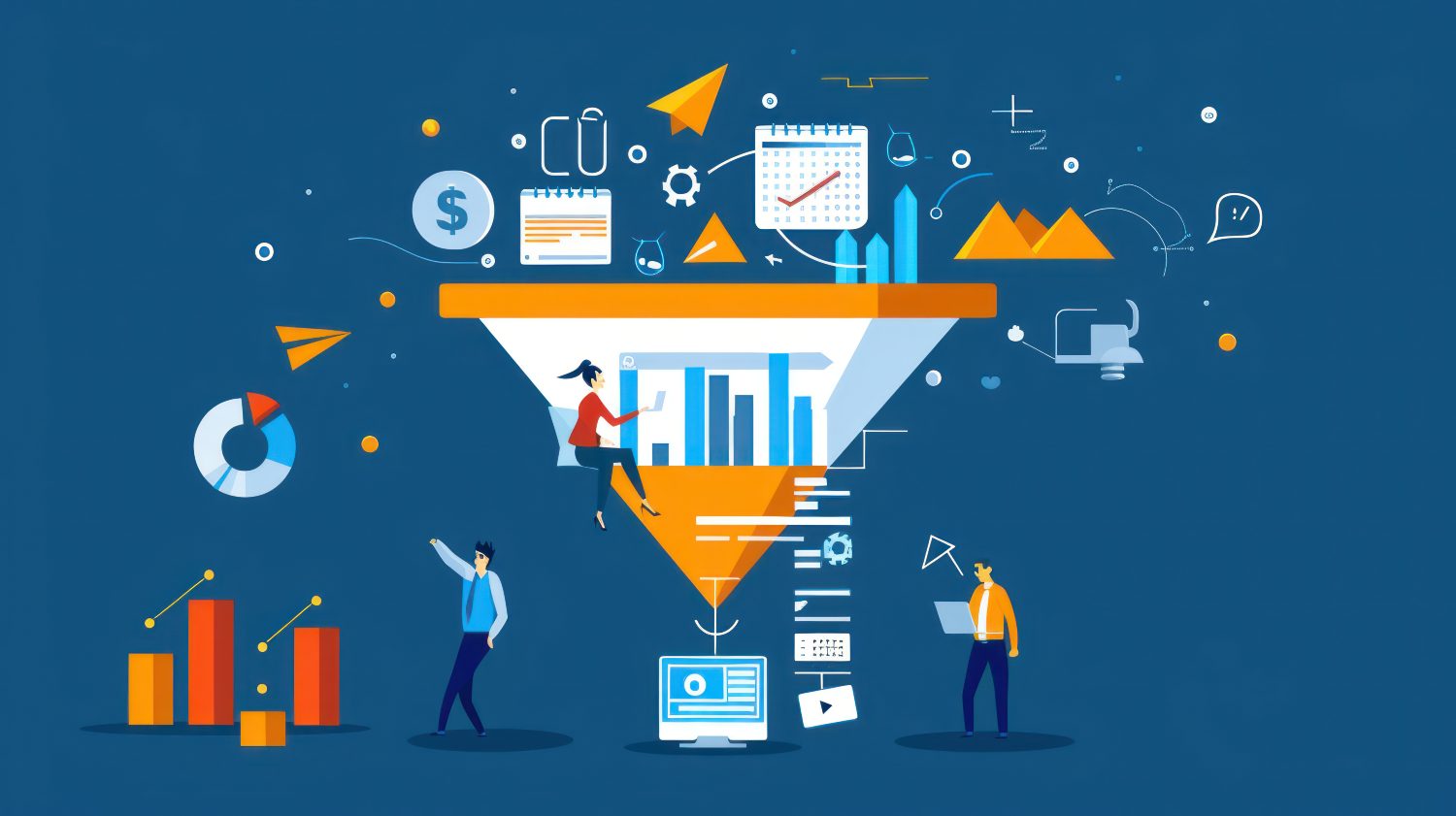
Journey mapping for small businesses helps you act on what customers really do and feel. By looking closely at their path, you can find opportunities to improve customer experiences and strengthen relationships. Here are four ways it makes an impact:
Spotting gaps: A journey map highlights moments where customers hesitate or lose interest. Seeing these gaps helps you address them quickly and thoughtfully.
Improving engagement: Some touchpoints shape decisions more than others. By knowing which ones matter most, you can focus on making them clear and consistent.
Supporting decisions: Customers often pause to consider their options. A journey map shows the questions and concerns that arise, giving you the chance to respond in ways that feel personal and honest.
Finding opportunities: A map can reveal interest in related products or services. Recognizing these opportunities lets you offer options that feel relevant and timely.
Try a Sales CRM made for growing teams
Try Salesforce Suites to close more deals and win more customers, today.

Steps to create a journey map for sales growth
Creating a journey map for your startup or small business is about understanding your customers at every stage and turning that insight into action. Using tools like customer relationship management (CRM) makes each step more precise and helpful. Throughout this journey, we’ll refer to and incorporate our tips and tools into a CRM, your go-to business management software for all things customer-based.
Define customer personas
Start by building profiles of your ideal customers. Include their goals, challenges, preferences, and motivations. Use your CRM to gather past purchases, website behavior, inquiries, and feedback — so your personas reflect real customer behavior data. With this data, you’ll see patterns that reveal what matters most to each group and how to tailor experiences to them.
Pro tip: A CRM will tag, segment, and help map out the journey for you for each customer from prospect to purchase.
Identify journey stages
Break the customer path into stages that make sense for your business. For most growing businesses, these stages include:
- Awareness: When customers first learn about your product or service.
- Consideration: When customers evaluate your offerings and compare options.
- Decision: When customers choose your product or service and complete a purchase.
- Post-purchase support: When customers seek help or additional services after buying.
At each stage, track these four key things:
- Customer actions: What they do (example: website clicks).
- Questions they ask: What information they seek (example: pricing, features).
- Emotions they feel: How they feel (example: interested, confused).
- Decisions they make: Choices they take (example: purchase, abandon cart).
Understanding your customers’ journey can feel overwhelming at first, but the right tools make it easier. Your CRM helps keep all your customer information organized and makes every interaction more personal and timely. As you start seeing patterns in how customers move through each stage, it becomes clear where you’re doing well — and where you could improve. That’s where artificial intelligence (AI) tools come in. They analyze past interactions to highlight which stages get the most engagement or where customers tend to drop off, helping you focus your time and energy where it matters most.
The Guide to AI for Small Business
Check out this free guide on incorporating AI into your business with these tips, strategies and tools.
Thank you for downloading the free AI guide!
Here's your free guide!Capture actions, questions, and feelings
For every stage, document what your customers do, what concerns arise, what they enjoy, and what might confuse them. Use your CRM dashboard to track conversations and feedback from emails, chat interactions, surveys, and social media. Collaborate with your teams to analyze the data, gaining a clear view of customer actions, questions, emotions, and decisions across key touchpoints. These insights help you improve marketing strategies and address small signals that enhance the customer experience without manual data collection.
Map business touchpoints
Identify each point where your business connects with customers. This can include emails, website visits, phone calls, and in-person meetings. Use CRM data to measure engagement, AI to suggest which interactions are most impactful, and analytics to track performance — covering four critical touchpoints that shape the customer journey.
Highlight pain points and plan improvements
Take a close look at your customer journey map to spot where people hesitate or drop off. These often come down to common pain points like confusing forms, slow-loading pages, unclear messaging, or irrelevant offers.
An AI agent — a type of AI system that can understand and respond to customer inquiries without human intervention — can suggest improvements by analyzing data from your CRM. Use these insights to brainstorm ways to simplify forms, speed up your site, clarify your content, or offer more personalized promotions. Then, test your changes and keep refining your approach to help customers move smoothly through every step.
How Salesforce helps SMBs with journey mapping
Salesforce equips small businesses like yours with tools to turn journey mapping into actionable insights. By combining CRM, data, AI, and analytics, you can see the full path of your customers and respond at the right moment with confidence and care.
Here’s a detailed look at how Salesforce supports you in the journey mapping process:
Centralize customer information with CRM
An AI CRM connects information from emails, calls, website visits, and purchase history into one unified record. Having these sources in one place helps you see the bigger picture of each customer. With a complete record, your team can recognize behavior patterns, prepare for future needs, share updates across departments, and avoid missteps caused by incomplete data. Every decision feels more grounded when the full context is available.
Personalize interactions with AI
AI built into your CRM looks at actions, engagement levels, feedback, and purchase behavior to recommend what matters most. Using these types of insights, the platform can suggest products that fit, time outreach for the right moment, shape language that resonates, and anticipate concerns before they appear. The end result is communication that feels genuine and personal rather than generic.
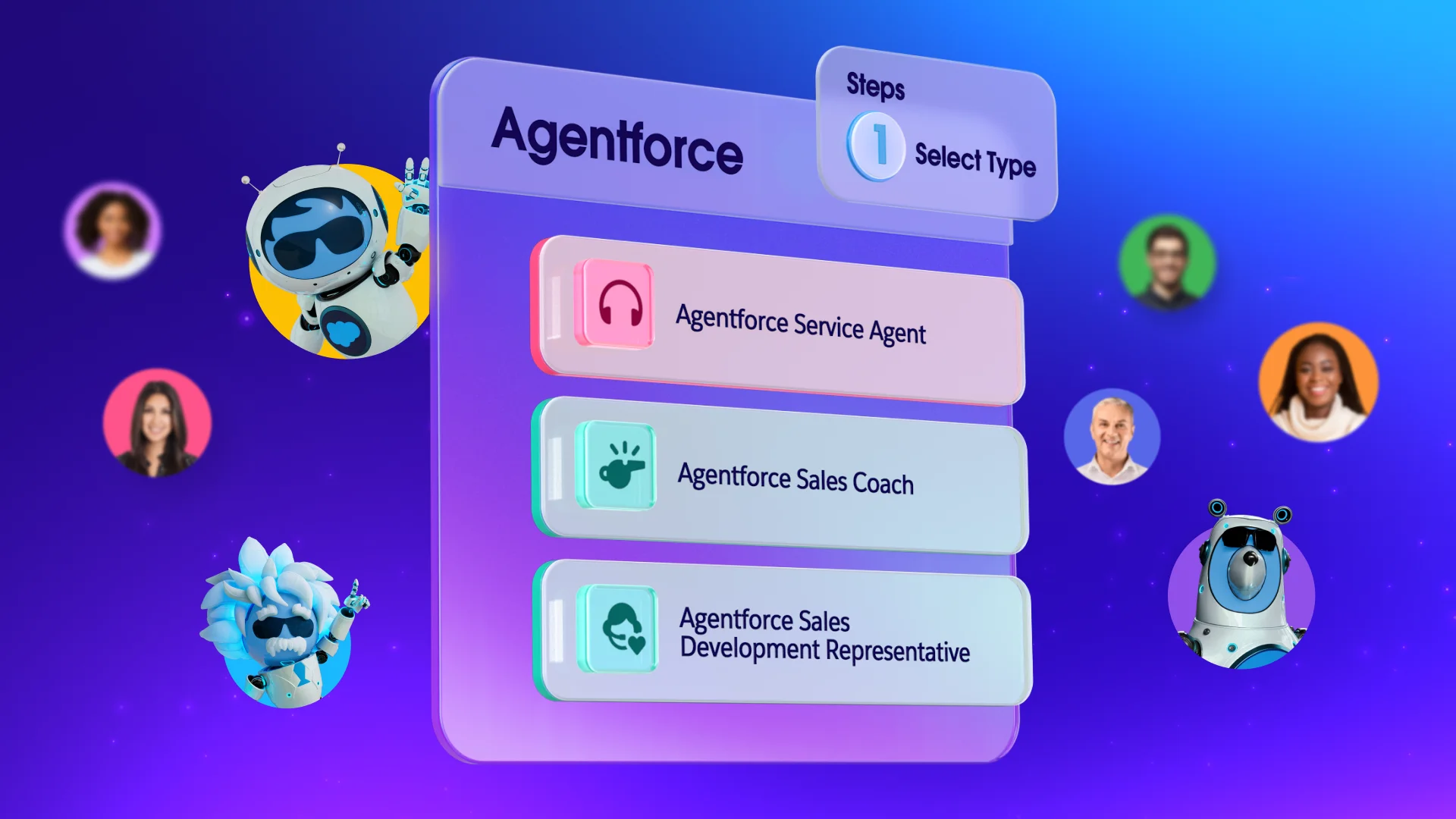
Automate follow-ups with AI agents
When you scale, your CRM scales with you. Now, with Foundations, AI agents can handle outreach across email, chat, social messaging, and mobile notifications. Covering these touchpoints ensures customers stay connected through reminders, confirmations, updates, and relevant offers. Instead of leaving your team stretched thin, AI agents free teams up to focus on building trust while still keeping communication consistent across every channel.
Grow Your Small Business With AI Agents
Learn how autonomous artificial intelligence (AI) can scale your small business for efficient growth with this free e-book.
Thank you for downloading the free e-book "Grow Your Small Business With AI Agents"
Here's your free e-book!Track and optimize with CRM dashboards
Salesforce dashboards provide a clear view of leads, conversions, repeat purchases, and customer engagement. Monitoring these metrics helps you see where the journey is strong, where customers slow down, how loyalty is forming, and which areas need attention. Small businesses like yours can use these insights to refine their strategies and strengthen long-term growth.
Tips to make your journey map actionable
A customer journey map only creates value when it guides the way you work every day. The goal is to turn what you’ve mapped into meaningful steps that help your customers feel supported and understood. Here are four practical tips to keep your journey maps useful:
1. Keep maps simple and clear
A journey map should be easy for everyone to understand and use — from sales reps to service teams. Focus on clearly showing the key stages of the customer journey, using clean visuals that highlight important steps without clutter or unnecessary details. Add helpful notes that explain what customers are feeling or thinking at each stage, and clearly mark where your team needs to step in to support or guide them.
The goal is to make the map intuitive and actionable, so teams can quickly see what matters and take the right steps without getting overwhelmed by too much information.
2. Update regularly as customers evolve
Your customers’ needs change as your business grows and products develop. Refreshing your maps every few months helps you capture new behaviors, add insights from fresh data, reflect shifts in buying habits, and keep your teams aligned with the reality of the customer journey.
Accelerate your startup success with Salesforce Launchpad
Get tailored resources to build your GTM strategy and help your startup scale faster.



3. Keep it transparent with cross-collaboration tools
Effective journey maps bring together voices from sales, service, marketing, and data analysis. Each group contributes something different: sales shares firsthand conversations, service offers feedback from daily support, marketing adds campaign insights; and data teams provide trends that show the bigger picture. Collaboration makes the map richer and more reliable.
4. Test, measure, and refine using key metrics and AI insights
Customer journeys are never static. Start by measuring key metrics such as engagement rates, click-through rates, conversion rates, customer satisfaction scores, and drop-off points at each stage of the journey. Use dashboards to track these metrics over time and apply AI-powered analytics to uncover patterns or unexpected behaviors.
Based on these insights, you can experiment with different touchpoints — like messaging or channels — and refine your strategy to improve customer experiences and business outcomes. This way, your journey map evolves from a static diagram into a dynamic tool that grows with your business.
Journey mapping for small businesses: Turning insights into action
Now that you’ve learned that journey mapping for your small business means seeing your customer’s path clearly, you’re prepared for every step. Your new map helps you spot gaps, improve key interactions, and make smarter decisions — all to find growth opportunities. With Salesforce — using CRM, AI, AI agents, and dashboards — you can turn your map into a practical guide. We can’t wait to take the journey with you.
Start your journey with the Free or Starter Suite today. Looking for more customization? Explore Pro Suite. Already a Salesforce customer? Activate Foundations to try out Agentforce 360 today.
AI supported the writers and editors who created this article.
Frequently Asked Questions (FAQs)
Journey mapping for small businesses is a technique to learn how your customers move from their first touchpoint to becoming loyal buyers. It shows their steps, their questions, their feelings, and their needs — giving you a clear view of where you can connect more meaningfully.
Your decisions become easier when you see where customers pause, where they feel unsure, where they ask for help, and where they take the next step. With that clarity, you can guide your team with confidence instead of relying on assumptions.
A CRM brings together your sales records, your marketing campaigns, your service requests, and your customer history in one place. For a small business, this single view helps you make sure your journey maps reflect real interactions instead of scattered notes.
AI highlights patterns in buying behavior, suggests next steps based on data, spots pain points you may miss, and predicts when customers might need support. AI agents then act on those insights by handling simple tasks so you can spend more time building trust.
Your journey map should grow as your customers grow. Review it when you add new products, when you see changes in buying patterns, when feedback points to new needs, and when fresh data reveals shifts in behavior. Keeping it current ensures your map stays useful.