

Key Takeaways
Do you miss important events even though you swore you added them to your calendar? Or do you miss calls because you’re handling scheduling? What a mess. When you grow, as businesses do, there are so many events on your calendar that it can get complicated.
This is exactly why small and medium business (SMB) owners need scheduling tools that go beyond basic calendars. Unlike traditional calendars meant to mark dates, modern scheduling tools connect directly with your customer relationship manager (CRM) tool and also allows others to book themselves online, anytime. And now, automation is here to help.
Here’s a quick list of the top scheduling tools that fit right into your busy startup life and how they can transform your calendar. Let’s dig in.
What is scheduling software and why does your SMB need it?
Scheduling software is an integrated tool that your customers or team members can use to book time with you through your calendar and operational business tool, like a CRM. A scheduler automates your schedule by using the data from your CRM. It automatically updates your availability, sends reminders to recipients, and prevents messy double bookings that can throw your whole day off.
Why does your team need a scheduling tool? Because it automates the complex process of work, instantly saving time otherwise spent on spreadsheets and calls. By providing a central, real-time view of availability, it drastically reduces errors, conflicts, and costly overstaffing. Ultimately, this shift from manual work to digital automation leads to improved efficiency and a more organized and communicative team.
Benefits of scheduling tools for SMBs
Scheduling tools have too many benefits to list them all, but the TLDR is that they tackle your booking headaches. In fact, research shows that no-show rates have dropped by 90% with the help of timely appointment reminders. Here are some of the pros that scheduling tools bring to your startups:
- Spend less time booking, and more time on the actual appointments
- No more “I thought we were supposed to meet me at 2 PM, not 3 PM!”
- Never double-book your day again
- Give your clients the freedom and power to self-schedule
- Sync up your calendar apps with tools like Salesforce and Slack
- Plan for the future with AI-backed scheduling analytics.
Slack is where business gets done.
Bring your team, your customers, and your tools together to take your business to the next level with Slack — where business gets done.

Key scheduling features to consider
While choosing a time scheduling app, remember that not all features are equally important. Here’s a simple guide to the key features you really need.
Calendar integration
Are you switching between your calendar and CRM to schedule your meetings? The best scheduling tools update your calendar automatically, so when an appointment is booked, it notifies the team and the customer.
Automated reminders via email and SMS
Remember the last time you forgot an appointment? Yeah, your customers remember it, too. Automated reminders are a friendly nudge to make sure everyone remembers scheduled meetings or appointments. Whether it’s an email the day before or a quick SMS an hour prior, these reminders save you the time and hassle of calling to confirm.
Client self-service booking portals
According to the latest State of Service Report, 61% of customers prefer using self-service for simple issues. People seem to want easy booking without waiting on hold or playing phone tag, imagine that. A self-service booking portal lets them pick the date and time that works best, anytime, even after business hours.
Multiuser and staff scheduling
If you’re not a solopreneur, you need scheduling that handles multiple calendars. A well-integrated scheduling tool helps assign appointments or shifts to the right person, avoid overlaps, and give team members a collaborative view to communicate better.
Service for small business is here.


Top 9 scheduling tools and apps for SMB
Here’s a simple rundown of top-rated scheduling applications that can make your life easier, along with some benefits and costs.
1. Salesforce Suites
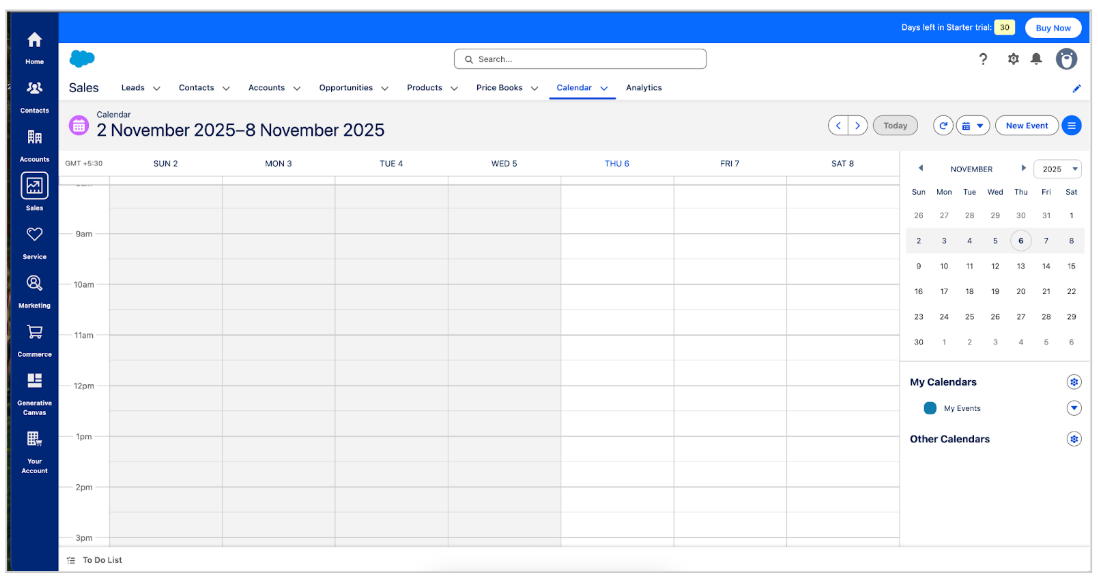
Who it’s for: Small and medium businesses and startups needing sales, service, marketing, commerce, and productivity.
What it can do: Starter Suite is perfect if you want basic scheduling and appointment booking options that tie directly into your customer records. It offers basic calendar syncing, simple payment links, built-in sales paths, and Slack collaboration, so your team stays organized and deals don’t slip through the cracks.
Pro Suite steps it up with advanced calendar syncing, artificial intelligence (AI)-driven scheduling suggestions, deeper customization, and automation that helps you manage appointments across teams. Both integrate tightly with your Google Calendar, too.
How it benefits small businesses: These Suites help small businesses easily schedule sales and customer meetings with their CRM. The Pro Suite adds automation and suggestions to manage busy calendars with smarter workflows and extensive app integrations.
What it costs: $25 per user per month and a free 30-day trial (Starter Suite). $100 per user per month and a free 30-day trial (Pro Suite).
Get Salesforce for FREE.
Save time, stay organized, and fuel growth with the CRM that scales for small teams.
2. Slack
Who it’s for: For small teams and startups that rely heavily on Slack
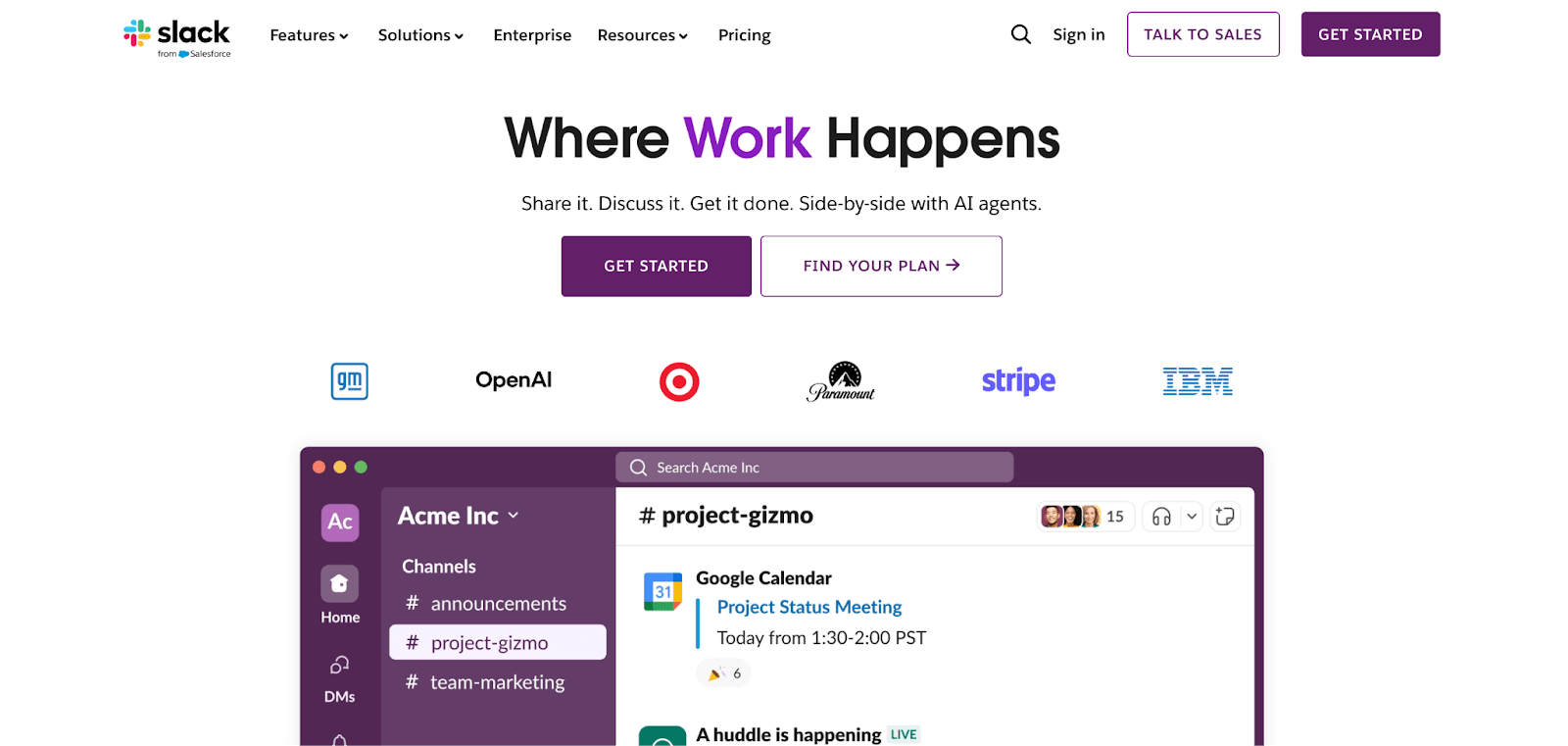
What it can do: Slack has scheduling apps and agents that let you book meetings right where you talk. You can have a quick team sync, and with a simple command, a bot shows everyone’s availability and sets the meeting up instantly. Apps like Simple Poll or Scheduler AI agents bring scheduling straight to your Slack workspace. This works wonders for small teams or startups that live on Slack all day.
How it benefits small businesses: Keeps scheduling right within your team chat, letting you book meetings and get availability updates without leaving Slack. Best for fast-paced startups that want quick internal coordination.
What it costs: $7.25 per user per month. Free plan available. Note: there is a free version of Slack available for integration in Salesforce CRM.
3. Calendly
Who it’s for: Freelancers, solo entrepreneurs, and SMBs looking for an easy, self-service booking tool.
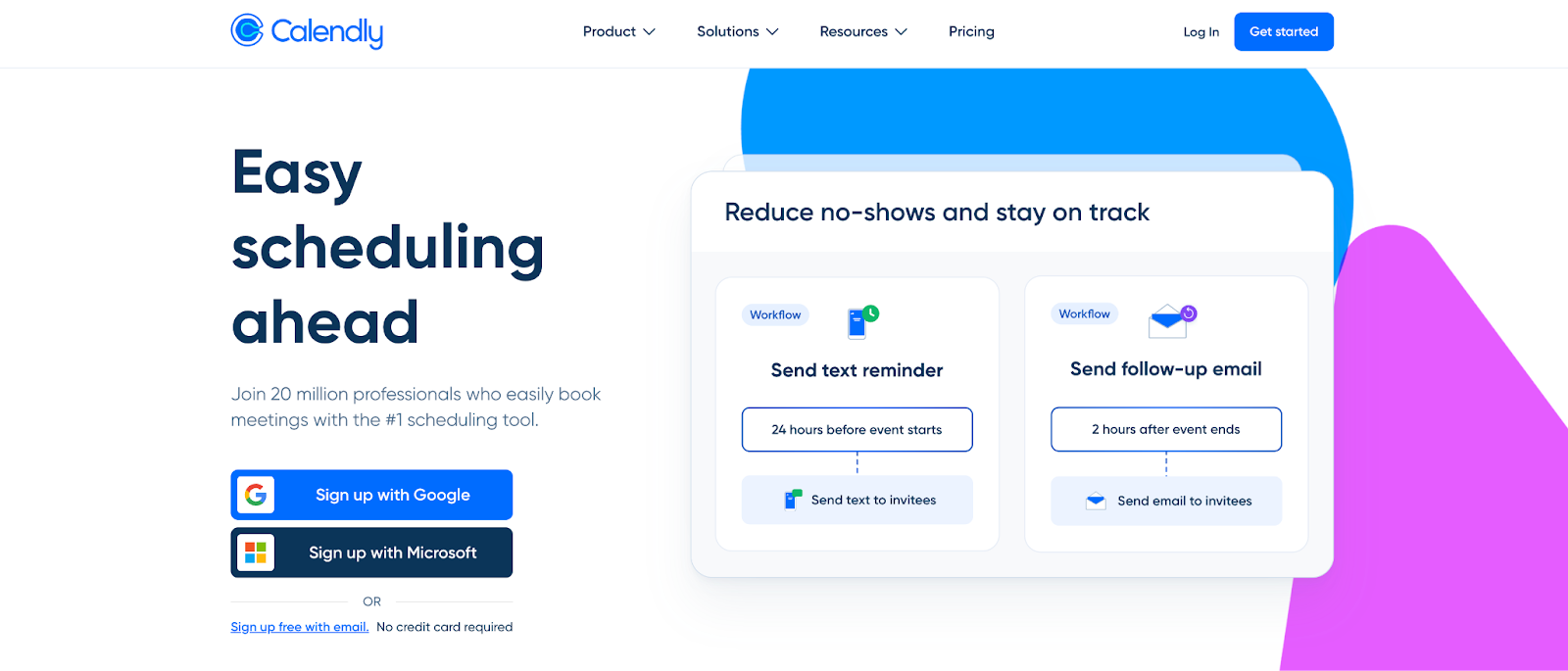
What it can do: Calendly is often the go-to for easy, no-fuss scheduling tool. It’s super simple to set up — Share a link showing your available times, and clients or colleagues pick what works. It connects with Google and Zoom for automatic meeting links. You get automatic reminders and unlimited event types on free plan, but upgrading unlocks team scheduling, workflows, and extra integrations.
How it benefits small businesses: Simplifies booking with shareable links so customers can pick times that work for them anytime. Save tons of back-and-forth communication by automating confirmations and calendar syncing.
What it costs: $10 per user per month. Free plan available.
4. Acuity Scheduling
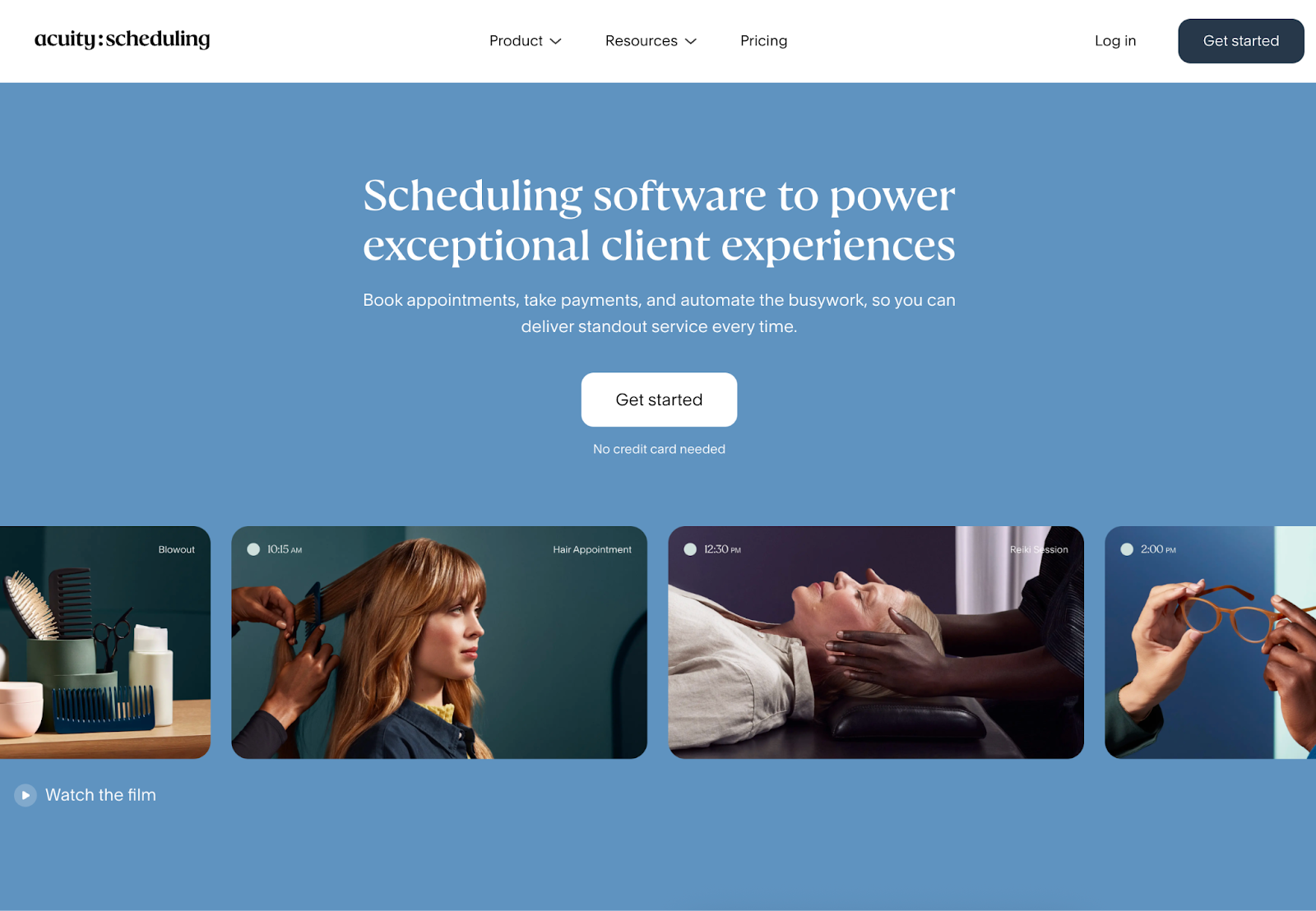
Who it’s for: Service-based SMBs like salons, coaches, and consultants.
What it can do: Acuity keeps your bookings flowing smoothly. It’s especially good if you offer different services or need your clients to book multiple types of appointments. Reminders go out automatically by email, and on higher plans, even by text message.
How it benefits small businesses: Offers flexible service options and integrates with payments, helping you manage a variety of bookings effortlessly. Basic features like self-service booking and payment acceptance through PayPal or Stripe. If your business grows, you can upgrade to plans that support multiple staff calendars, memberships, and gift cards.
What it costs: $20 per month with a 7-day free trial.
5. Setmore
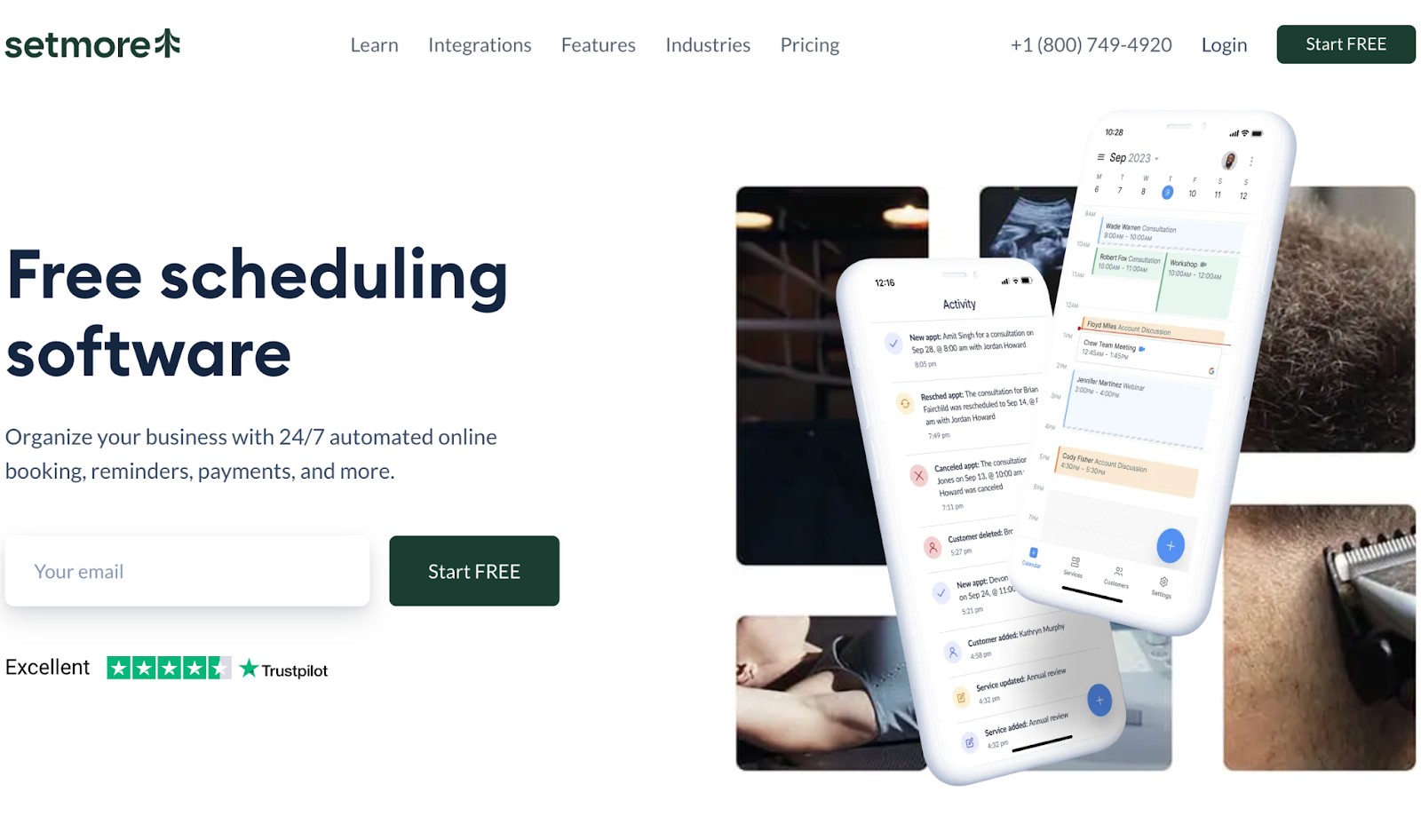
Who it’s for: Growing small teams looking for a straightforward scheduling solution
What it can do: Setmore is for small teams who need a straightforward, intuitive system. They offer a free plan that lets you manage up to four staff calendars. Clients can book online, and you get automated confirmations and reminders to keep things running without a hitch.
Plus, Setmore supports video meetings, so if you do remote consultations or coaching, this is helpful. The paid plans have even more customization options and let you handle payments during booking.
How it benefits small businesses: Conduct multiple staff calendars and video meetings, remotely or in-person. It’s free tier is a cost-effective way to stay organized for startups.
What it costs: $5 per user per month. Free plan available.
6. Square Appointments
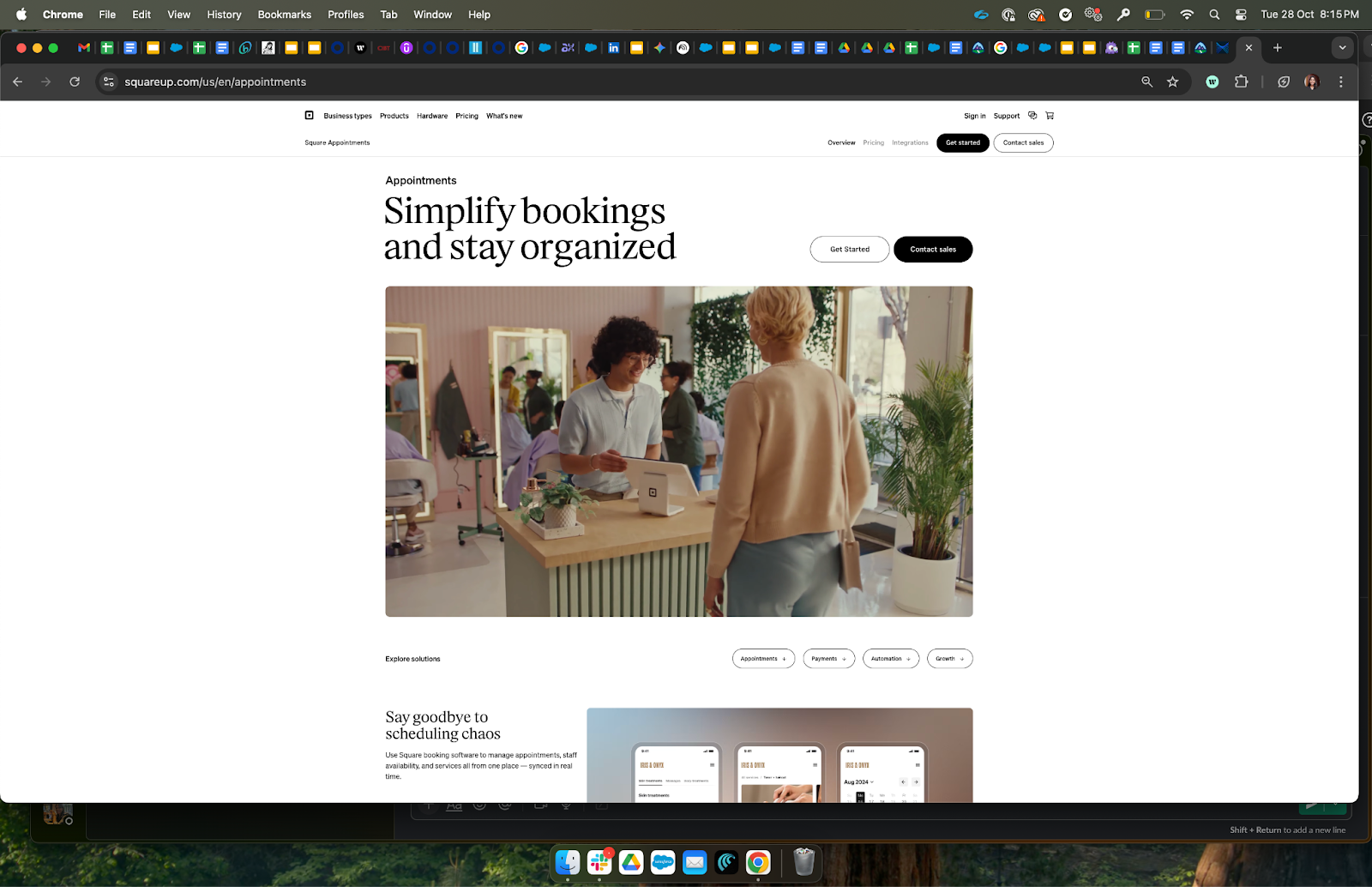
Who it’s for: SMBs in in retail, health, wellness, and beauty sectors.
What it can do: If your business takes payments directly, like a salon, personal trainer, or shopkeeper, you can consider Square. It combines scheduling with the Square payment system and point of sale (POS) tools, so you don’t have to juggle different platforms. Clients can book and pay upfront online, which helps stop last-minute cancellations.
The free tier works great if you’re a one-person operation, but pricing changes if you add more staff. It’s simple, practical, and built for SMBs that want to simplify both bookings and payments in one place.
How it benefits small businesses: Combines scheduling with an integrated payment system, helping you collect payments upfront and reduce cancellations.
What it costs: $49 per month. Free plan available.
7. SimplyBook.me
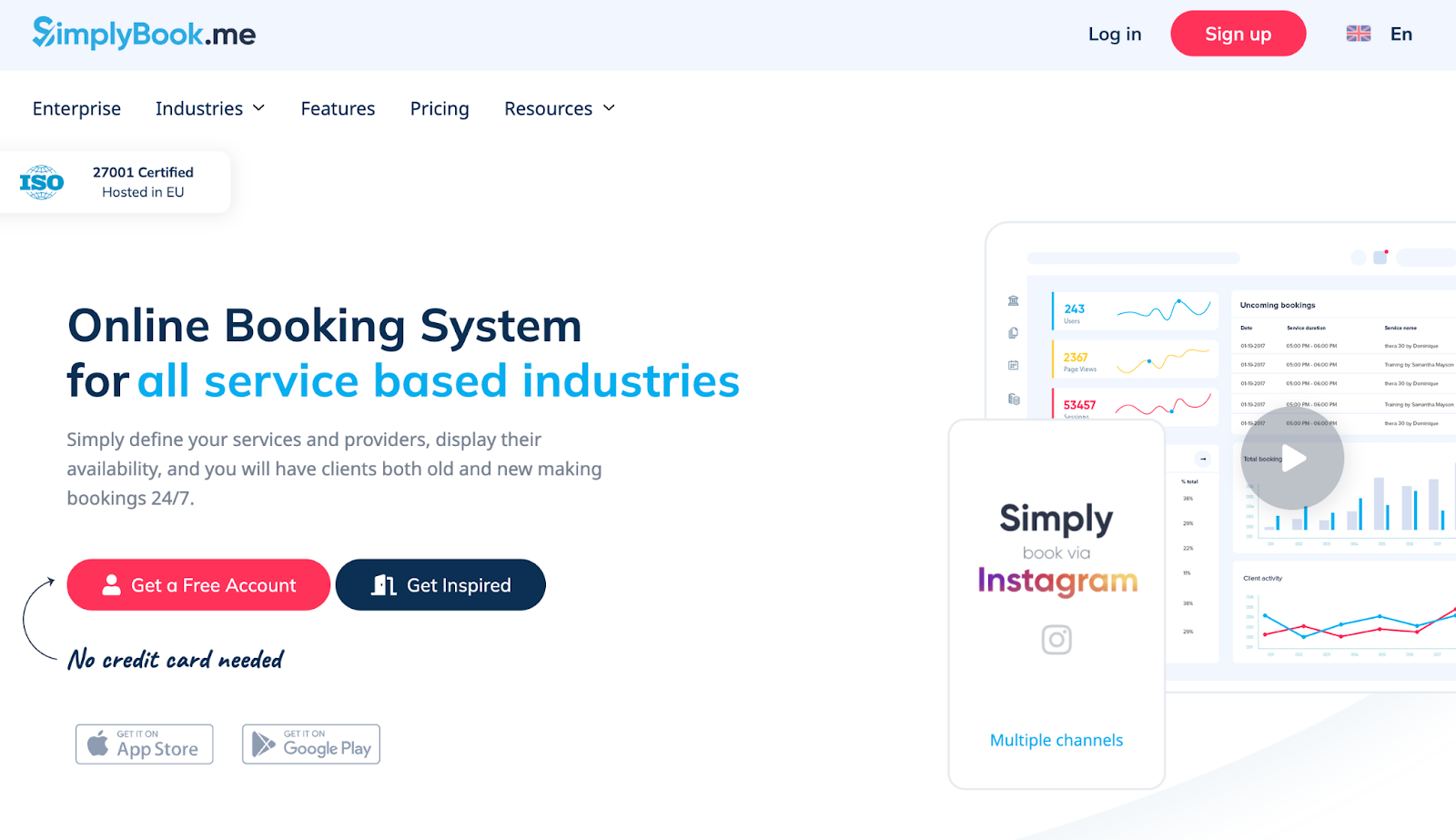
Who it’s for: SMBs wanting highly customizable booking pages.
What it can do: SimplyBook.me is super friendly for businesses that want flexibility and a professional look. They offer 24/7 online booking, automated reminders, and sync with Google and Outlook calendars. One thing that stands out is the ability to create a branded booking website or integrate booking widgets into your current site — nice for businesses wanting to showcase their style.
How it benefits small businesses: Provides customizable booking pages and tools to enable SMBs to brand their appointment system and attract new clients with ease.
What it costs: $9.62 per month for 100 bookings. Free plan available (50 bookings)
8. Appointy
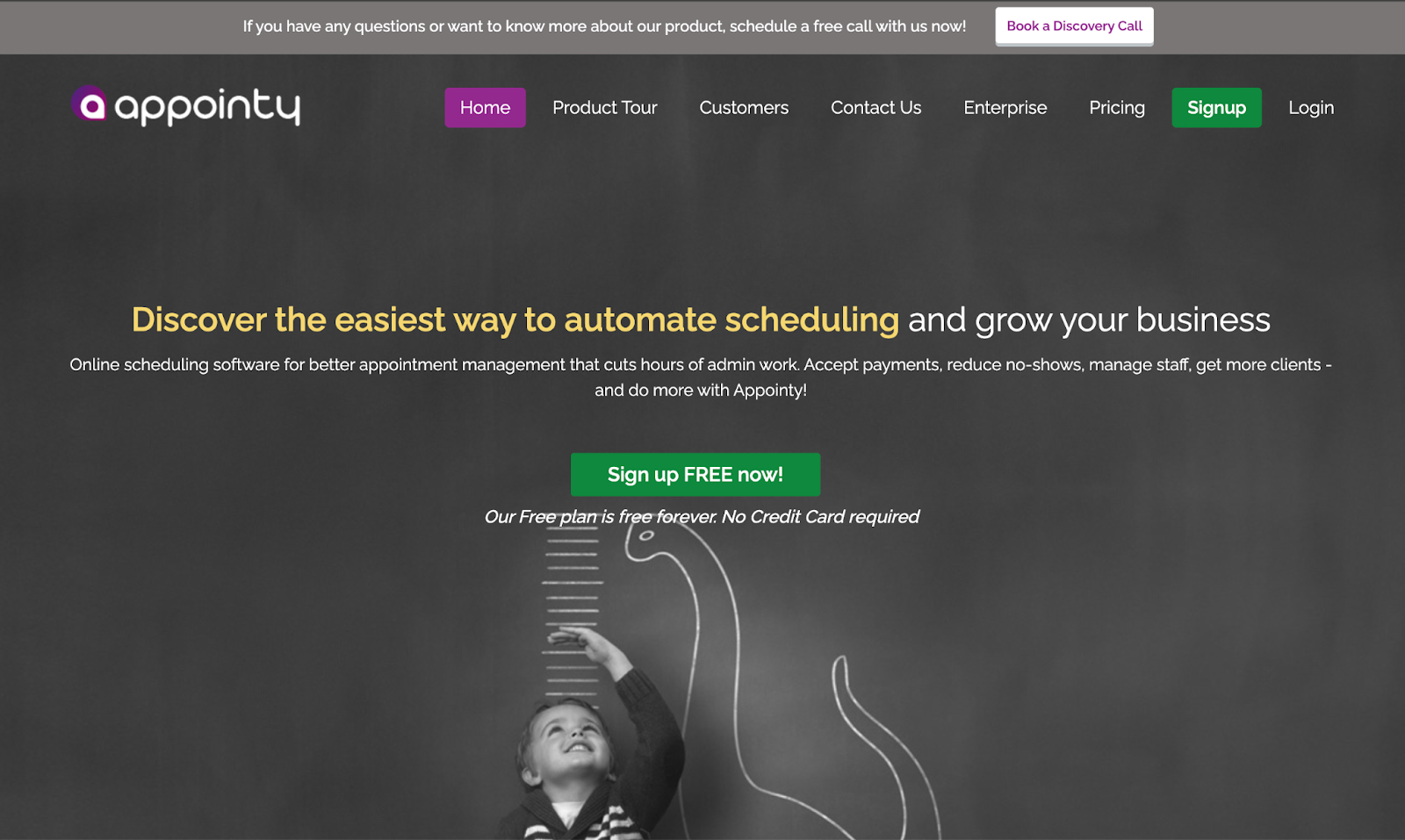
Who it’s for: SMBs looking for multi-staff scheduling, online payments, and marketing features in one platform.
What it can do: Appointy is an easy to use scheduling system that shines for multi-location businesses or those needing team scheduling. It includes calendar syncing, payment support via Square and Stripe, and automatic reminders. You can start for free with one staff member and up to five services, making it perfect for solo entrepreneurs testing the waters.
How it benefits small businesses: Handles multi-staff scheduling with online payments and marketing features. You can consider it if you want to grow your client base and manage appointments efficiently on one platform.
What it costs: $19.99 per month. Free plan available.
9. Book Like A Boss
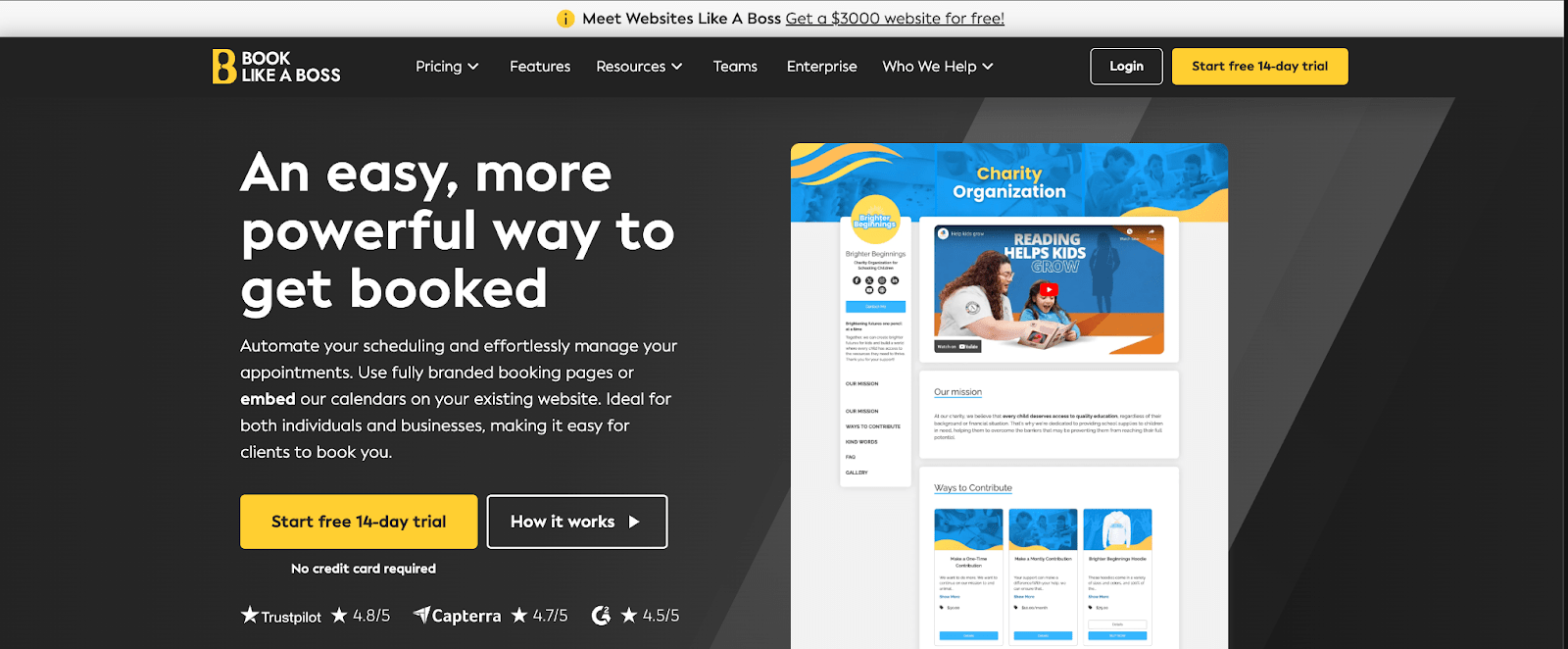
Who it’s for: Freelancers and consultants who want branded, professional-looking appointment booking pages.
What it can do: Book Like a Boss is perfect if you want to keep things personal and professional. It’s designed to let you customize your booking page so it really feels like your own brand. Clients see your colors, logos, and all your services neatly presented. You can accept payments during booking via Stripe or PayPal, and even offer packages or subscriptions.
How it benefits small businesses: Allows custom branded booking pages with payment and subscription options. It helps coaches, freelancers, or consultants create a polished, professional client experience while automating bookings and payments.
What it costs: $29.16 per month. 14-day free trial available.
Try Salesforce for free.
See how growing businesses are using Salesforce Suites to scale fast. No credit card required, no software to install.
It all starts with Starter Suite.
Thank you!
Try for freeHow to connect your calendar
If you’re a startup or an SMB owner, here’s how to connect your calendar to a scheduling tool.
Pick a tool that works with what you use: Choose a scheduling app that plays nicely with the tools you already have. Whether you rely on Google Calendar, Outlook, Salesforce, or Slack. Scheduling tools like Salesforce Suites and Calendly makes it easy to connect your existing calendar.
Try before you buy with free trials: Don’t jump in blind. Most tools offer free trials or free basic plans. Test how easy a tool is to use and if it fits your style without spending money. For example, if you’re experimenting with Slack or Calendly, start with their free version and see how automatic booking and reminders work.
Set your availability and rules: Once connected, define your working hours and any booking rules, like how much notice you need before appointments or how much time to leave between bookings.. Tools like Square Appointments and Book Like a Boss make this simple to avoid last-minute surprises and keep your calendar manageable.
Scheduling you sales and your team just got easier
Your scheduling tool can reduce your dependency on mail and sticky note reminders. A simple scheduling process and customer experience is directly related. It’s simple, the easier the process, the faster customers book meetings, the faster you close the deal, and your customers leave the room with a broad smile. And for that you need the best tool like Starter Suite that integrates easily with your existing Calendar and speeds up your workflow.
Start your journey with the Free or Starter Suite today. Looking for more customization? Explore Pro Suite. Already a Salesforce customer? Activate Foundations to try out Agentforce 360 today.
AI supported the writers and editors who created this article.
Frequently Asked Questions (FAQs)
A scheduling tool is software that helps you organize appointments, meetings, and tasks efficiently. It automates booking, sends reminders, avoids double bookings, and lets clients self-book online, saving you time and reducing errors.
Basic calendars require manual updates and can lead to double bookings or missed appointments. Scheduling tools sync with your calendars, automate reminders, and allow clients to book anytime, leading to fewer no-shows and smoother operations.
Yes! Most scheduling tools ,like Starter Suite, integrate seamlessly with Google Calendar, Outlook, Slack, and others, keeping all your appointments and communications in one place without extra hassle.
Switching to an online scheduling tool is usually straightforward. Most tools offer easy import options from calendars and provide guided setup. You can start small with basic features and gradually add automation, making the transition smooth and stress-free.
Salesforce Starter Suite offers simple yet powerful scheduling and CRM features, with strong calendar integration, automation, and guided onboarding. It’s affordable and designed to help small teams streamline customer management and grow without complexity.