

For years, the email industry has repeated the same limitations over and over again:
“You can’t use background images.”
“You can’t make emails responsive.”
“You can’t use web fonts.”
“You can’t do modern design in email.”
“Email has to look identical everywhere.”
The problem? A lot of those statements are either outdated, incomplete or missing important context.
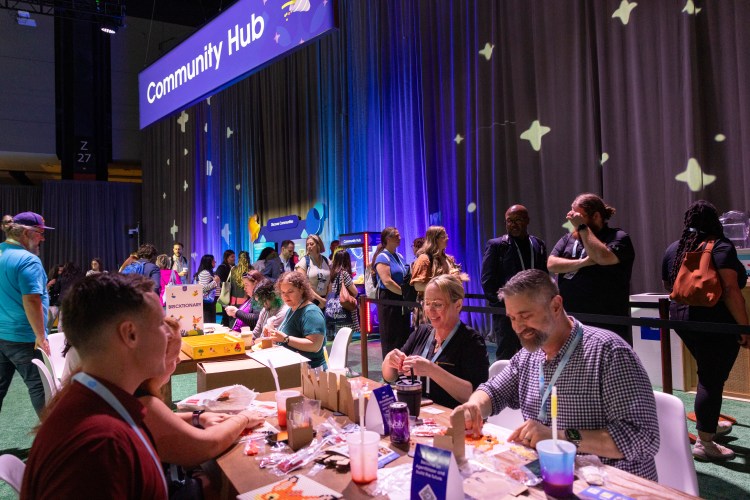
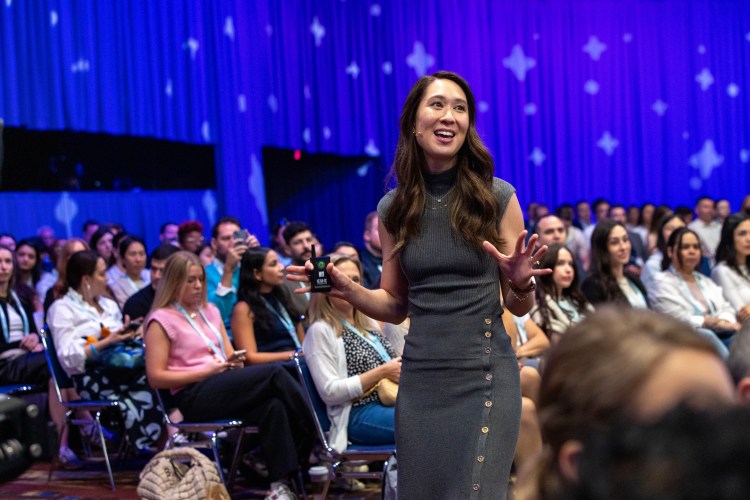
At Salesforce Connections 2026, I’ll be covering this topic in depth in a session called Yes, You CAN Do That in Email. But even outside the session itself, I think it’s important for marketers, designers and developers to start rethinking some of the assumptions we’ve inherited about what email can and can’t do.
This isn’t about pretending email has no limitations. It absolutely does. Outlook still exists. Dark mode presents challenges. And there are still plenty of rendering quirks that keep email developers humble.
But somewhere along the way, the industry started treating “limited support” as “completely impossible.” And those aren’t the same thing.
Modern email development is no longer about asking, Does this work perfectly everywhere?
It’s about asking, Is there a valuable version of this experience that works well across different environments?
Let’s take a look at five common email marketing misconceptions and how to overcome them.
What our Connections 2026 announcements mean for you
Join us for a post-CNX webinar that walks through the latest agentic marketing innovations and how you can use them.



1. Modern visual design in email is more achievable than many teams think
Email design is no longer limited to flat layouts and image-heavy creative. Gradients, layered layouts, typography, live text over background images, and even rounded corners in Outlook are all being used successfully in real campaigns today.
A lot of email techniques that once felt unrealistic are now being used successfully in production emails every day.
Email still requires thoughtful fallbacks and testing, but “difficult” and “impossible” are not the same thing.
2. Responsive design is no longer just about stacking columns
For a long time, responsive email design conversations focused almost entirely on whether layouts stacked properly on mobile devices.
Today, the conversation is much broader.
Email teams are thinking more intentionally about readability, typography scaling, spacing, dark mode behavior and how content priorities shift between desktop and mobile experiences.
The goal is no longer just making the same design fit on a smaller screen. It’s to create an experience that still feels usable, clear and aligned with the brand regardless of where it’s opened.
3. Interactive experiences don’t have to mean turning email into a web app
When people hear “interactive email,” they sometimes imagine fully app-like experiences embedded directly inside the inbox. In reality, interactivity is often much more subtle.
Animation, hover states, live countdown timers, dynamic imagery and small moments of engagement can all make an email feel more responsive without requiring every inbox to support the exact same behavior.
The important shift is understanding that unsupported features don’t automatically make a technique unusable. In many cases, the experience can still degrade gracefully while still providing richer experiences where supported.
4. Accessibility, maintainability and design are not mutually exclusive
Some older email development practices were created to work around limitations that no longer exist, or no longer exist in the same way.
As a result, many teams still assume that accessible, maintainable email code must also be visually limited or creatively restrictive.
The strongest email systems are usually the ones that balance accessibility, flexibility and design quality intentionally.
5. Exact matching across every email client is the wrong goal
One of the biggest mindset shifts in email development is understanding the difference between consistency and exact matching across every client.
Subscribers care whether an email is clear, usable, accessible, and aligned with the intended brand experience – not whether Outlook and Gmail render every single detail identically.
One of the biggest sources of friction in email development is treating email like print or web design, mediums with entirely different rendering environments and capabilities.


For example, teams will sometimes turn live text into images simply to preserve a specific brand font everywhere, or avoid certain techniques because dark mode may alter colors slightly in some clients.
But email is an imperfect medium, and trying to force complete consistency across every environment often creates bigger problems, reduced accessibility, harder maintenance, larger image weight and less adaptable content.
Good email design requires understanding which parts of the brand experience are essential and where flexibility leads to a better overall subscriber experience.
Sometimes that means accepting Arial in Outlook instead of forcing a perfect font match through images. Sometimes it means allowing slight visual differences between clients in exchange for accessibility, usability and maintainability.
The goal isn’t to lower standards. It’s to make intentional decisions based on the realities of the medium instead of fighting against them.
The question isn’t, Does every client render this exactly the same?
The question is, Does this create a good experience for the subscriber?
Because sometimes the biggest limitation in email isn’t the technology.
It’s institutional memory.
In addition to Yes, You CAN Do That in Email, Anne Tomlin will also be speaking in the Fragile to Flexible session. And she will critique and optimize real emails on stage in “Fix My Email: Live Optimization.” Submit your emails for critique here.
She’ll also be co-hosting the #emailgeeks meetup at Connections 2026.
Connections 2026 is almost here!
Join your fellow Trailblazers in Chicago on June 3 and 4 for two full days of innovation and inspiration in the AI agent era.