

Picking a collaboration tool for your startup can shape how your team works. Get it right, and business hums along smoothly. Get it wrong, and suddenly small tasks feel like mountains.
If you’re looking for an alternative to Microsoft Teams, or other collaboration tools, you may have reached the top of task mountain. For a lean team that values budget, the right tools matter and exploring alternatives is a good idea for scaling. In this blog, we’ll walk through ten Microsoft Teams alternatives that might suit your startup better. Let’s get started.
What to look for when choosing an alternative to Microsoft Teams
The goal is to find something your team will actually enjoy using every single day. That means a tool that’s quick to learn and easy to rely on. If the software feels like extra work, it won’t matter how powerful it claims to be — people will avoid it. Here are some core things to check:
- Chat and calls: Make sure chat, voice, or video are swift and reliable. Messages should arrive fast. Joining a video call shouldn’t take five clicks or test your patience.
- File sharing and editing: You want to upload files, edit docs together, track changes. A good tool makes it a breeze.
- Integrations and APIs: The less hopping between tools, the better. Look for something that connects with your customer relationship management (CRM), calendar, and project management apps.
- Ease of use: Even great features don’t matter if your team avoids the tool. Look for a clean interface, smooth onboarding, and a mobile app that feels complete.
- Price and scalability: Free plans are great, but look at what you’ll pay once you grow. Costs shouldn’t skyrocket just to add one more feature.
- Security and privacy: Especially important if you handle sensitive data. Features like encryption, two-factor auth, permission control, access roles.
Boost team productivity with Salesforce



Microsoft Teams alternatives at a glance
We’ve selected the top Microsoft Teams alternatives with an average star rating of 4 or above on the software comparison website G2. We’ve also rated each based on scalability in a 1-10 ranking, a key factor for your startup’s future growth.
Ten Microsoft Teams alternatives for startups
Now that you know what to look for, let’s review the options. We’ve rounded up ten strong Microsoft Teams alternatives that cover different styles of teamwork, here you go:
1. Slack for Small Business
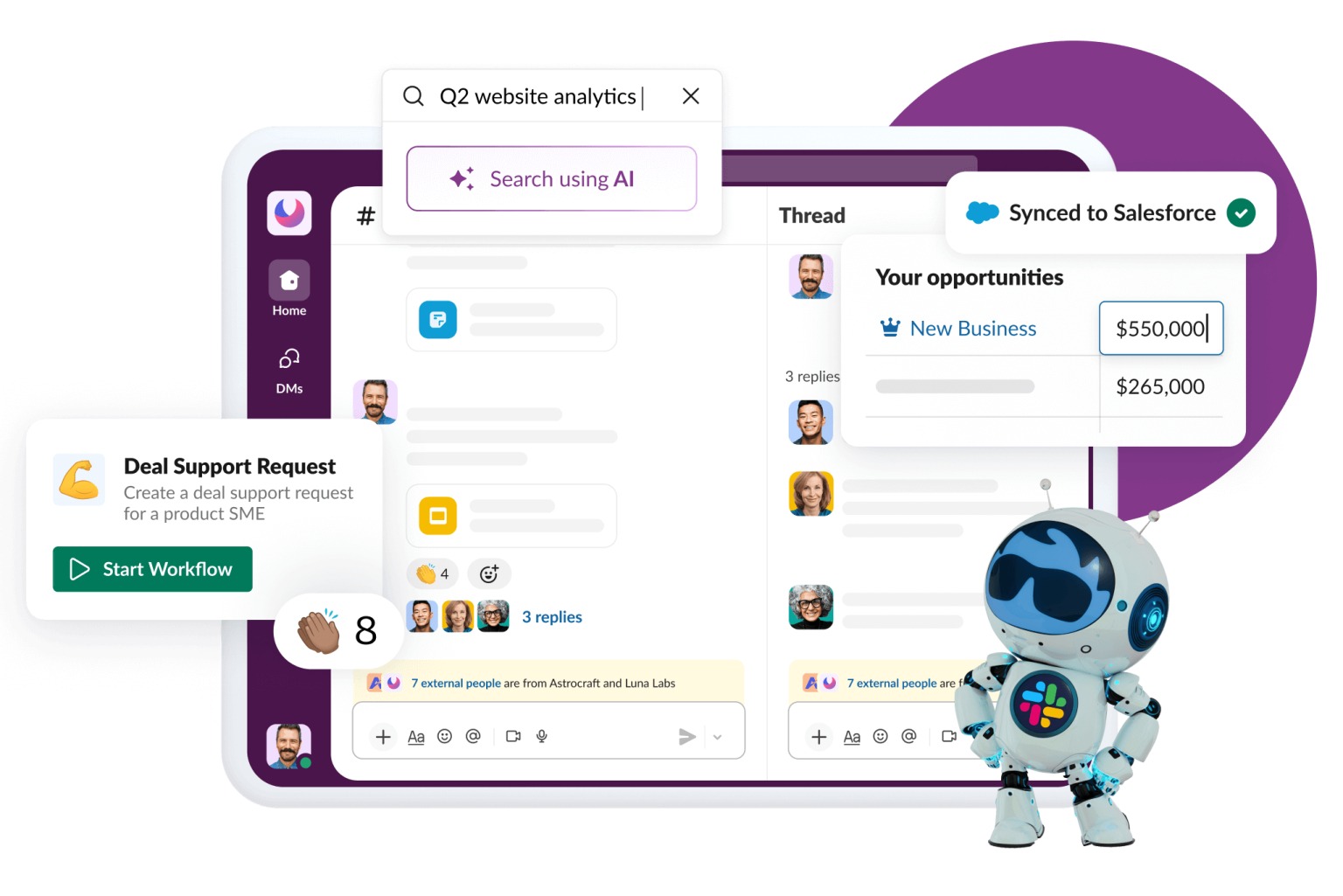
Slack is where startups work and grow together. It provides teams access to shared knowledge, makes communication simple, and automates repetitive administrative tasks. Slack is a shared workspace where teams communicate openly, celebrate wins, and stay aligned — without drowning in meetings or endless email threads.
Everything you need for team collaboration lives in Slack, which is now available to integrate right into your CRM. Chat with your team in organized channels, hop on quick huddles or video calls, share files instantly, and use artificial intelligence (AI) to find messages or documents to move business forward. The easy Slack interface keeps conversations, tasks, and reminders in one place, so you always know what’s happening and what to tackle next.
Who it’s for: Startups, small businesses, and entrepreneurs looking to scale.
What it can do:
- Easy communication: Create dedicated channels for teams, projects, or topics. Use shared channels to communicate directly with external stakeholders.
- Huddles: Start quick audio or video calls for immediate discussions. Perfect for clarifying questions or brainstorming ideas.
- File sharing: Upload and share documents, images, and spreadsheets. Team members can access files without hunting through email or folders.
- Workflow automation: Automate tasks like sending reminders, posting updates, or assigning follow-ups to free up time for more important work.
- Integrations: In Pro Suite, you can connect all of your favorite tools to Slack — like CRM, calendar, and email — so your team just has one place to manage their work.
- AI features: With Slack AI (activated via Foundations), you can summarize long conversations, create meeting notes, and highlight important information to help team members catch up quickly.
- Knowledge sharing: Store and organize team insights and discussions so everyone can reference them later. Admin controls make sure the right people access the right information.
Boost team productivity with Slack
Bring together your team, your customers, and your tools to help take your business to the next level with Slack — it’s where business gets done.

How it benefits startups: Slack helps startups save time and energy by keeping everyone aligned and work transparent. Public channels give everyone visibility into projects and decisions, while private chats let your team collaborate safely with colleagues, clients, or vendors. The platform is intuitive and simple to use, so your team can focus on growth instead of training.
Slack works even better when it’s connected to your CRM. Your team can see new leads, deal updates, and customer issues right in Slack channels. Sales can jump on new opportunities, service can fix urgent problems, and marketing can share campaign results — all together. Automated reminders and shared notes keep everyone in the loop, without unnecessary meetings or emails.
How it scales business (1-10): 10
What it costs: Slack offers a free plan with Pro Suite and a free trial is available.
2. Zoom
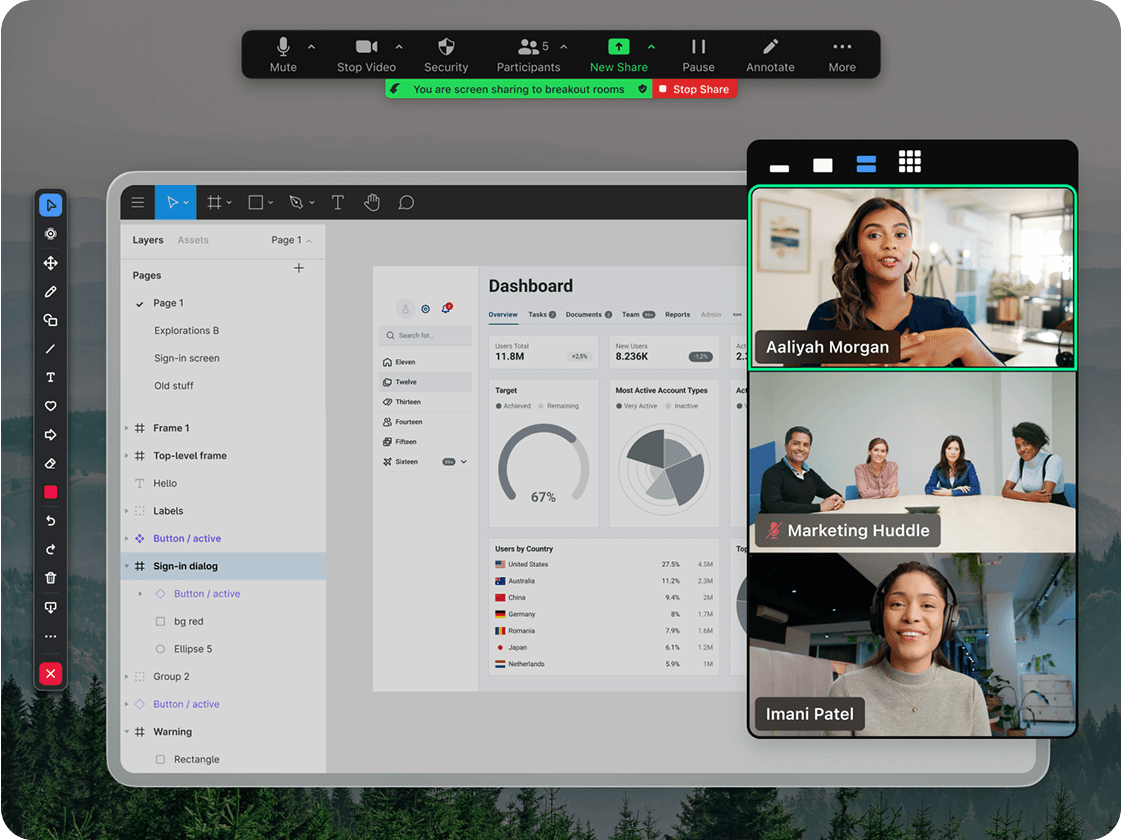
Zoom is best known for video calls, but it offers much more than that. Beyond reliable meetings, it gives startups tools like team chat and whiteboarding that make day-to-day collaboration easier. For teams that want a simple, familiar way to stay connected, Zoom brings everything together in one place without overwhelming users.
Who it’s for: Remote-first startups that rely heavily on video meetings.
What it can do:
- Video meetings: Host one-on-one or group meetings with high quality video and screen sharing. Use breakout rooms for smaller discussions.
- Whiteboard: Collaborate visually by sketching ideas, mapping workflows, or noting action items in real time.
- File sharing: Exchange documents, images, and links during or outside meetings.
How it benefits startups: If your team is scattered across different time zones, Zoom makes it easy to hop into a meeting without fuss. Features like whiteboarding and transcripts help keep everyone on the same page. That said, it’s still a meeting-first tool — so you may need something else alongside it to cover day-to-day chat and project updates.
How it scales business (1-10): 9
What it costs: There’s a free plan available.
3. Google Workspace

Google Workspace is a suite of business tools that includes Gmail, Drive, Docs, Sheets, Slides, and Meet. It allows businesses, schools, and individuals to communicate, create, and collaborate online. The platform offers features like custom email addresses, administrative controls, extra storage, and support.
Who it’s for: Startups and small teams that work in the cloud.
What it can do:
- All-in-one collaboration: Chat with your team, work on documents and spreadsheets together, store files in the cloud, and join video calls without switching apps.
- Integrations: Connects with thousands of apps (though often limited in depth compared to standalone tools).
- AI features: Recent add-ons like smart compose and meeting summaries help speed up routine tasks and reduce repetitive work.
How it benefits startups: Google Workspace is a cloud-based platform where all tools and files sync automatically. Getting started is easy and it can reduce the time needed for training. It provides a reliable way to handle everyday communication and collaboration tasks.
How it scales business (1-10): 9
What it costs: There’s a free trial, but no permanently free version for businesses. Paid plans start at $8 per user per month, scaling up to $26.
4. Webex
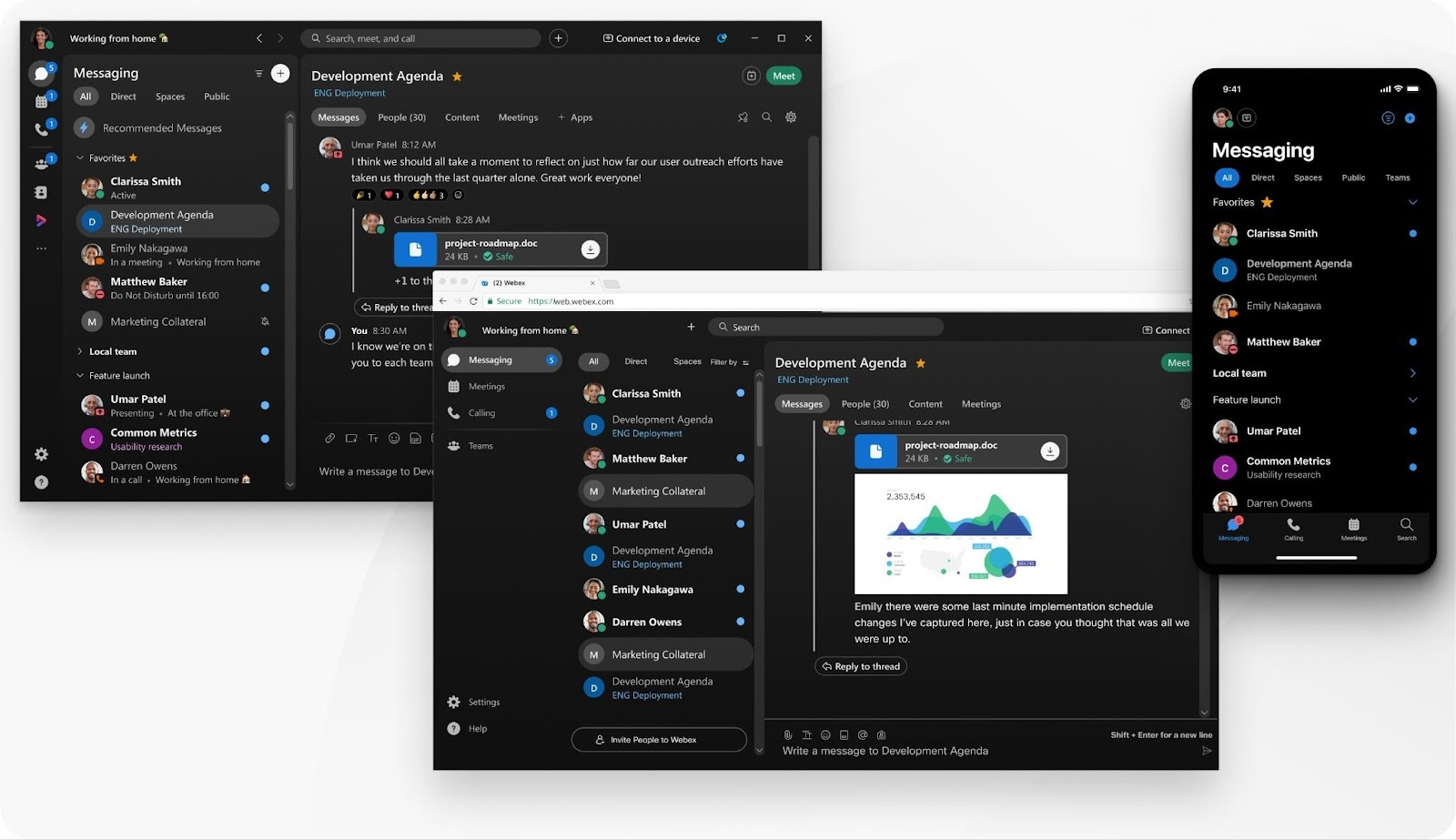
Webex is a collaboration platform by Cisco that combines video conferencing, messaging, and calling in one suite. It allows teams to communicate, and collaborate, whether they are in the same office or working remotely. While it has roots in enterprise solutions, Webex has evolved to cater to startups seeking reliable and secure communication tools.
Who it’s for: Startups that need to scale their communication tools as they grow.
What it can do:
- Communication hub: Host high quality video meetings with screen sharing and local recording. Chat in real time with threads and file sharing. Make voice over internet protocol (VoIP) calls with voicemail and call forwarding.
- AI features: Real-time transcription, meeting summaries, and noise cancellation powered by AI.
- Integrations: Connects with various third-party applications like Google Workspace, Microsoft 365, and Salesforce.
Accelerate your startup success with Salesforce Launchpad
Get tailored resources to build your GTM strategy and help your startup scale faster.



How it benefits startups: Webex offers a suite of tools that can grow with your startup. Its scalability makes sure that as your team expands, your communication infrastructure can keep up. The platform includes security features to help protect sensitive information.
How it scales business (1-10): 8
What it costs: Webex has a free plan and free trials are also available.
5. Rocket.Chat
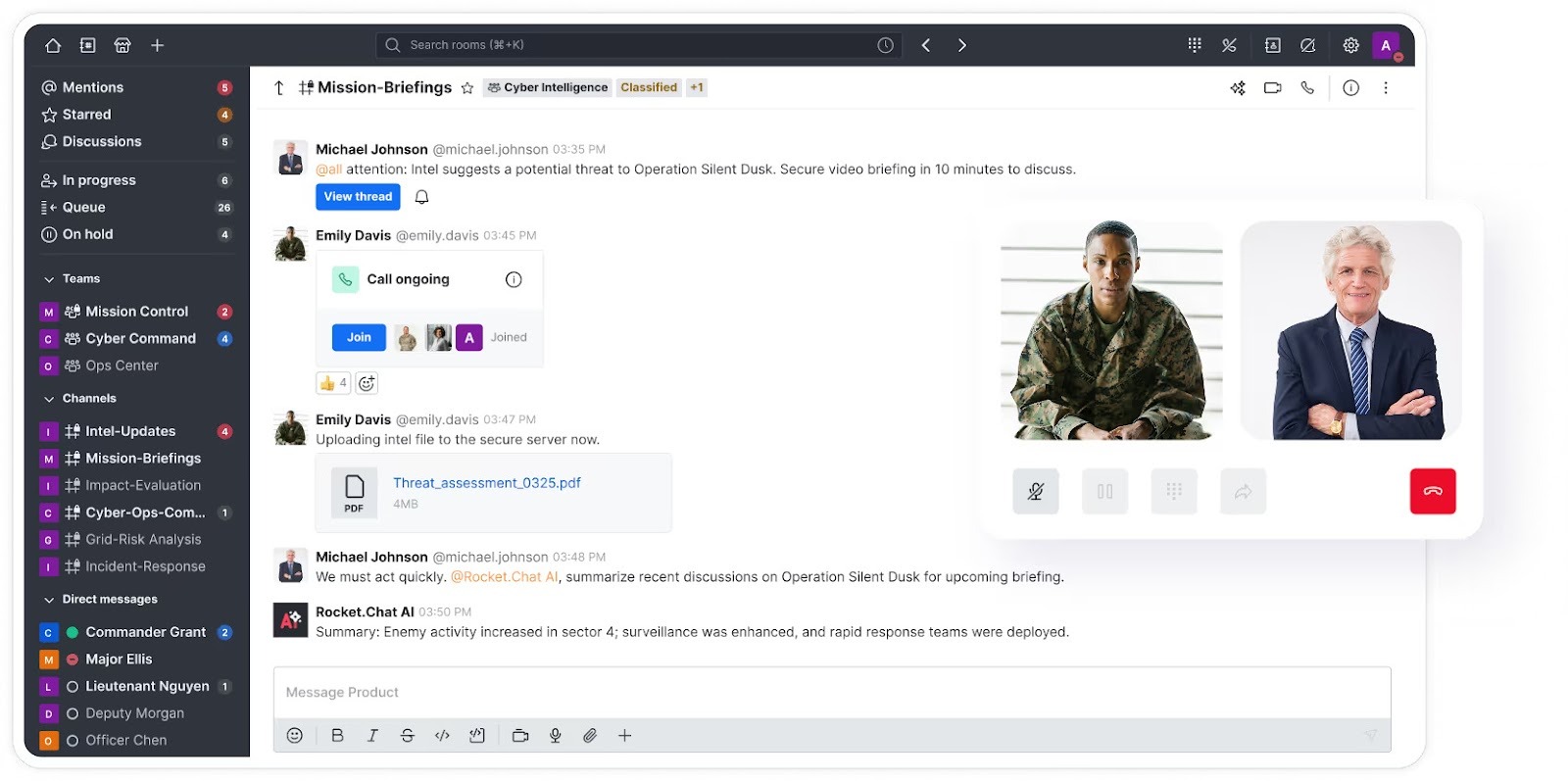
Rocket.Chat is an open-source, self-hosted communication platform for teams that prioritize data privacy and customization. It provides collaboration tools such as real-time messaging, video conferencing, and file sharing within a secure environment. It’s ideal for startups with specific needs or those operating in regulated industries.
Who it’s for: Startups seeking a customizable, self-hosted communication solution.
What it can do:
- Omnichannel support: Engages customers across various channels like email, live chat, and social media.
- Self-hosting: Provides the option to host the platform on your own servers for greater control.
- Security features: Includes end-to-end encryption and compliance with standards like GDPR and HIPAA.
How it benefits startups: Rocket.Chat provides a solution that can be cost-effective while maintaining functionality and security. Its open-source design allows for customization, enabling the platform to adapt as a team’s needs change.
How it scales business (1-10): 7
What it costs: Rocket.Chat has a free self-hosted plan. All paid plans come with a 30-day free trial.
6. Mattermost

Mattermost is an open-source collaboration platform made for teams that need control over their communication infrastructure. It offers chat, workflow automation, voice calling, screen sharing, and AI integration. Mattermost is particularly suited for organizations with strict compliance needs and those requiring self-hosted solutions.
Who it’s for: Startups that prioritize data privacy and customization.
What it can do:
- Channel-based messaging: Supports public and private channels, direct messages, and threaded conversations for structured communication.
- Custom branding: Allows customization of brand colors to match your organization’s look and feel.
- Search functionality: Provides core search capabilities for up to 3 million posts, facilitating easy retrieval of messages and files.
How it benefits startups: Mattermost’s open-source nature allows for flexibility and control over deployment, making it suitable for teams with specific compliance requirements. But it may require more setup and maintenance compared to cloud-based solutions.
How it scales business (1-10): 7
What it costs: Mattermost offers a 30-day free trial for its enterprise plan.
7. Element
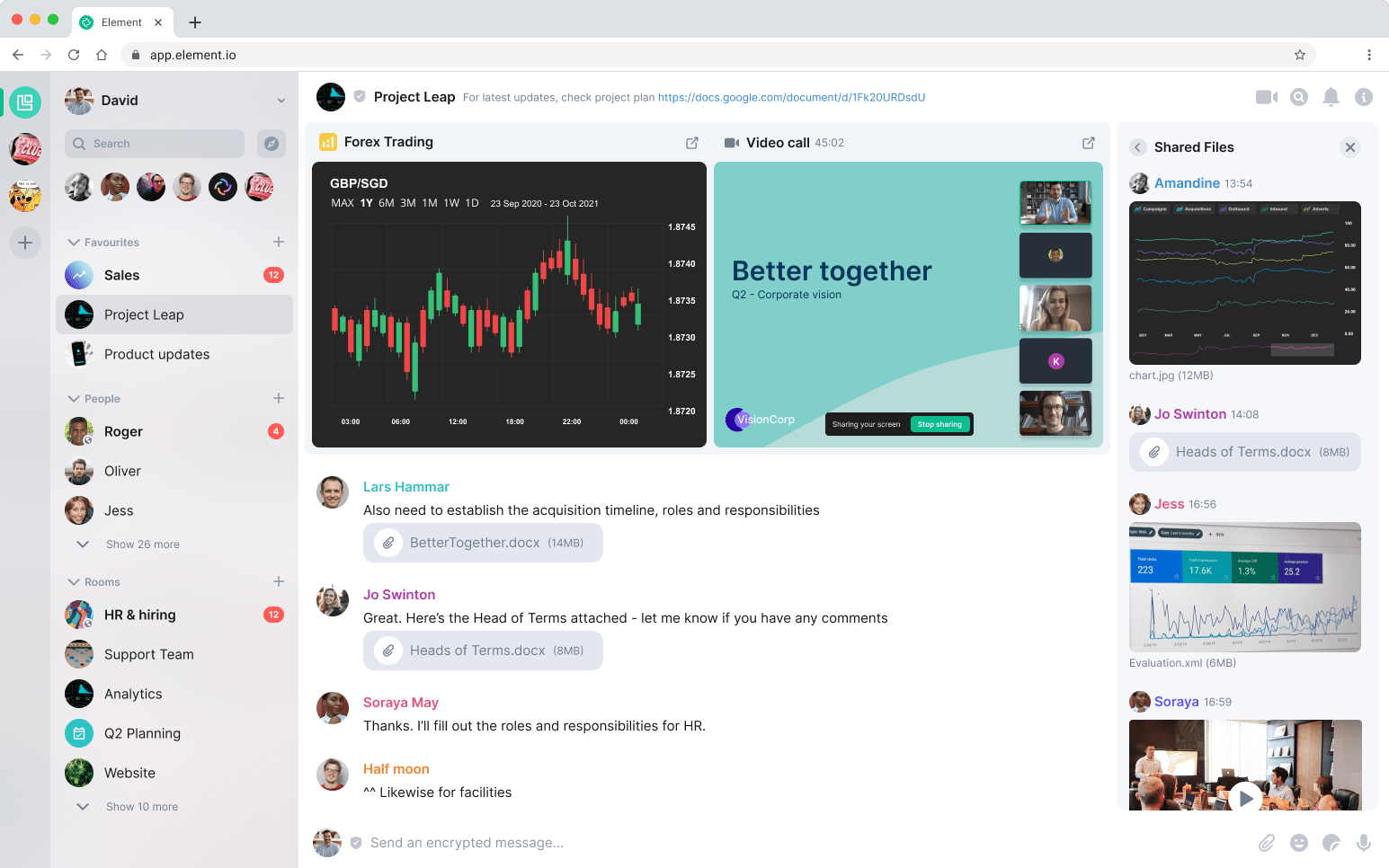
Element is a messaging and collaboration platform built on the Matrix protocol. It’s open-source and designed to prioritize privacy and decentralization. Element can be used by startups that want more control over their data and prefer a self-hosted alternative to mainstream tools.
Who it’s for: Startups with a technical team comfortable with self-hosting or using open-source tools.
What it can do:
- Encrypted messaging: All conversations are encrypted end-to-end by default, prioritizing privacy. It supports unlimited one-one-one and group calls, useful for remote teams.
- Customizable rooms: Create rooms for different teams or projects, with granular access controls.
- Other platforms: Connect with users on other networks like Slack or Telegram.
How it benefits startups: Element provides a private and secure environment for messaging and calls, giving teams control over their data. Its flexible structure allows the team to organize conversations to maintain clear and manageable communication.
How it scales business (1-10): 7
What it costs: Element offers a free, open-source version that you can self-host. For those who prefer a managed service, there are hosting options for paid plans.
8. Lark

Lark is a collaboration platform developed by ByteDance, the company behind TikTok. It integrates messaging, video conferencing, document creation, cloud storage, and task management into a single interface. If your startup is looking to consolidate tools and simplify workflows, Lark offers a good solution.
Who it’s for: Startups that prefer an all-in-one solution to reduce the need for multiple tools.
What it can do:
- Document collaboration: Create and edit documents, spreadsheets, and presentations within the platform.
- Approval workflows: Create and manage approvals for documents, requests, or tasks with customizable steps and automatic notifications.
- AI features: Automate repetitive tasks, generate promotional content, and analyze data right inside your workflows. It can also summarize text, and surface insights from your knowledge base.
How it benefits startups: Lark offers a unified platform that reduces the need for multiple tools, saving time and simplifying workflows. Its AI features and automation capabilities can enhance productivity, while the integrated cloud storage and task management tools help keep teams organized. However, the platform may have a learning curve for teams new to integrated solutions.
How it scales business (1-10): 8
What it costs: Lark offers a free plan and a free trial is available.
9. Flock
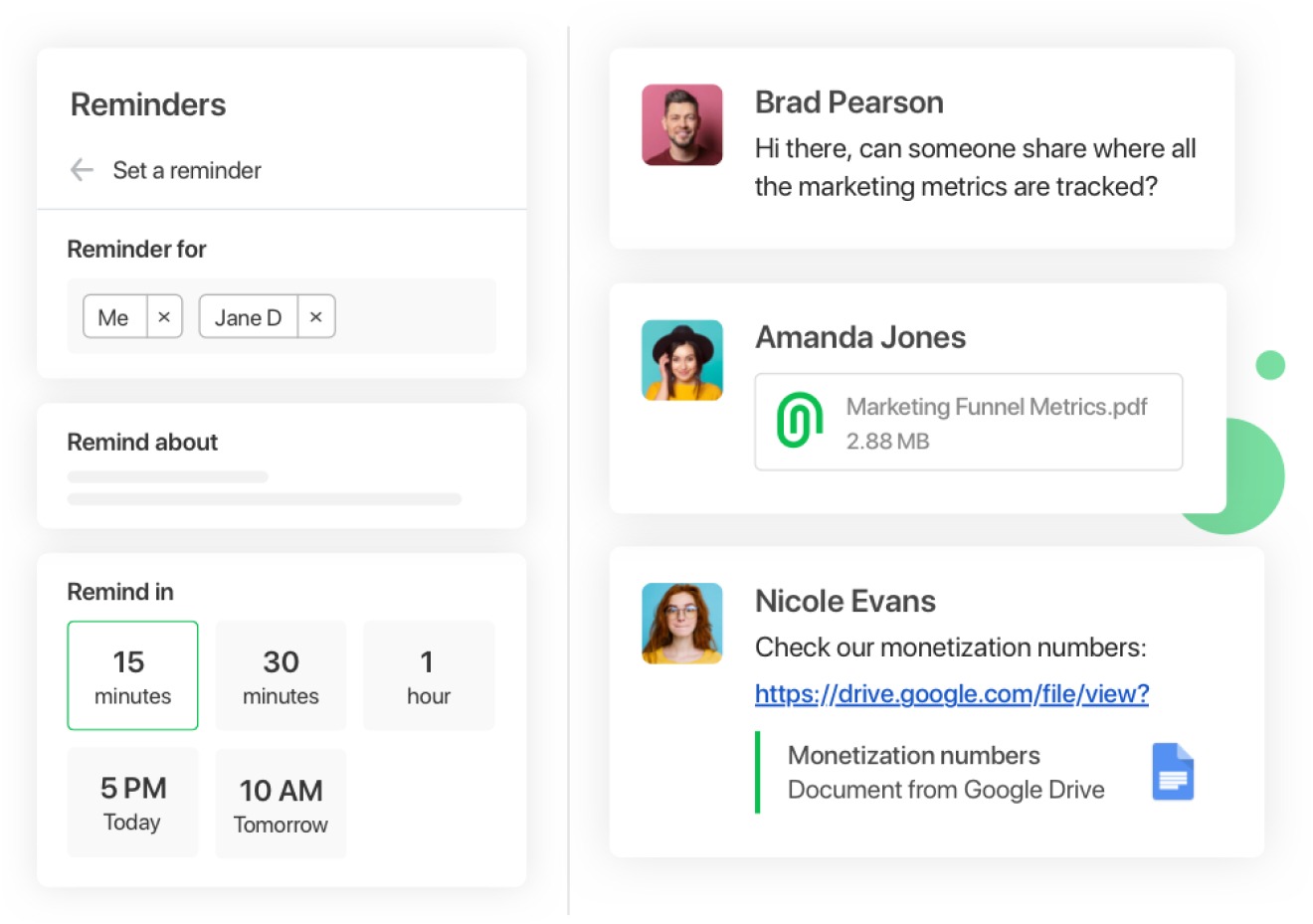
Flock is a team communication and collaboration platform designed to aid in workflows and enhance productivity. It offers a suite of tools that integrate messaging, task management, and file sharing into a single interface, aiming to reduce the need for multiple applications.
Who it’s for: Startups requiring basic project management features without the complexity of larger platforms.
What it can do:
- Task management: Create to-dos and set reminders to keep track of tasks and deadlines.
- Polls and surveys: Gather feedback and make decisions quickly with built-in polling features.
- App integrations: Connect with popular tools like Asana and Trello to centralize workflows.
How it benefits startups: Flock provides startups with a cost-effective solution to boost team collaboration. Its integrated features simplify workflows and improve efficiency. The interface is user-friendly, which can make it easier for teams to adopt and use.
How it scales business (1-10): 5
What it costs: Flock offers a free plan and there’s a free trial for paid plans.
The Guide to AI for Small Business
Check out this free guide on incorporating AI into your business with these tips, strategies and tools.

Thank you for downloading the free AI guide!
Here's your free guide!10. Chanty
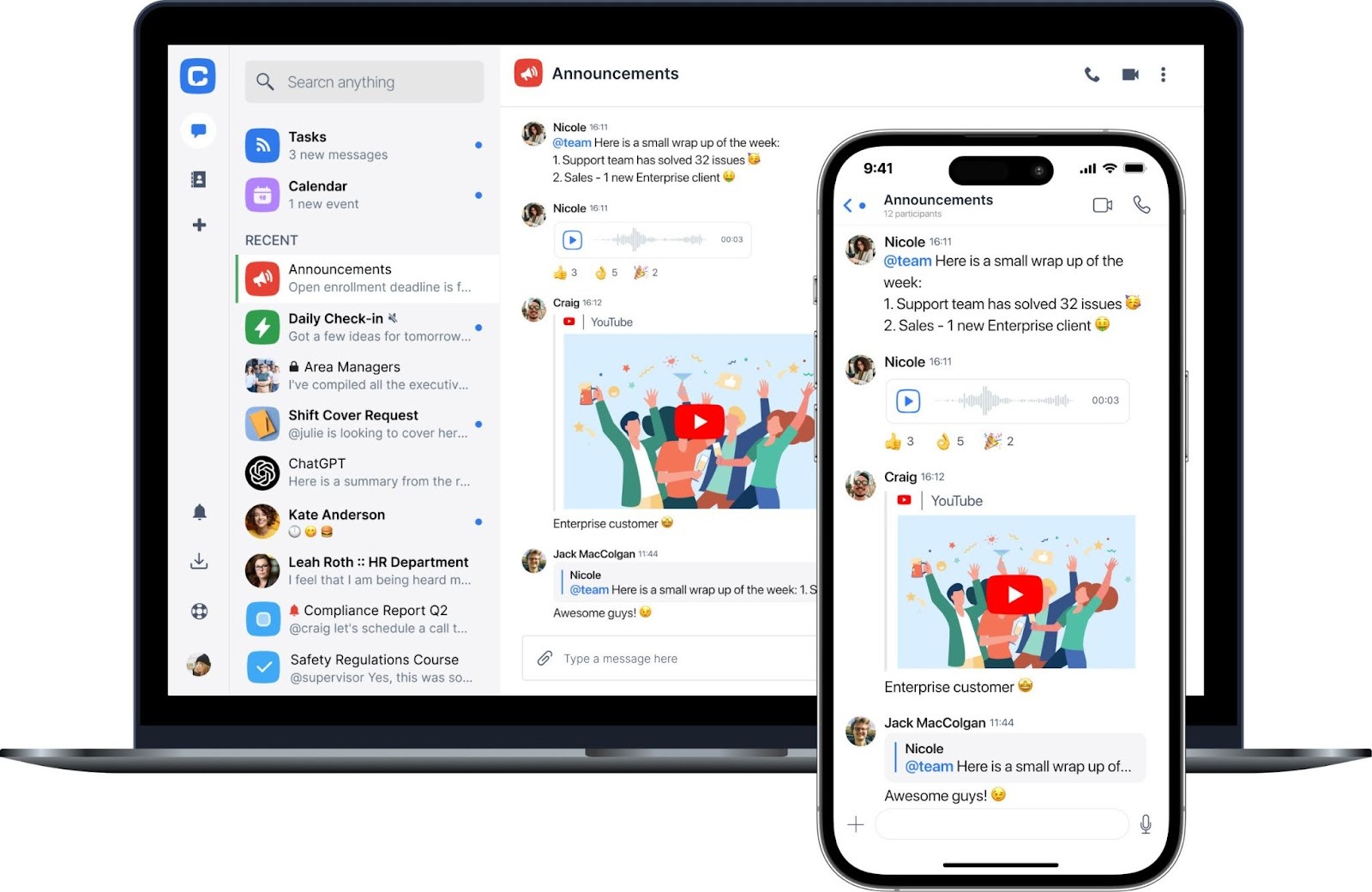
Chanty is a team communication platform that combines chat, task management, and video conferencing into a single interface. It’s designed to help teams simplify their workflows and improve productivity without the complexity of larger enterprise tools.
Who it’s for: Startups that prefer simplicity and ease of use over a multitude of features.
What it can do:
- Team chat: Create direct messages and private or public channels to facilitate team communication and collaboration. Chanty also enables users to send voice messages and schedule messages to be sent later.
- Task management: Turn messages into tasks, set priorities, and track progress. It offers both list and Kanban views to suit different workflows.
- Integrations: Connect with other tools your team uses, such as Dropbox and Trello, to centralize your workflow.
How it benefits startups: Chanty offers startups a simple and cost-effective solution for team communication and task management. Its user-friendly interface and integrated features reduce the need for multiple tools, simplifying workflows and enhancing productivity.
How it scales business (1-10): 6
What it costs: Chanty offers a free plan.
Wherever you are — just get started.
No matter where you are on your journey as a business owner, you can get started with Starter Suite for free — the CRM made for growth.

Slack — your best Microsoft Teams alternative for startup
Startups can choose from a lot of collaboration tools, but few match what Slack offers. It makes teamwork feel effortless and helps teams work productively and get more done every day. Other tools can handle messaging or calls, but Slack turns daily collaboration into a single, clear experience. When connected with a CRM (like Pro Suite), Slack becomes a central hub for all work, bringing tools and conversations together in one place.
So why not start strong? Start your journey with the Free or Starter Suite today. Looking for more customization? Explore Pro Suite. Already a Salesforce customer? Activate Foundations to try out Agentforce 360 today.
AI supported the writers and editors who created this article.