
Let’s say you start your workday by checking your email and going over your sales stats. You peek at your calendar to confirm a few meetings. Then, you get pinged with an urgent message from a coworker and jump on a quick call to chat. You just used four business tools and your day has just begun.
No matter your goals, there are tools you can use to save time, reduce errors, and increase your bottom line. We’ll break down the top tools essential for growing your small and medium business (SMB) and the key features to look for in a variety of solutions.
Why small business tools are important
Small business tools are software and services that help streamline operations, increase productivity, and automate simple and repetitive tasks you must do every day. And there’s a tool for almost everything you can think of — from project management and productivity to data analytics and accounting.
For sales and service teams, customer relationship management (CRM) software is an essential part of the puzzle. CRMs offer a comprehensive view of customer data. This provides a single source of truth for your business and allows for more strategic decision-making and personalized engagement. When choosing other tools, look for CRM-compatible integrations so you can use your data everywhere, collaborate across teams, and simplify your workflows.
While tools have always been essential for small businesses, the rise of AI has made many of these tools more efficient and effective. Automation is one key advantage of AI-powered tools. By automating routine tasks such as invoicing, inventory management, and email marketing, businesses can reduce their teams’ time and effort, freeing up their days for more important tasks like strategy and selling.
What is customer relationship management (CRM)?
Everything you need to know and more.

Key features to look for in small business tools
Before you decide on any tool, be sure to read the fine print. Some tools have terms and conditions that state that the platform can access users’ content by manual and automated methods. This is something to think about if your company deals with proprietary products or sensitive materials.
When choosing what tools are right for your small business, look for features that enhance functionality, efficiency, security, and scalability. These might include things like:
A user-friendly interface
To avoid spending precious time learning a new platform, make sure the tools you choose are intuitive and easy to use. Some tools have a steep learning curve and require hours of training, while others are intuitive and built for user-friendliness.
Integration capabilities
Few things are more frustrating than buying software that’s incompatible with the system you already have in place. Look for tools that can integrate seamlessly with other programs you frequently use such as email, CRM software, accounting, and e-commerce platforms.
Automation capabilities
To save time and reduce human error, choose tools that can automate repetitive tasks. Automation capabilities enable software to perform tasks without human intervention, from simple mechanized processes to complex algorithms that drive artificial intelligence (AI) and machine learning.
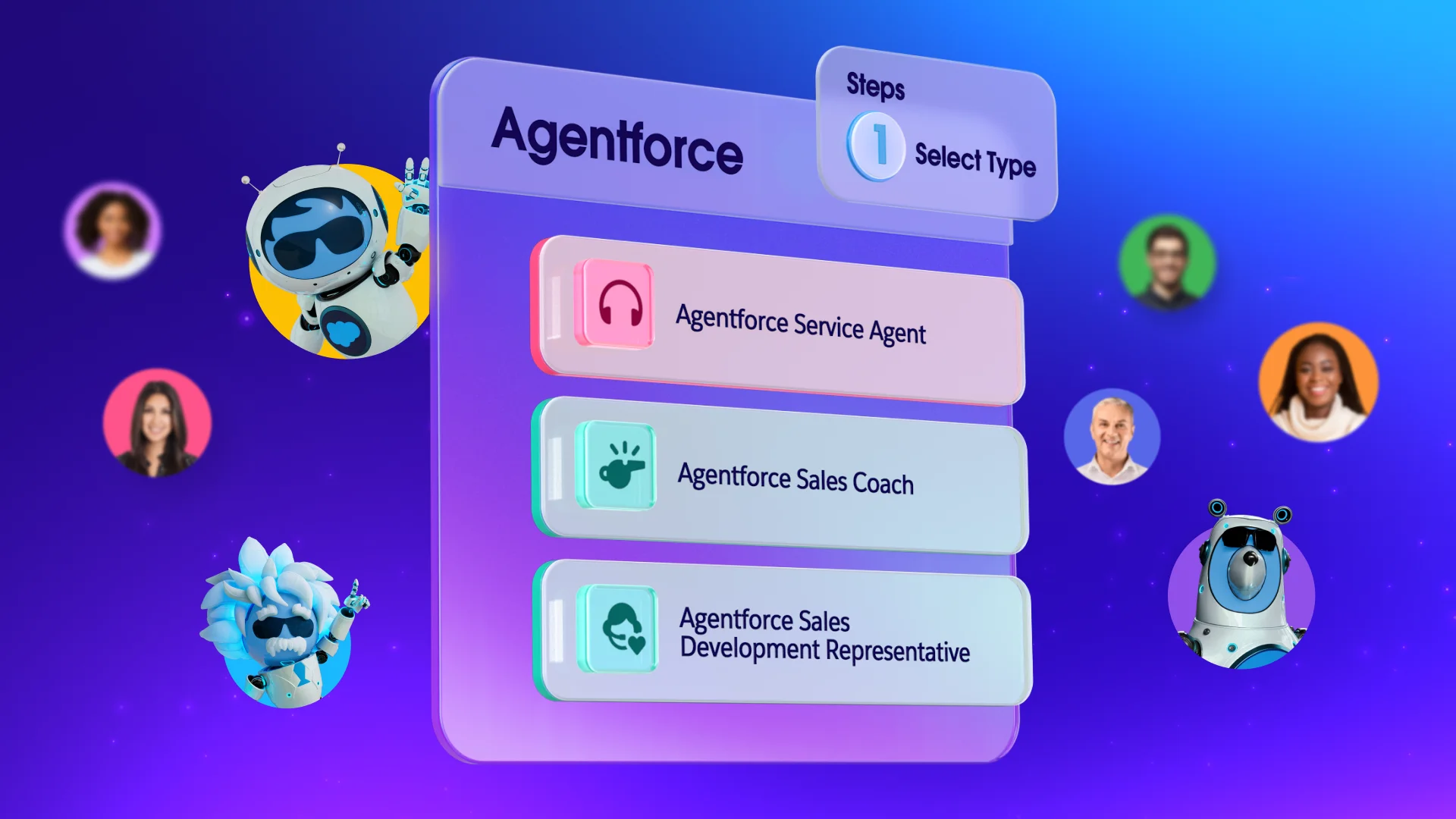
The advancement of agentic AI, like Agentforce, takes automation beyond basic by using intelligent agents to analyze data, execute tasks autonomously, and deliver insights. This approach enhances efficiency, reduces errors, and empowers businesses to operate with greater precision and speed across various industries.
Customization
Ideally, tools should be flexible enough to customize dashboards, reports, and workflow processes. Tools that can be tailored to your specific business needs mean you can work through tasks quickly and seamlessly.
Collaboration
The ability to collaborate in real time with shared workspaces, chat, and video conferencing is a game changer for companies because it allows for things like remote work and instant communication.
Scalability
Make sure your tools can grow along with your business, easily handling increased data, users, and complexity without a significant drop in performance.
Security
Data breaches are a serious and ever-evolving problem — even for small businesses. To keep your information from getting into the wrong hands, look for enhanced security measures such as data encryption, secure access controls, and automated backup.
Analytics
Make data-driven decisions with a tool that tracks key metrics and has comprehensive reporting capabilities. This type of reporting involves the use of specialized tools that can process large volumes of data to identify trends, patterns, and anomalies. The reports generated from analytics are used by organizations to understand performance, optimize processes, and guide strategic planning.
Support
The tool you choose should have easily accessible help resources for your customers, including live chat, email and phone support, or chatbots and self-service options.
Get Salesforce for FREE.
Save time, stay organized, and fuel growth with the CRM that scales for small teams.
How small business tools fuel revenue
About 93% of today’s small business owners report using at least one technology platform to help run their businesses, according to a study by the U.S. Chamber of Commerce. An additional 85% of owners reported that technology platforms helped get their businesses up and running, and 94% said that technology helps them run their businesses more efficiently.
Digital tools are effective at increasing production by streamlining operations and automating repetitive tasks. Other features that fuel growth include:
- Enhanced collaboration: Many tools improve team collaboration with features like real-time communication, task tracking, and project management.
- Accurate analytics: Reporting features in some tools use data to generate tables, graphs, and other visualizations to provide insights into customer behavior, sales trends, and operational performance.
- Market expansion: Ecommerce platforms can help businesses reach clients all over the world. These tools can also help build your customer base by creating targeted marketing campaigns and managing your company’s social media presence.
- Cost savings: When you implement the right tools, you reduce the need for manual labor and minimize human error, helping your business save money. These savings can be applied to other areas of the business, like product development, marketing, or expansion.
The top 27 tools for small business productivity
If you’re in sales, you probably already use a CRM. But according to our latest State of Sales report, just 37% of sales professionals strongly agreeing that their organizations fully use their CRM, so you may be wondering whether you’re using yours to its full potential. Be sure to consider integrations and add-ons with any of the tools we list here.
And without further adieu, here are small business tools (that easily integrate with Salesforce) that we recommend:
Sales and account management
- Ambition: This sales management tool creates transparency around key metrics, improving visibility and simplifying reporting.
- Cirrus Insight: With Gmail and Salesforce integrations, this tool provides reliable email and calendar sync features.
- Clearbit: By enriching prospect data inside your CRM, this tool organizes potential customers’ contact information, including social media handles.
- Demandbase: An account-based development tool that gathers marketing, sales, and support teams into one interface.
- Drift: Using prospect engagement data directly from your website, this tool helps craft conversational messaging and hyper-personal chat functions.
- Guru: Connect all your apps, docs, and chats and get instant answers with AI search assistance.
- Tenfold: Build better relationships by integrating your data, workflow, and engagement systems. This tool is flexible and can connect with legacy phone systems and multiple CRMs.
- Sales Dialer: This sales assistance tool helps you more easily manage all your in and outbound calls so you can communicate with prospects and customers efficiently.
- Tableau: This analytics platform helps teams visualize and understand data, making insights available to everyone.
Communication and collaboration
10. Slack: This messaging app supports real-time communication, file sharing, and integration with various productivity tools.
11. Dropbox: This cloud storage tool offers file sharing, synchronization, and collaboration with team members.
12. G Suite: When synced, G Suite tools help you streamline productivity within your CRM. You can automatically log your email and calendar to optimize your workflow.
13. WhatsApp: This popular messaging app offers private messaging and free calls worldwide. When integrated with your CRM, you can create a messaging channel dedicated to customer support for your business.
14. Zoom: With the rise of remote work, Zoom has become an indispensable video conferencing platform that provides online meetings, webinars, and collaboration capabilities. Integration allows you to start and schedule meetings directly within your CRM.
15. Microsoft Teams: A messaging tool that helps communication and collaboration by summarizing meetings, generate action items, draft messages, and organize conversations automatically.
Get Slack for Small Business.
Growing teams can take business to the next level.

Project management
16. Asana: A work management platform that helps teams organize, track, and manage their work efficiently.
17. Smartsheet: This tool lets you create reports and dashboards for greater visibility and alignment across your organization and with clients.
18. Trello: Using virtual bulletin boards, this collaboration tool helps teams organize projects, and their many details, in one place. CRM integration lets you attach leads, contacts, opportunities, and cases to virtual sticky notes.
19. Wrike: This tool helps streamline processes using automation, so teams can work together more efficiently.
Marketing
20. Starter Suite: This powerful CRM suite for small businesses includes sales, service, marketing and commerce capabilities. For marketing, it includes email marketing automation, embedded AI for employee support, and built-in analytics that let you review performance for better forecasting.
21. Semrush: This SEO solution provides marketers with real-time keyword research, recommendations, and rankings. It reveals search query intent, shows top-ranking competitors, helps guide content creation and optimization decisions, and monitors content performance.
22. Optimizely: A marketing campaign tool to manage content and boost customer engagement on your website. This tool can also facilitate A/B testing to uncover insights and create high-performing web pages and content.
23. LinkedIn: Target buyers and companies that are a good fit for your products and services. Engage buyers with personalized outreach and save time by making sure everything is captured in your CRM.
24. Writer: Build generative AI into any business process. Writer removes complexity so that you can focus on AI-first workflows.
Try the Marketing CRM for small business.
No credit card required, no software to install.

Accounting and finance
25. Accounting Seed: This fully customizable tool eliminates the need for manual accounting. It’s scalable and seamlessly connects financial data across your company.
26. Commerce Cloud: Boost sales and ensure a smooth e-commerce journey across every customer touchpoint with AI insights, merchant dashboards, and more.
27. Conga Contracts: Close deals faster with automated contract creation, controlled negotiations, eSignatures, and streamlined reporting.
28. QuickBooks: This accounting tool helps SMBs with bookkeeping, payroll, and financial management. CRM integration lets you share data between sales and accounting — including customer information, sales orders, expenses, and invoicing.
AI assistance
29. Gemini: An AI assistant designed to handle everything from writing and brainstorming to data analysis and coding used with Google Workspace.
30. Claude: Developed by Anthropic, this AI assistant is known for its thoughtful, nuanced responses and strong writing capabilities, used for drafting long-form content, refining brand voice, and analyzing documents.
31. NotebookLM: An AI-powered research and note-taking tool that helps organize and understand your information by uploading documents, PDFs, or notes, and it will summarize, explain, and even answer questions based on your own materials.
32: ChatGPT: A widely used AI assistant that supports a broad range of business tasks, including content creation, customer support scripts, marketing ideas, and workflow automation.
Most of these tools and integrations are available on the AgentExchange, a marketplace for business apps, components, and integrations built to extend the functionality of Salesforce. Small businesses can find ready-to-use solutions for sales, marketing, customer service, and more — allowing them to customize their CRM without heavy development. It’s a quick way to add new capabilities and scale operations as your business grows.
Try Salesforce for free.
See how growing businesses are using Salesforce Suites to scale fast. No credit card required, no software to install.
It all starts with Starter Suite.
Thank you!
Try for freeThink big with small business tools
Small business tools are essential for today’s businesses to stay competitive. These digital tools have revolutionized the workforce, enhancing efficiency through automation. And, with less time spent on routine tasks, your employees will have more time to put their creativity and talents to work.
Start your journey with a free trial of Salesforce today. Already a customer? Activate Foundations today to try Agentforce.
AI assisted the writers and editors of this article.