


Key Takeaways
Imagine you had a tireless digital agent working in the background to handle the logistics of your day. Visualize tasks being completed and data being organized, all behind the scenes, while your team builds relationships. For a growing small and medium business (SMB), this intelligent assistant means you can finally move faster and focus on what actually drives growth.
Say hi to Slackbot for small business. The best bot in the biz transforms messages into actionable data that flows directly into your team’s workflows. Your data is always just a ping (or a knock brush) away, keeping your operations lean and your responses lightning fast. Let’s dig into what Slackbot can do..
How a Slackbot for small business keeps teams aligned
Slackbot acts as the digital glue that connects your team to their most important tasks, data, and tools. By using a collaborative artificial intelligence (AI) agent, you can set up automated alerts that notify your team the moment a new lead comes in or a high-priority support case is created. This instant visibility guarantees that you never miss an opportunity to impress a prospect or help an existing customer.
What can a Slackbot do for small teams?
The real question is, what can’t it do? Slackbot for small businesses can automate notifications to instantly alert the team about new leads, urgent support cases, or critical project updates, as well as simplifying CRM updates by allowing team members to view and change customer records using simple commands directly in Slack.
Slackbot centralizes data access, allowing users to quickly fetch relevant documents, project details, or data summaries without leaving the conversation. It can also simplify daily huddles by automatically collecting individual status updates and posting a summarized daily report to a channel, saving valuable meeting time. And, Slackbot keeps everyone on track by setting team reminders and schedules for deadlines, meetings, or follow-ups.
But, it’s all about connecting Slackbot to your business management tools. Integrating your chat with a customer relationship management (CRM) tool helps you maintain a clear view of every customer interaction. When you use Slackbot inside your CRM, you can pull records or update project statuses without ever leaving the conversation. This streamlined approach allows your team to spend less time digging for details and more time building the relationships that help your business grow.
Boost team productivity with Salesforce



Boosting productivity across the portfolio
A central hub for collaboration (Slack and CRM) helps every part of your business work better together, from sales to service. When your marketing team sees real-time feedback from sales in a Slack channel, they can adjust their campaigns to better fit what customers actually want. This type of cross-functional alignment is what helps a startup stay ahead in a crowded market.
Using tools like Slackbot allows you to automate the repetitive parts of your workflow, such as weekly status reports or meeting notes. This gives your team the space to focus on high value tasks that require a human touch. By connecting your entire portfolio — sales, marketing, service, commerce, and operations — you create a seamless experience for both your team and your customers.
Examples of Slackbot in action for small teams
Slackbot converts your team chat from a simple communication tool into a powerful, actionable command center. For small businesses using a CRM, this integration is the key to closing deals faster and providing exceptional service without increasing headcount.
- Faster lead follow-up: Instantly post new lead alerts to #sales channels with a link to the CRM record, reducing response time.
- Critical issue resolution: Monitor #support channels for customer urgent keywords, automatically creating a high-priority CRM case and notifying the on-call agent.
- Reduced admin overhead: Allow sales reps to update CRM stages directly from Slack commands, with just a few clicks.
By connecting Slackbot directly to your CRM, you create a seamless loop where communication triggers data updates, and vice-versa. This is how small teams scale their impact — by making every conversation an opportunity to capture, act on, and understand customer data.
Simplifying operations with an SMB Slackbot
For a growing business, the ability to operate faster is a major competitive advantage. Slackbot simplifies internal operations by taking care of the small tasks that eat up your day. Whether it’s scheduling a huddle or finding a specific file, having an assistant ready to help makes your workday much smoother.
- Improved daily alignment: Automate the daily standup process by collecting team priorities via private message and posting a summary to a channel.
- Centralized file sharing: Easily find and share important documents, removing the need to search through multiple folders or email threads.
- Automated data capture: Set up workflows to capture key data (like meeting summaries or customer feedback) and push it directly into your CRM or project management tools.
When you connect Slackbot to your business, you reduce the need to switch tabs constantly. This helps your team stay in flow and get more done in less time. Investing in a Slackbot for your growing business is a smart move for any leader looking to build a more efficient and connected organization.
Boost team productivity with Slack
Bring together your team, your customers, and your tools to help take your business to the next level with Slack — it’s where business gets done.

Scaling your startup with AI (bots)
As your business grows, you might find that manual processes no longer keep up with the volume of work. AI can help you scale your operations efficiently. By activating AI within your workspace, you can summarize long threads or find answers to complex questions in seconds.
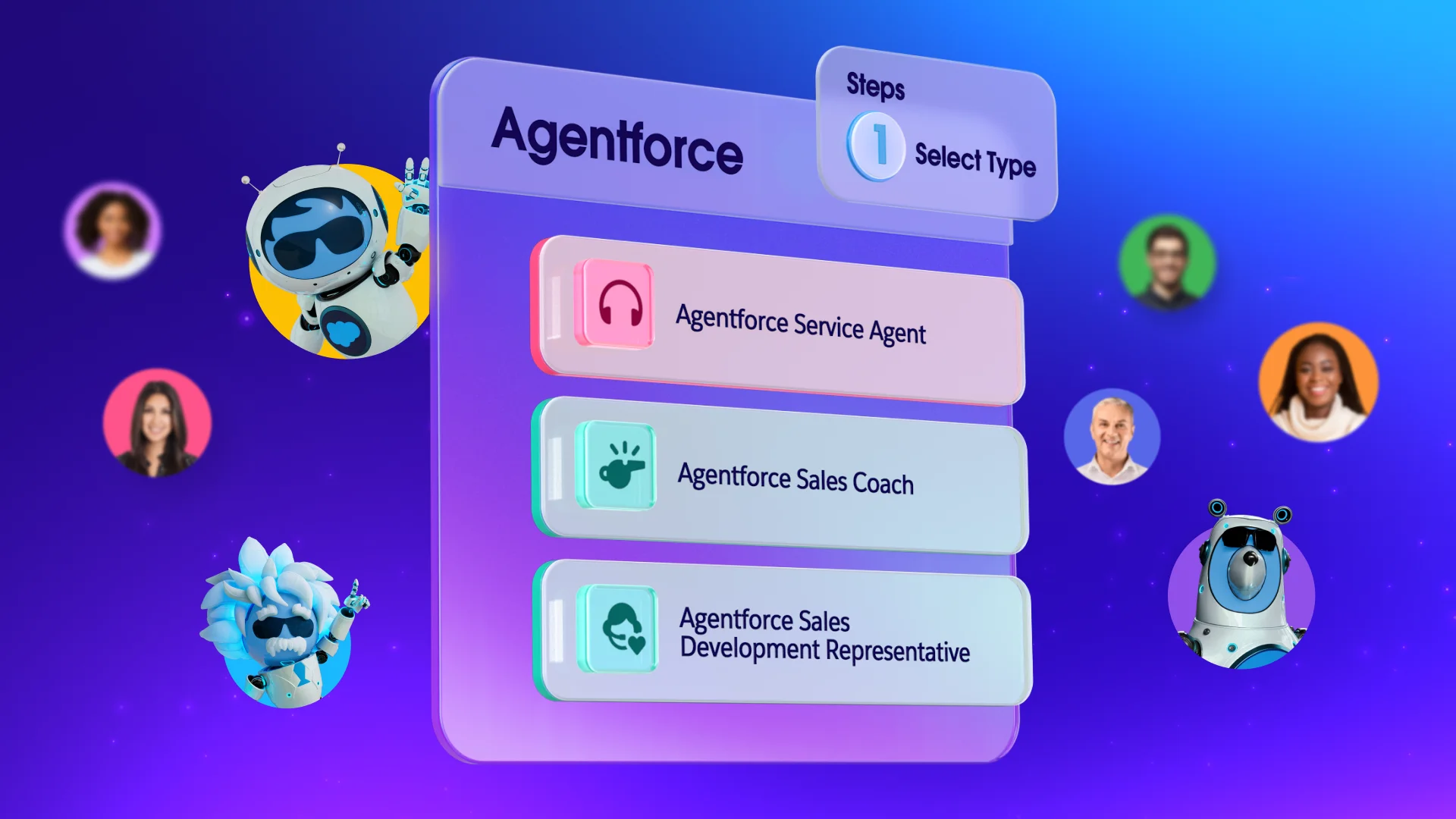
With Agentforce 360, your team can gain access to an intelligent assistant that understands the unique context of your business. This technology doesn’t just store information — it helps you act on it by suggesting next steps or drafting responses based on past successful interactions. Using Agentforce helps your small team provide the same level of service as a much larger competitor.
Ready to try out your new favorite bot?
Slackbot awaits! Here are a few more resources to get you started with your SMB Slackbot:
- Salesforce + Slack Integration: Find the official Salesforce apps for Slack on the AppExchange.
- Slack Basics Trailhead Module: Free learning path on how to use Slack effectively for business.
- CRM and Slack: The Ultimate Guide: Resources and guides on connecting your customer data with your communication hub.
Get Slack for free with Starter Suite today. Looking for more customization? Explore Pro Suite. Already a Salesforce customer? Activate Foundations to try out Agentforce 360 today.
AI supported the writers and editors who created this article.
What is a Slackbot and how does it help my small business?
A Slackbot is a built-in assistant that helps you manage tasks, set reminders, and answer questions within your workspace. For a small business, it saves time by automating routine chores and keeping your team organized.
How do I connect my CRM to Slack?
You can connect your CRM to Slack by installing the official integration app from the Slack Marketplace and following the setup prompts. This allows you to view and update customer data directly from your chat channels.
Can AI really help a small team be more productive?
Yes, AI can handle time-consuming tasks like summarizing meetings and searching for information across multiple documents. This allows your small team to focus on strategic growth rather than administrative work.
Is it hard to set up automation for my startup?
Not at all, as many modern tools offer no-code workflow builders that allow you to automate tasks with simple templates. You can find guided learning paths for these tools on Trailhead to get started quickly.
What are the benefits of using Agentforce 360?
Agentforce 360 provides a sophisticated AI assistant that can proactively help with tasks like customer support and sales preparation. It connects with your data to provide context-aware help that evolves as your business grows.