

When you decide to train your AI tools, you aren’t just setting up software; you’re onboarding your most valuable partner to help handle the daily workload. What does it mean to train your AI tools?
To help you, we compiled the AI Anti-Hallucination Playbook of prompting strategies so you can easily train your AI to speak with the precision and voice your customers expect. Let’s get into why that’s important and some takeaways from the playbook.
Why train your AI tools?
Think of onboarding new software like hiring a new team member. If you don’t train them, they can’t do their job the way you want. When you train your artificial intelligence (AI) tools, you’re giving them the exact context and rules they need to represent your brand with the quality you expect.
Here is why taking the time to set up your tools is a game-changer for your business:
- Saves precious hours: Instead of spending your day answering repetitive questions, your team can focus on building lasting relationships with customers.
- Keeps your brand consistent: When your systems speak in your unique voice, your customers get a reliable experience every single time.
- Builds client trust: An automated partner that has clean, accurate customer records will never guess or make up facts.
- Grows your team’s capacity: You can handle a much larger workload without adding to your payroll or overhead.
Get the AI Anti-Hallucination Playbook
Put AI to the test. Give your team a practical framework to strengthen AI prompts and keep working moving forward.

1. Set a fact-driven framework
To keep your systems aligned with reality, you must set clear boundaries. Start by anchoring your requests explicitly in verifiable facts and defining the specific audience, decision, and scope. When your customer relationship management (CRM) platform has clean, unified data, your prompts can easily reference real customer context instead of generic web content.
This ensures your team doesn’t spend time chasing down conflicting details — they move forward with confidence. By giving your tools a precise frame of reference, you prevent them from wandering into irrelevant areas. It’s like giving a new teammate a specific playbook for their first day.
- Prompt Example: ‘Act as a customer service assistant. Using the attached customer file, define the scope of the request and provide a response grounded in these specific facts.’
- AI Response Example: ‘Based on account record #84920, the client signed a 12-month Starter Suite subscription on June 15. The scope of this inquiry is limited to account setup and billing cycle confirmation.’
2. Protect customer trust
your tools to clearly flag when information is missing, conflicting, or cannot be verified, and to say “I don’t know” or request human review rather than filling gaps with invented information. Keeping the trust of your customers is everything — and a robotic, made-up answer can damage relationships you spent years building.
AI agents become more reliable when they’re connected to trusted sources of truth. . According to our recent research, 74% of SMB customers agree that security and privacy features help them deploy AI with confidence. By setting explicit boundaries, you ensure your agents only speak from verified records.
When your customer interactions maintain a high level of accuracy, you build lasting brand loyalty. Your reputation is your most valuable asset, and protecting it should always be a priority. Explicitly blocking fabrication is a simple yet powerful way to safeguard your client relationships.
- Prompt Example: ‘When answering this inquiry, if you do not have definitive information in the knowledge base, state “I do not have enough information to answer this” rather than guessing.’
- AI Response Example: ‘I do not have enough information in the verified knowledge base to confirm our SLA for custom API integrations. Please contact human support for assistance.’
- You can learn more about configuring secure permissions and trust boundaries on Trailhead.
3. Request ranges instead of absolutes
Real-world business situations are rarely black and white. Instead of asking for a single absolute figure, ask your tools for benchmarks that reflect real-world variability. This gives you a more realistic view of potential outcomes, helping you make smarter choices.
For example, asking for a range of customer acquisition costs helps you plan your marketing budget with a safety margin. This pragmatic approach keeps your business agile and ready for any market shifts. It also stops the system from making overly confident, yet inaccurate, predictions.
To help guide your strategy, check out our AI guide for SMBs for more tips on managing realistic expectations.
- Prompt Example: ‘What is the typical range for customer acquisition costs in the retail industry, rather than providing a single number?’
- AI Response Example: ‘Estimated retail CAC typically ranges between $45 and $85 per customer depending on paid acquisition channel mix and organic brand authority.’
4. Anchor outputs to your metrics
Vague, abstract advice doesn’t help you run a business. Tie your prompts directly to key performance measures like click-through rates, customer acquisition costs, or conversion rates. This forces the system to generate highly actionable recommendations that directly impact your bottom line.
By focusing on these metrics, your automated tools can suggest practical improvements for your sales and service pipelines. When you establish concrete benchmarks, you can easily measure the return on your technology investments. To find prebuilt metrics dashboards and tools, check out the options on AgentExchange, which features thousands of solutions to expand your platform.
- Prompt Example: ‘Review this campaign’s performance and provide recommendations specifically focused on increasing the click-through rate (CTR).’
- AI Response Example: ‘To raise your campaign CTR from 1.8% to the targeted 2.5%, test clear CTA button copy (“Claim Free Trial”) and tighten headline messaging around SMB savings.’
5. Require self-checks
Ask the system to identify its sources, surface key assumptions, check calculations, and flag claims that aren’t supported by the available evidence. For high-impact decisions, require human review before the output is acted on.
When you require this level of transparency, you get a clear look under the hood of your automated assistants. You can spot where assumptions were made and correct them before they reach a customer. It’s a reliable way to maintain the high quality your brand is known for.
This self-checking process ensures that every piece of communication matches your high standards. It turns AI from a black box into a transparent, collaborative partner. Your team can confidently delegate tasks, knowing the reasoning is sound.
- Prompt Example: ‘Before providing your answer, please explain the step-by-step logic you used to arrive at this conclusion and cite your sources.’
- AI Response Example: ‘Logic check: 1) Analyzed Q2 lead drop (+15% churn). 2) Checked onboarding email open rates (down 22%). 3) Conclusion: Re-engagement flow requires updated messaging. Source: Q2 Product Analytics Dashboard.’
Training IRL with SkySync
Jumping right into a story here: SkySync automated their own lead pipeline, turning a process that used to take three days into one that takes just five minutes. They did this by connecting their tools to their existing database using Salesforce. When everyone has access to the same clean data, you can easily train your AI to deliver precise, helpful support. Read more customer stories to see what’s possible for your business.
Ready to get training? Here’s your playbook
When you align your automated tools with your unique business goals, you gain a massive competitive advantage. You don’t need a massive team or a huge budget — you just need the right partner. By taking the time to set up clean data and clear guidelines, you can scale your capacity and execute your greatest ambitions.
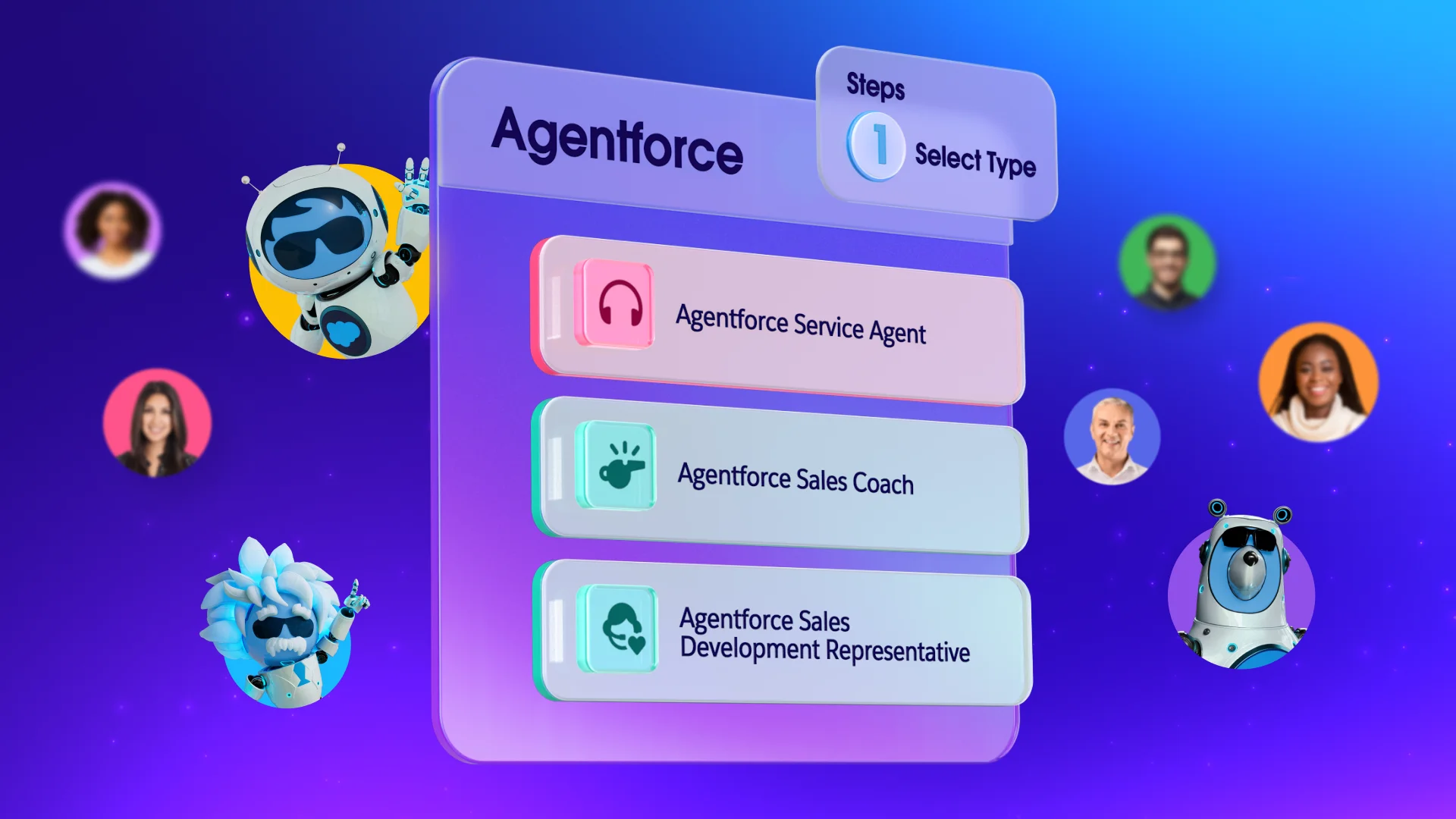
Get started with Salesforce for free or activate Foundations to try out Agentforce today.
AI supported the writers and editors who created this article.
How do I prevent my AI from making up facts?
You can stop fabrication by explicitly instructing the system to say “I don’t know” or “no reliable data” when it lacks verified information. Grounding your prompts in clean data from your CRM is also key.
What is the best way to train your AI for customer service?
The best approach is to connect your tools directly to your customer database so they have full context. You can then use specific prompting strategies to define their role, tone, and boundaries.
How do AI agents help small businesses save time?
These proactive assistants handle repetitive overhead tasks like data entry, lead qualifying, and scheduling. This frees up your human team to focus on high-value customer relationships.
Can I set up automated tools without a developer?
Yes, our turnkey solutions are pre-built by experts so you can start running sales and service in minutes. You can easily manage and configure them directly within the tools your team already uses.
Where can I learn more about Agentforce for small business?
You can read about how proactive assistants are helping small teams scale on the Salesforce Blog.