


You’ve probably heard the phrase, “knowledge is power”, right? Well, it’s true — enabling your customers with the knowledge they need to use your product or brand — that’s powerful. Self-service for your growing business is no longer optional, according to Salesforce’s State of Service report: 80% of customers expect to have self-service options when interacting with a business.
And what better way than to provide all the answers they need, than in one reliable place? We’re going to show you to create a knowledge base, giving everyone a go-to spot to get information to learn whenever and wherever they want. Let’s get started.
What is self-service, exactly?
Self-service is a centralized repository that stores, manages, and retrieves information to enable your customers to learn at their own pace. It serves as a source of truth for frequently asked questions (FAQs), troubleshooting guides, step-by-step tutorials, and detailed product documentation.
Here are some types of content that are included in a self-service portal (for smaller teams, you can even start with the first three):
- How-to guides and tutorials: Step-by-step instructions for completing key tasks or using product features.
- Frequently Asked Questions (FAQs): Concise answers to the most common customer questions.
- Troubleshooting documentation: Content that helps users diagnose and resolve common errors or issues.
- Product or service manuals: Detailed descriptions of product features, specifications, and system requirements.
- Video walkthroughs: Visual content that demonstrates complex processes or usage scenarios.
- Policy and procedure documents: Information on returns, billing, service level agreements (SLAs), and security standards.
- Case studies and use cases: Examples of how others have successfully used the product or solved a problem
Build a self-service portal for your small business
When a customer has a simple question, the last thing you want is for them to have to pick up the phone, write an email, or wait in a chat queue. A well-designed self-service portal acts as your employee, providing instant answers and freeing up your team to focus on sales, marketing, and the support issues that require human expertise. Let’s walk through the steps to plan, build, and optimize your self-service powerhouse.
Define your customer’s knowledge journey
Before anything, map out the content your customers are looking for. Think about the most common reasons people reach out to you today. These questions are your starting point. You need to identify the top 10–15 high-volume issues that currently eat up your team’s’ time. This is your minimal viable product (MVP) for your self-service portal.
- Audit existing support data: Analyze calls, emails, and chat transcripts for common keywords and repetitive questions. For a startup, this might mean reviewing your first 50 customer emails.
- Establish content categories: Group questions into logical categories (like billing or product) for easy navigation within your self-service portal.
- Set measurable goals: Define what success looks like. Is it reducing support tickets by 20%? Improving customer satisfaction (CSAT) scores?
The AI Service CRM for
small business is here.


Choose the right customer relationship management platform
A stand-alone knowledge base is simply a static website; a powerful service portal is integrated into your entire operation. Your knowledge base should be an extension of your customer relationship management (CRM) system, which unifies your sales, marketing, service, commerce, and productivity teams.
- Integrated search and deflection: The platform should let customers search the knowledge base before they submit a ticket, effectively deflecting common inquiries away from your agents.
- Content authoring and governance: Look for a platform with tools for writing, editing, and publishing content, as well as version control to keep information accurate.
Create high-quality content for your customers
Content is the heart of your portal. To be truly effective, your articles must be accurate, easy to find, and written from the customer’s perspective. Avoid overly technical language and focus on clear, actionable steps.
When customers come to your knowledge base, they’re looking for a quick fix, not a novel. They need to be able to scan an article and find the answer in seconds. Structure your content with clear headings, bulleted lists, and images or videos where necessary.
- Use the “inverted pyramid” style: Put the most important information — the answer — at the very beginning of the article.
- Adopt a consistent voice and tone: Your articles should sound like helpful, informed team members, building trust and verifying with authenticity.
- Incorporate visual aids: For complex procedures, a simple video walkthrough or a screenshot can be far more effective than pages of text. Use your knowledge base to host links to Trailhead for guided learning.




Optimize for search and discoverability
If customers can’t find your articles, they most likely aren’t optimized. Optimization is about more than just adding keywords; it’s about making your content accessible both search engines (like Google) and the user. Here are a few ways to do this:
- Use descriptive titles: Article titles should clearly state what the article is about ( “How to Update Your Billing Information” instead of “Account Management”).
- Tag and categorize content: Use relevant tags and place articles in the appropriate categories. This helps the platform’s internal search function deliver accurate results.
- Link related articles: Create a web of knowledge by linking to related content. If a customer is reading about “Product Setup,” link them to “Troubleshooting Common Setup Errors.” Ensure all resources are location-based.
Maintain and scale your self-service
Building your portal is just the beginning. The most successful self-service is the one that is updated and improved over time. For a growing SMB, this helps to scale without adding support costs.
Maximize your service performance


Use data and AI to stay relevant
Your portal generates valuable data every day. The searches customers perform, the articles they read, and the ratings they leave all offer insights into content gaps and inaccuracies. Use artificial intelligence (AI) to help you analyze this feedback.
- Monitor key metrics: Track metrics like the deflection rate (how many tickets were avoided), article views, and failed searches in a marketing CRM.
- Activate AI for recommendations: Platforms powered by AI can automatically suggest relevant articles to customers based on their history, enhancing the power of your knowledge base portal.
- Implement a content review cycle: Assign an owner to each category of articles and set a calendar reminder for reviews. This ensures that content related to product updates and policies stays accurate.
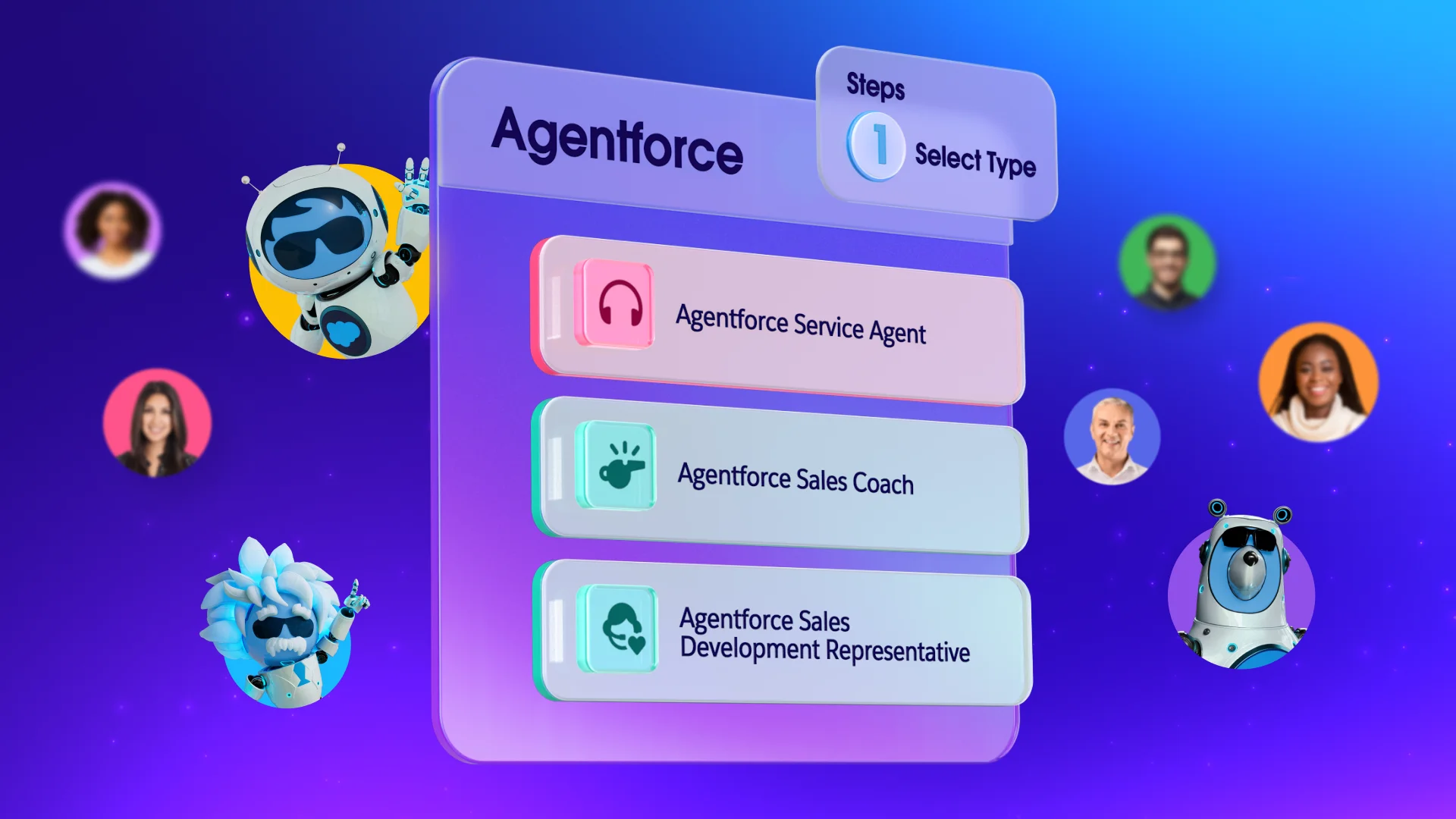
Self-service made easy with Salesforce
A powerful self-service portal is only as good as the platform it’s built on. Integrate your self-service strategy with a CRM like Salesforce and start seeing results from day one.
Start your journey with a free trial of Salesforce. Already a customer? Activate Foundations to try out Agentforce today.
AI supported the writers and editors who created this article.
What is a knowledge base or self-service portal?
It’s a centralized online repository of information (FAQs, guides, tutorials) that allows customers to find answers and solve problems on their own, without needing to contact a support agent.
Why is self-service crucial for a small business?
It allows small businesses to provide 24/7 support, efficiently handle high-volume, simple questions, and reduce the drain on limited staff resources, which is essential for scaling.
What’s the most important content to include first?
Start with your minimal viable product (MVP) by focusing on the top 10–15 high-volume support issues that currently take up the most agent time.
How does a CRM platform help my knowledge base?
Building your knowledge base on a CRM (like Salesforce Starter Suite) integrates it with your sales, marketing, and service data. This enables features like ticket deflection and content tailored to the customer journey.
How often should I update my knowledge base content?
You should implement a regular content review cycle, ideally quarterly, or semi-annually, to ensure all articles remain accurate, relevant to current products, and effective at answering questions.