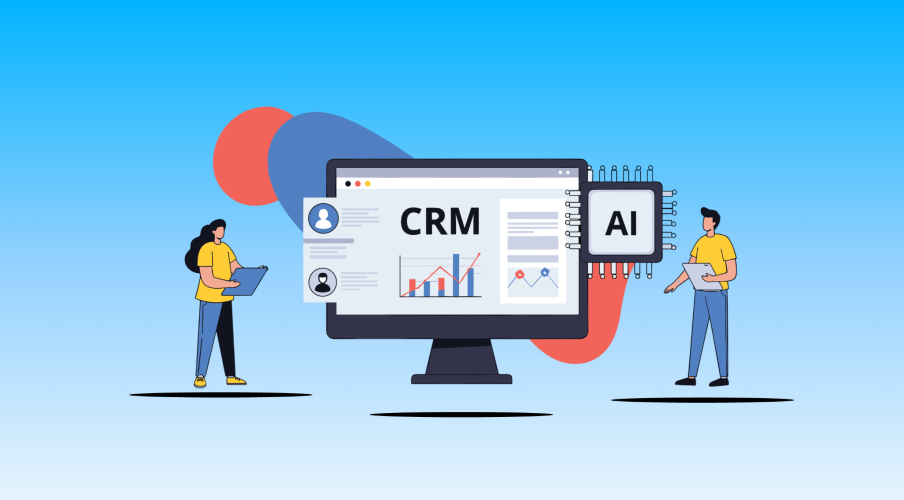


You may be asking the question, why can’t I just use AI for this…and that? And everything? What’s the difference between my business tools and AI tools? Think of it this way…
Artificial intelligence (AI) is only as powerful as what it knows. And what it knows about your business — your customers, your history, your pipeline — lives in your customer relationship management (CRM). Your CRM is the foundation your business runs on. It holds every customer, every deal, every interaction your team has ever had. AI is what turns all of that into action — helping your team move faster, respond smarter, and deliver the kind of experience that makes customers feel known, not just contacted.
Together, they’re the combination that lets a lean business operate like a much larger one. In this guide, we’ll break down what each one does, where they’re stronger together, and how to put both to work for your growing business.
What does CRM do?
A CRM platform serves as the digital home for every interaction, preference, and history a growing business has with its audience. Functioning as the system’s “memory”, a CRM organizes and keeps customer data clean and accessible, ensuring no lead falls through the cracks and creating a reliable foundation for sales and marketing.
This centralized system gives teams a unified, 360-degree view of the customer, enabling personalized experiences and efficient operations that scale with the business. Here’s a short list of what a CRM can do for your small business:
- Lead management: Track and convert potential leads into sales opportunities to improve your sales cycle.
- Contact and commerce management: Centralize customer information, conversation history, and notes for up-to-date and tailored communication.
- Email and social marketing: Use prebuilt templates to create, segment, and personalize campaigns for higher engagement.
- Reporting and analytics: Analyze performance and trends using customizable dashboards to make data-driven decisions.
- Team productivity and collaboration: Automate workflows, set task reminders, and centralize communication for seamless handoffs and team alignment.
- Mobile access: Manage crucial business data and stay connected with customers from any device or location.
And now these systems are embedded with smart tools, now considered AI CRM, and have intelligent functionality to assist your team, but we’ll get to that later. Stay tuned.
Try the AI CRM for SMBs and see what’s possible.
Get started with Salesforce Suites — the AI-powered CRM made to grow your ambition.

What does AI do?
AI acts as the “engine” that enables a business to scale by automating tasks, analyzing data, and improving customer experiences based on organized data.
You may know AI tools like ChatGPT, Gemini, and Claude, and they act as assistive platforms to help you with guided search, content generation, and answering queries. But AI is now transforming into much more than just a helpful search engine.
- Task automation: Automating repetitive workflows like data entry, scheduling, invoicing, and reporting to save time and reduce errors
- Content creation: Generating marketing copy, emails, blogs, product descriptions, and social media content at scale
- Data analysis: Turning large datasets into forecasts, trends, and actionable business insights for better decision-making
- Document processing: Extracting, summarizing, and organizing information from documents, contracts, and meetings
When it comes to business tools like CRM, AI is excellent at finding patterns in massive datasets and can perform actions like predictive lead scoring, generating data-grounded emails using generative AI, and summarizing records instantly. AI agents work autonomously, handling repetitive tasks like scheduling or routine customer queries 24/7, freeing up human teams for high-value problem-solving.
And, what does AI do for CRM?
Take Slackbot, for example, the friendly AI bot that brings your CRM data right into your daily chats. It’s a great example of how AI and CRM work together: Slackbot can now use its “core memory” to remember your specific instructions and recurring workflows, meaning it doesn’t just answer questions — it acts on your behalf. Whether it’s summarizing long threads or helping you update sales records without switching tabs, it makes managing your business feel a lot less like “work” and more like having a tireless digital teammate.
And, here’s a short list of what AI can do for your CRM:
- Predictive lead scoring: Automatically rank leads by their conversion likelihood so your sales team focuses on high-value opportunities.
- Generative AI: Draft personalized emails and content using your specific brand voice and customer data.
- Summarization: Instantly condense long customer records, meeting notes, or email threads for quick insights.
- Intelligent automation: Handle repetitive tasks like data entry and routine customer queries 24/7.
Slack is where business gets done.
Bring your team, your customers, and your tools together to take your business to the next level with Slack — where business gets done.

CRM and AI for your growth
When comparing CRM and AI, it’s helpful to think of the platform as the memory and the intelligence as the engine. Startups often use these tools to ensure that no lead falls through the cracks, creating a reliable foundation for every sales and marketing effort you launch.
By keeping a unified profile of every customer, your team can see exactly what a buyer needs before they even ask. This level of organization is something that standalone tools can’t achieve without a centralized system to feed them high-quality information.
AI is great at finding patterns in massive datasets, but it lacks the emotional intelligence to understand why a long-term client might be having a difficult month. Your sales team can use the CRM and AI relationship to identify who to call, but the empathy they bring to that conversation is strictly human.
Small businesses thrive on these personal moments — like remembering a client’s kid’s graduation or knowing exactly how they prefer their shipments packaged. While a system can record these facts, the genuine care behind the follow-up is what builds the brand loyalty that keeps a startup afloat during lean times.
CRM + AI: IRL
For a real-world example, consider TireTrack. Before implementing Salesforce Free Suite, TireTrack managed sales using spreadsheets, which often led to lost prospects and a lack of rich context for follow-up conversations.
By seamlessly moving their data to Salesforce Starter Suite, the team was able to transform task management and prioritize sales efforts effectively. This organized approach allowed TireTrack to increase call volumes from 150 calls per week to upward of 500 after implementation, saving them approximately two hours per day in administrative time that was reinvested into business growth. This structured system provided the consistency needed for timely follow-ups, ensuring potential leads were contacted at the ideal moment, which directly contributed to TireTrack’s customer base growing eightfold.
How TireTrack Tripled Sales Outreach by Moving to Salesforce CRM

Setting up your data for success with CRM and AI
Before you can worry about advanced automation, your startup needs to ensure the data entering your system is accurate and helpful. The CRM vs AI conversation often ignores the “garbage in, garbage out” rule, where messy records lead to unhelpful automated suggestions that can annoy your customers.
- Audit your current contacts: Remove duplicates and outdated email addresses to ensure your outreach hits the mark.
- Train your team early: Make sure everyone from sales to service knows how to log notes consistently so the intelligence tools have good material to work with.
- Focus on the customer journey: Map out every touchpoint a person has with your SMB to see where automation helps and where it might feel cold.
The future of business with CRM and AI
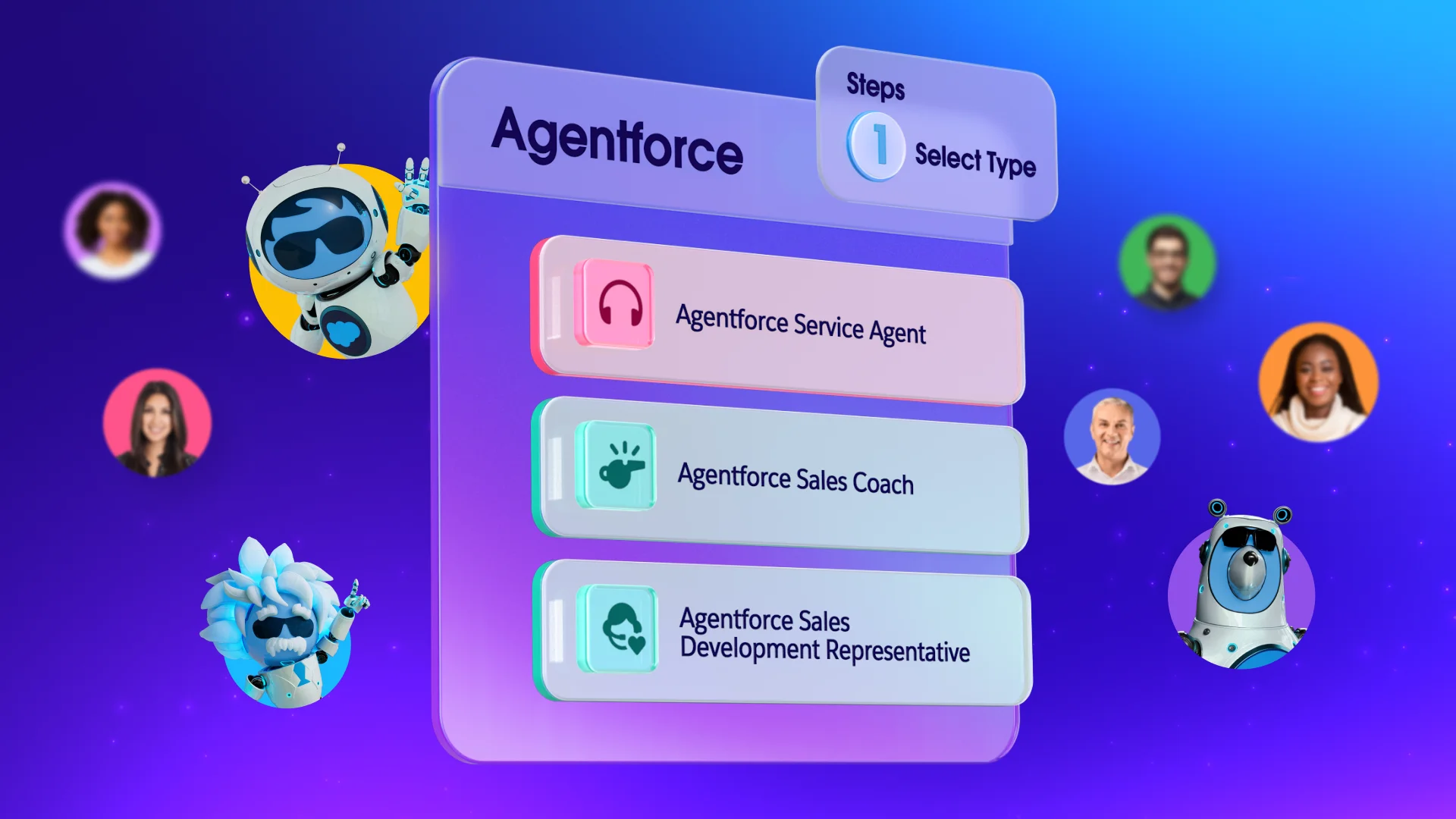
Looking ahead, the integration of these technologies will only become more seamless. Your business will be able to use Agentforce (Salesforce’s complete portfolio of AI products, powered by Headless 360) to create autonomous assistants that don’t just follow scripts but actually help solve complex customer problems by pulling from your data.
For more information on the future of AI and CRM, consider these resources:
- What is Agentforce for Small Business?
- Small and Medium Business Trends Report
- AI for Salesforce Suites: Quick Look Trailhead
- State of the AI Connected Customer Report
Get started with Salesforce Suites for free or activate Foundations to try out Agentforce today.
AI supported the writers and editors who created this article.
How does CRM vs AI help a small business save money?
By automating repetitive tasks like data entry and lead scoring, your team can focus on closing deals rather than administrative work. This efficiency reduces the need for extra headcount while increasing the output of your current staff. You can find more tips on maximizing your budget through Salesforce’s small business center.
Do I need a large IT team to manage CRM vs AI tools?
No, modern cloud-based platforms are designed for users who may not have a technical background. Many SMB owners manage these systems themselves or designate a “super user” within their existing team to handle basic setup and customization.
Can AI replace my sales team in the CRM vs AI model?
AI is a tool to assist your sales team, not a replacement for them. It handles the “busy work” like scheduling and research, which frees up your salespeople to do what they do best — building real relationships and solving customer problems.
Is my data safe when using CRM vs AI features?
Security is a core component of reputable platforms, offering enterprise-grade protection for businesses of all sizes. By using a trusted provider, you ensure that your customer data is encrypted and compliant with global privacy standards.
How long does it take to see results from CRM vs AI integration?
Many businesses see improvements in organization and team communication within the first few weeks. Financial results, like increased sales or better lead conversion, typically become visible as you gather more data over a few months.