


The best marketing operators aren’t the fastest clickers. They’re the ones who stopped clicking
How to run your marketing platform in plain language, with ten agent prompts you can use today
Every marketer I talk to describes some version of the same day. They came in to ship a campaign and left having spent four hours in a browser. Cloning a journey. Rebuilding a data extension. Clicking through five screens to answer one question. Waiting on an analyst to write the SQL.
None of that is strategy and none of it is creative. It is operational overhead, and it eats the day.
And underneath it, the questions that actually matter never get asked, because asking them is expensive:
– How many people finished the journey, and where did we lose them?
– Why didn’t this one customer get the email?
– Is this campaign actually safe to publish?
The work should not require the interface
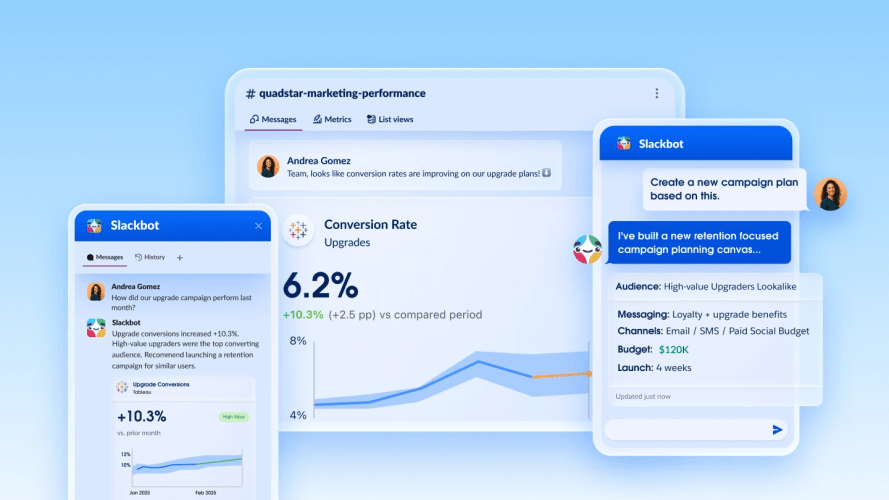
Headless marketing takes that work off your plate. You describe what you want in plain language and an AI agent does it inside your Salesforce marketing platform. It calls the right APIs in the right order and hands back the result, not another screen to click through.
That is headless marketing on Marketing Cloud Engagement. It is an open platform, so you drive it with the agent you already use (Claude, ChatGPT, Gemini, and more). It is grounded in your unified customer data. It reaches every channel. And it runs inside the governance, access control, and audit trails your org already has, which means nothing about this asks you to loosen your controls to move faster.
You stop being the hands that move the platform. You start being the person who decides what “done” looks like.
How to get started today
Let me make this concrete, because “agentic marketing” can sound like a slide until you see what it does to your Tuesday.
Every prompt below has been tested against a live org. Your results will look different, and that is expected. Your org structure, your naming conventions, the model you point at the MCP server, the skills you pair with it, and your own permissions all shape what an agent can do and how it does it. Treat these as starting points. Adapt them to your setup, then push past them.
Ready to get started? Connect your MCP server today.
Get answers without building a report
Ask about journey performance in plain English
Completion rates, drop-off, engagement. Ask for it in conversation instead of building a report or waiting on an analyst.
Trace why a customer didn’t get a message
Follow one person across subscription status, journey entry, and send history to find the exact point they fell off. Seconds, not screens.
Build a targeted audience from a plain-English description
Describe the audience. Get it built and ready to use. No SQL, no analyst hand-off.
Create an HTML email or template in Content Builder
Go from a description to a ready-to-edit email or a reusable template, with your HTML in place and the asset filed in the right folder. No manual setup in the editor.
Publish, pause, resume, or stop a journey on command
Run a journey’s full lifecycle in plain language. Push it live, hold it mid-flight, start it again, or shut it down, all without opening the canvas.
Run a readiness check before you publish
One command gives you a go/no-go. It confirms the audience is populated, the assets are out of Draft, subject lines and links are in place, sender settings are configured, and the journey has no dead ends.
Spot customers getting too many messages
Find who is being over-messaged and which journeys overlap on the same people. Then get a recommendation on where to cap frequency, before someone unsubscribes.
Know what depends on an asset before you change it
Ask for the impact map on any email or audience and see every journey, automation, and send that touches it. Nothing breaks quietly.
Audit every journey for broken assets and dead ends
Scan all active journeys at once and get the list back: missing emails, empty entry audiences, journeys stuck in Draft, steps that lead nowhere.
Trigger a journey the moment a customer acts
Enter a customer into a journey within seconds of what they did in your app or on your site. Fire an entry event, or insert the contact directly if the event isn’t wired up yet. No scheduled automation, no waiting for the next batch.
This is just the beginning
Everything above works today. It is also the smallest version of what is coming. As Headless 360 expands across the Marketing Cloud portfolio (Marketing Cloud Next, Salesforce Personalization, Marketing Intelligence, and Loyalty Management), the same conversational approach will stage competitive-response campaigns overnight, hold personalization consistent across every channel, run optimization inside guardrails you set, and forecast what a loyalty promo will cost before you launch it.
The full getting started guide for headless marketing arrives at Dreamforce 2026.
Until then, pick one prompt from this list. Run it against a journey you already know well, so you can check the answer. That is the whole on-ramp.
Which of these are you trying first, and what did your agent do that you didn’t expect? I’m collecting the good ones. Connect with me or drop a comment below.










![Conservation activists and special guests discuss Jane Goodall's legacy at Dreamforce 2025. [Image: Salesforce | Jakub Mosur]](https://www.salesforce.com/blog/wp-content/uploads/sites/2/2025/10/DF25-SF-251015_MA22636.jpg?w=128&h=96&crop=1&quality=75)