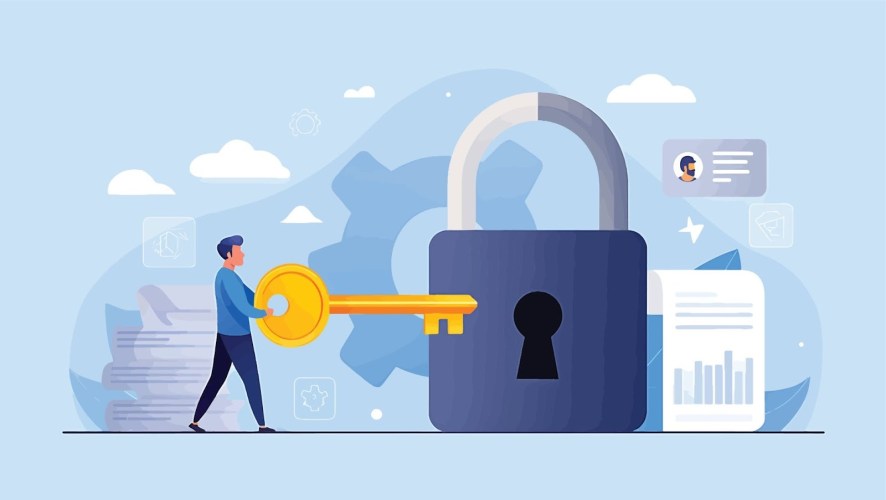

Keeping your business safe is about more than just having a strong password — it’s about creating a culture where every team member understands their role in protecting customer data. As you grow, your data grows, and it could create gaps that hackers look for, but the right strategy can turn your security into a competitive advantage.
Data protection for smaller businesses or startups is the foundation of a successful growth strategy in a digital world. Setting up a secure system doesn’t have to be a headache, especially when you use tools that have security built into their DNA. We’ll walk you through how to protect your data, the different types, and how smart tools are making it easier for small teams.
What is data protection for a small business?
At its core, data protection is the process of safeguarding important information from corruption, compromise, or loss. It involves a combination of technical tools and clear policies that dictate how data is handled throughout its lifecycle. For a small and medium business (SMB) or startup, this means ensuring that your customer information, financial records, and intellectual property remain private and available only to those who need them.
There are several layers to this defense, starting with data security, which focuses on preventing unauthorized access through encryption and strong passwords. Another key type is data availability, which ensures that your team can always reach the information they need to close a deal or solve a service ticket. Finally, data integrity involves keeping your records protected from accidental changes or malicious tampering.
FREE WEBINAR:
The Power of Context: Drive Smarter AI for Your Growing Business with Salesforce

How to protect your data
Use a secure CRM tool to store all your interactions in one secure place. This makes it easier to comply with privacy laws and answer customer questions about how their information is being used. Here are a few other ways you can protect your data:
Technical safeguards: Your digital defense layer
Effective data protection for a small business starts with a robust set of technical safeguards. These are the tools and processes that actively prevent unauthorized access and data loss.
- Encryption (Data scrambling): Data encryption scrambles data into an unreadable format, making it useless to hackers even if they manage to steal it. This is important for protecting sensitive customer and financial data when it’s stored on your servers and when it’s being transmitted over networks.
- Multi-factor authentication (MFA): MFA requires users to provide two or more verification factors (like a password plus a code sent to their phone) to gain access. Implementing MFA prevents attacks, significantly strengthening your defense even if an employee’s password is stolen.
- Automated updates and patches: Ensuring all software, operating systems, and security tools are automatically kept up-to-date is non-negotiable. Regular patching closes security vulnerabilities (holes) that hackers commonly exploit, maintaining a secure environment with minimal manual effort.
Data access and hygiene: Maintain a clean environment
Implementing clear policies on who can access what, and ensuring the quality and necessity of the data itself, drastically reduces both internal and accidental risks.
- Principle of Least Privilege (PoLP): PoLP dictates granting employees only the minimum data access permissions necessary to perform their specific job functions. Adopting PoLP prevents internal data leaks and limits the scope of damage (the “blast radius”) if a user account is compromised.
- Access control: This involves systematically managing and tracking user permissions across all systems. Utilizing a central access management system, often within a CRM or ERP, simplifies this control.
- Data cleaning and lifecycle management: Regularly reviewing and retiring old, unnecessary, or redundant data is vital. Keeping only the essential, current information reduces the overall volume of data you need to protect and helps ensure ongoing compliance with privacy regulations.
The human element: Build a security culture
Technology alone isn’t enough; your team is the most critical line of defense. A strong security culture turns every employee into a conscious guardian of your business’s sensitive information.
- Mandatory employee training: Regular training sessions are necessary to teach your team how to recognize common threats like phishing, social engineering, and malware. Simulation exercises are highly effective for translating knowledge into practical defense skills.
- Security-first culture: Build an environment where employees feel comfortable reporting any suspicious activity immediately, without fear of reprimand. Security should be seen as a shared responsibility across the business.
- Clear reporting protocols: Establish a simple, immediate process for how employees should report potential security issues, strange emails, or misplaced devices. Creating reporting channels is essential for timely incident mitigation.





How data protection builds customer trust
Your customers share their most sensitive information with you because they believe you’ll keep it safe. For an SMB, one security lapse can damage a reputation that took years to build. By focusing on data protection for your small business, you create a reliable environment where users feel comfortable sharing the details needed for better service.
Use a modern customer relationship management (CRM) tool to help you manage these different types of protection from a single dashboard. Instead of worrying about data sitting on individual laptops, you can keep everything in a secure cloud environment that handles backups automatically. This allows you to focus on innovation rather than troubleshooting security gaps.
Get Salesforce free for 30 days.
No credit card required, no software to install.

Best practices in data protection (for SMBs and beyond)
Create a safe environment by starting with giving people only the access they need to do their jobs. For example, a marketing intern might need to see campaign results but doesn’t need access to customer credit card info. This simple step in data protection significantly lowers the risk of accidental data exposure.
Regularly back up your data as another essential step for any growing startup. If a technical glitch or a cyber attack happens, having a recent copy of your information ensures you can get back to work quickly. Salesforce offers native backup solutions that automate this process, so you never have to worry about forgetting to hit the save button.
Create a security-first culture
- Monthly briefings: Hold brief monthly meetings to update your team on new security features and best practices.
- Open reporting: Encourage employees to report anything that looks “off” in their daily digital tasks.
- Secure onboarding: Make security a part of your onboarding process so every new hire starts on the right foot.
CRM for unified data protection
For small businesses seeking a holistic approach to security, a unified data strategy is critical. Salesforce’s Data Cloud ensures that all your data — from sales leads to service interactions—is managed and protected from a single, trusted source.
By centralizing data across all your applications, Data Cloud eliminates the security risks that arise from fragmented, siloed information. This unified view not only enhances efficiency but also simplifies compliance with privacy regulations. You gain consistent access controls, unified auditing capabilities, and a single source of truth for all your business information, allowing you to protect your data with enterprise-grade security that scales as you grow.
Use AI to protect your data
Modern technology makes it easier for smaller teams to stay safe without needing a massive IT department. When you incorporate artificial intelligence (AI) into your security strategy, you gain a digital assistant that watches for suspicious activity. These AI tools flag unusual login locations or massive data downloads before they become a problem.
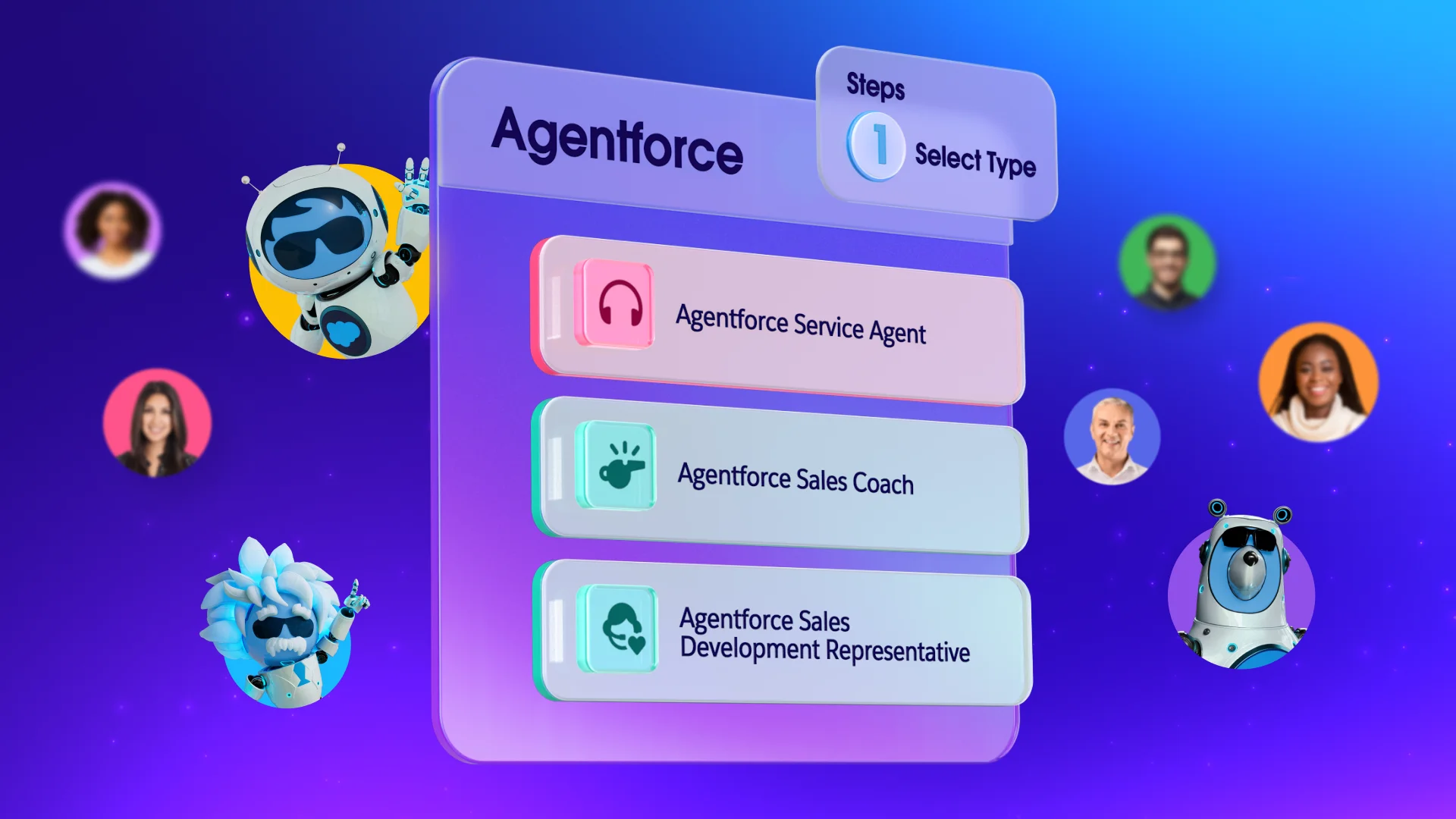
For companies using Agentforce, security is woven into every interaction. This platform ensures that your autonomous agents follow the same strict rules as your team. Because Agentforce is built on a trusted foundation, you can automate tasks while knowing your data remains within a secure boundary.
Data protection made easy with Salesforce
As you look toward the future, use an AI CRM to help you scale these security efforts. By using intelligent automation, you can monitor your entire system for risks in real time. This proactive stance on data protection means you’re always ready for whatever comes next, keeping your business and your customers safe.
Get started with Salesforce for free or activate Foundations to try out Agentforce today.
AI supported the writers and editors who created this article.
What is the easiest way to protect my small business from hackers?
Enable multi-factor authentication as one of the most effective ways to block unauthorized access to your business accounts. It requires a second form of ID — like a code sent to your phone — which stops most attacks even if a password is stolen.
How does a CRM help with data security?
A CRM centralizes your data so you can control who sees what and track every change made to a record. This prevents information from being lost in private spreadsheets and makes it easier to audit your security regularly.
Why should I use AI for security?
AI can process huge amounts of data faster than a human, allowing it to spot patterns that might indicate a breach. This helps your small team stay protected around the clock without needing to manually watch every login.
Is it expensive for a startup to have high-level data protection?
Not necessarily, as many modern cloud platforms include enterprise-grade security as part of their standard service. You can get professional protection through affordable packages that grow with your business.
What should I do if I think my data has been compromised?
Immediately change your passwords, alert your IT contact, and follow your pre-set incident response plan. It’s also important to communicate transparently with any affected customers to maintain strong privacy standards.