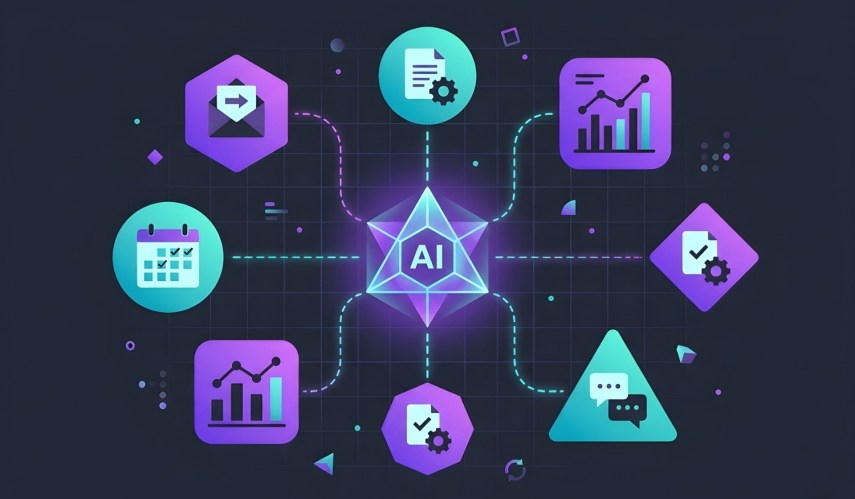

Adding artificial intelligence (AI) agents to your team? Establishing a culture where AI is a part of your team is a great way to relieve workload pressure. However, introducing autonomous helpers might feel daunting, especially if you have limited technical resources or a lean budget. So how do you create a positive AI agent culture?
Creating a collaborative environment is really about shifting your mindset to view technology as active, helpful teammates. When you carefully integrate these digital assistants into the places where your team already works, you build a natural rhythm that enhances daily productivity for everyone. Let’s find out how you can introduce AI agent culture to your business in a positive and effective way.
Let’s define AI agent culture
Many small and medium businesses (SMBs) and startups struggle to understand what it actually looks like to work alongside autonomous technology on a daily basis. At its core, an AI agent creates a workspace where digital assistants operate side-by-side with your team to achieve shared goals. These digital helpers don’t replace them; they aid in complex problem-solving, and relationship-building skills that your teams provide. In this environment (or culture), they act as an extension of your team to tackle the repetitive tasks that often slow you down.
How to welcome your new digital assistants
- Set clear boundaries: Treat your AI tools like junior team members who need specific guidelines and clear permissions to operate effectively within your business.
- Focus on assistance: Communicate openly with your team that these AI agents are meant to make their daily tasks easier rather than taking away their positions.
- Learn together: Encourage your employees to experiment with these digital assistants and share their insights openly to build a supportive learning environment.
Integrate AI agents into your workflow
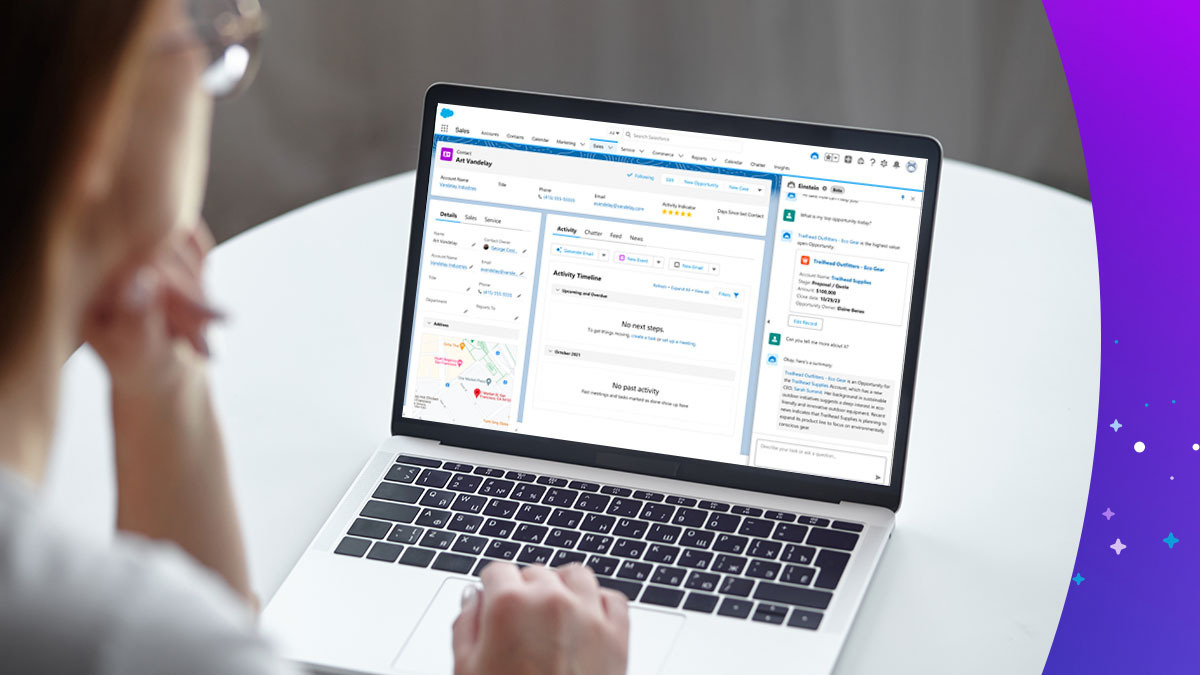
To make sure these digital helpers feel like genuine members of your team, you should embed them directly into your daily operations. Your customer relationship management (CRM) platform is a great starting point because it holds all the valuable customer data your AI assistants need to function. When AI agents are trained on your central hub, they can analyze buying patterns, draft routine responses, and update client records automatically. Here are a few ways you can connect your business tools to AI agents:
Connect your systems for better productivity
- Automate routine entry: Let an employee AI agent log call notes and update deal stages automatically so your sales reps can spend more time pitching.
- Create unified views: Ensure that both your sales, marketing, and service teams have access to the same insights to maintain a consistent customer experience.
- Monitor performance: Check in regularly on the actions your AI agents are taking to verify that they align correctly with your overarching business goals.
Build an AI agent culture in team communications
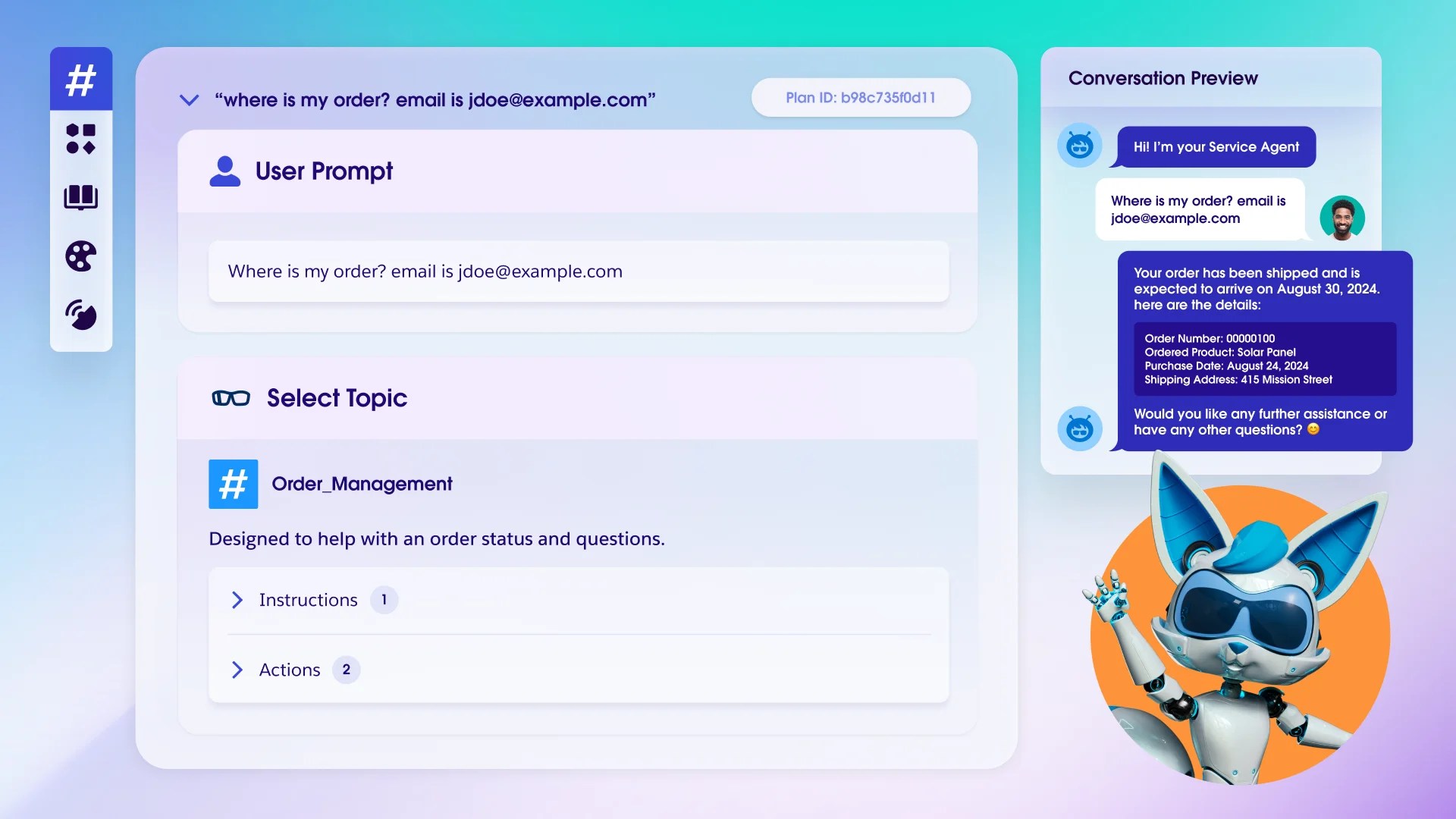
Clear communication is very important for any lean team, and your digital teammates should be actively involved in daily conversations. By bringing AI directly into your shared chat platforms like Slack, you make these capabilities accessible to everyone in your startup.
An employee can simply tag an AI assistant in a Slack channel to summarize a long project thread or pull the latest quarterly numbers before a client meeting. This normalizes the use of autonomous technology and encourages everyone to rely on their digital helpers.
Activate assistants in daily chats
- Use natural language: Encourage your team to speak to their AI assistants in plain text, asking questions just as they would when messaging a co-worker.
- Collaborate in public channels: Have the AI agent post their status updates in shared spaces, like a public Slack channel, so the whole team can clearly see the value they bring.
- Simplify approvals: Rely on AI assistants to route important requests to the right manager within your chat platform to cut down on unnecessary email clutter.
Get a full view of AI agents

Activate AI across your portfolio
A truly effective AI implementation strategy expands beyond a single department to support your entire portfolio of sales, marketing, service, commerce, and productivity. Your sales reps might rely on an AI assistant to research a new prospect, while your marketing professionals use one to accurately segment an email list. In commerce, an assistant can independently recommend the most relevant products to a returning buyer based on their historical purchase data.
Enhance the entire customer experience
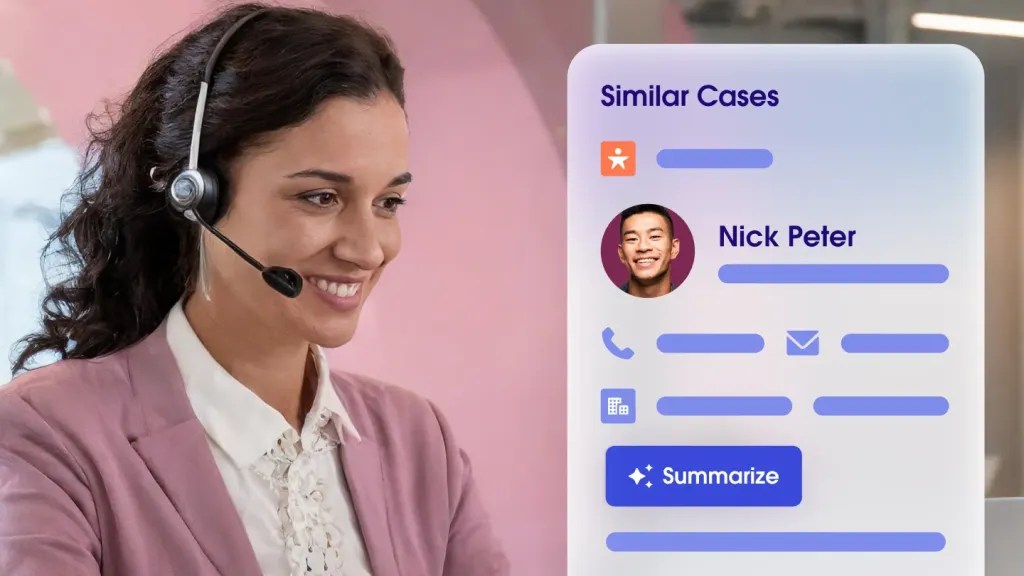
- Personalize service interactions: Service reps can use digital helpers to instantly draft empathetic and accurate responses based on a specific customer’s history.
- Align marketing campaigns: Assistants can continuously analyze campaign performance data and suggest immediate adjustments to help you maximize your limited budget.
- Boost commerce sales: Let your digital teammates manage product descriptions and optimize purchase emails, while your team focuses on the sale.
How AI agent culture impacts your lean team
The most profound change you’ll observe is the renewed energy, focus, and morale of your hard-working employees. When you genuinely adopt an AI agent culture, the persistent feeling of being overwhelmed by administrative chores begins to fade. Your team finally gains the mental space and the time they need to think deeply about product development and long-term customer relationships.
So how can you train your team on concepts like this? Try checking out Trailhead, Salesforce’s free online learning platform, and the business learning paths. And here are a few more ways you can empower your workforce with AI concepts:
- Encourage creative problem solving: Give your team the freedom to tackle highly complex customer issues while your assistants handle the basic frequently asked questions.
- Invest in professional development: Use the valuable time saved by automation to train your employees on new industry skills and advanced leadership tactics.
- Celebrate collaborative wins: Openly highlight instances where an employee and a digital assistant worked together seamlessly to close an important deal.
Best practices for nurturing an AI-assisted workplace
Maintaining an environment where digital assistants and employees thrive together requires continuous attention and refinement. It’s important to regularly evaluate how these tools are performing in the real world and whether they’re meeting the specific needs of your growing business.
Ask your team for honest feedback regarding AI agents, focusing on accuracy, helpfulness, and ease of use. By making thoughtful adjustments based on this feedback, you ensure that your investment in technology continues to deliver tangible value.
Refine the collaborative experience
- Schedule regular check-ins: Treat your technology reviews just like your standard employee performance evaluations to keep all your operations running smoothly.
- Update instructions: As you pivot and your business processes change, make sure you promptly update the guidelines for your digital assistants.
- Maintain data hygiene: Verify that the information your AI assistants rely on is accurate and up-to-date to prevent costly errors in their outputs.
Embracing the future with your team and AI agents together
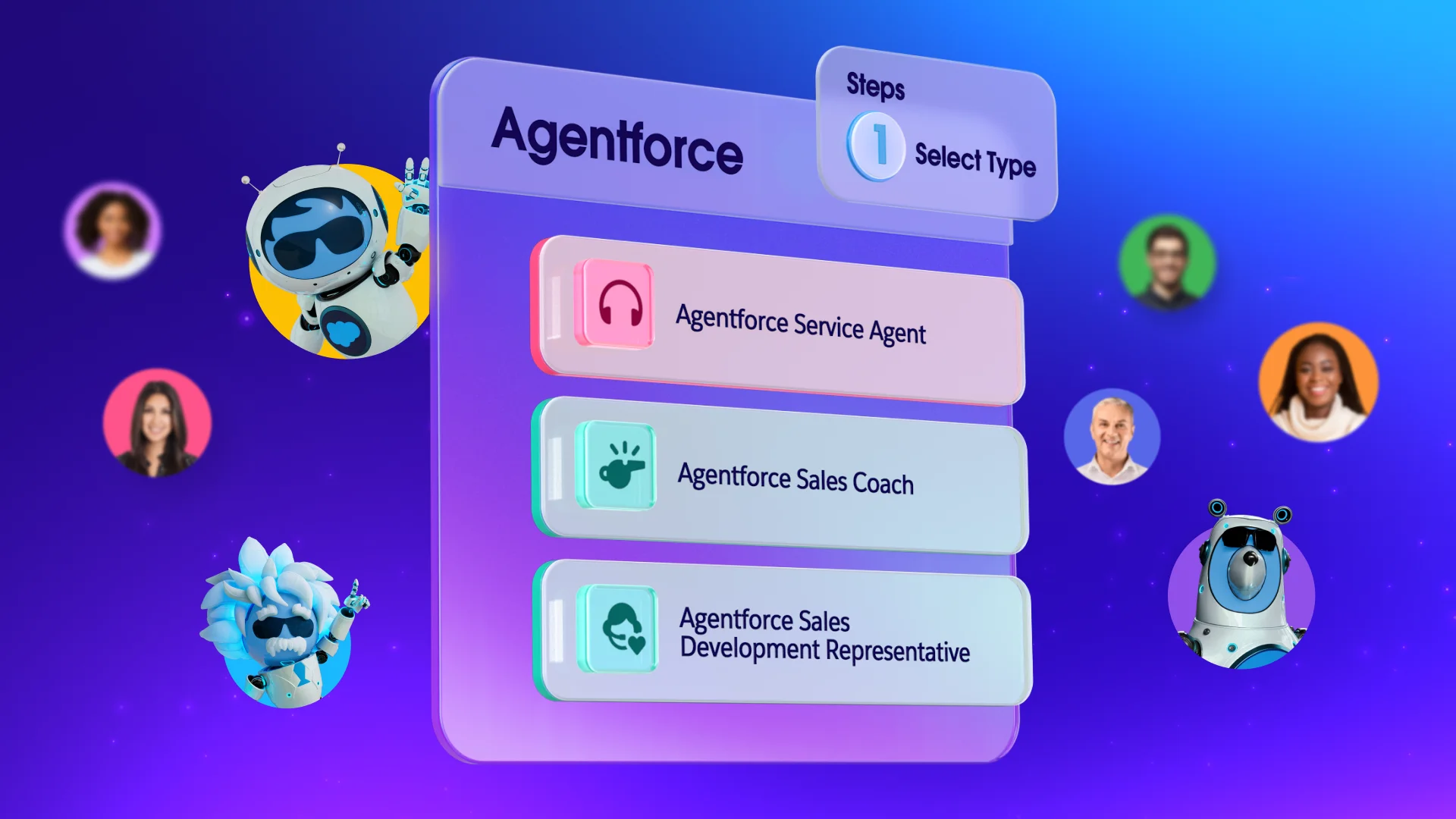
To keep your AI agent culture thriving in the long term, you need a powerful platform that provides centralized control and clear visibility. Agentforce offers a unified space to securely manage both your team and your autonomous workers in one place. It delivers the security and reliability you need to confidently trust your digital helpers with complex tasks across your entire business. Try it out for yourself today.
Get started with Salesforce for free or activate Foundations to try out Agentforce today.
AI supported the writers and editors who created this article.
What exactly is a digital assistant in a small business context?
A digital assistant, or AI agent, is a software tool that acts autonomously to complete specific tasks, like scheduling meetings or organizing data entry. Unlike older software that waits for your direct command, these assistants can plan and execute steps on their own.
How do we stop our team from fearing these new tools?
The key is transparent communication about your specific operational goals for implementing these assistants. Show your team how the technology will handle the tedious work they dislike, freeing them up for more interesting and creative projects.
Where should a startup begin when adding assistants?
Start with simple, low-risk tasks in your service or sales departments, such as drafting basic email replies to common customer inquiries. As your team builds confidence in the system, you can comfortably expand their responsibilities to much more complex workflows.
Can these tools easily integrate with our existing software?
Yes, modern digital assistants are built to connect smoothly with the tools you already use, bringing their capabilities directly into your daily workspace. You can explore how these seamless connections work in the AgentExchange.
Do we need to hire a developer to manage this technology?
No, many modern platforms offer highly user-friendly interfaces that allow anyone to set up and guide an assistant without writing a single line of code. This accessibility makes it easy for lean teams to adopt advanced technology quickly and affordably.