

Think about it. One tool. Multiple agents. It’s pretty simple. Now, you just have to figure out a strategy that puts these agents to work across your business — one qualifying leads, another answering questions, another drafting emails — all at the same time, all from the same platform. For founders looking to scale fast with a growing team, this is how you get there. Here’s how to build your multi-AI agent strategy, step by step.
What are AI agents, again?
Think of AI agents as digital teammates that can reason, adapt, and take action to complete specific tasks, rather than just generating content. Unlike standard automation that follows a rigid, “if-this-then-that” script, AI agents use intelligence to understand context, solve problems, and work autonomously within the guardrails you define.
For smaller teams, AI agents allow you to:
Scale output: Handle high-volume tasks like lead qualification, customer service, or data entry around the clock.
Reduce bottlenecks: Automate repetitive workflows so your team can focus on high-value, human-centric work.
Maintain quality: Ensure consistent, accurate interactions with customers across every touchpoint, 24/7.
Move faster: By connecting specialized agents to your CRM, you create a seamless digital workforce that works in unison to fuel growth.
5 Steps To Implementing AI Agents For Small Business
Get the free e-book and get your AI agents up and running.
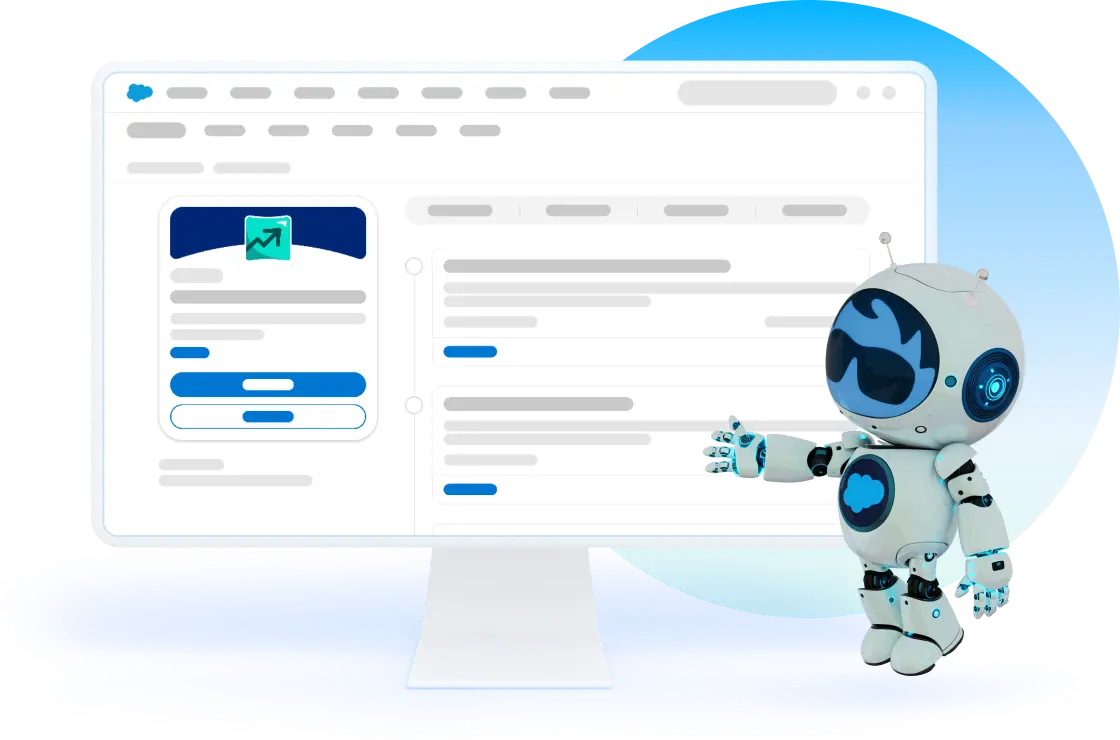
Step 1: Find and train your agents
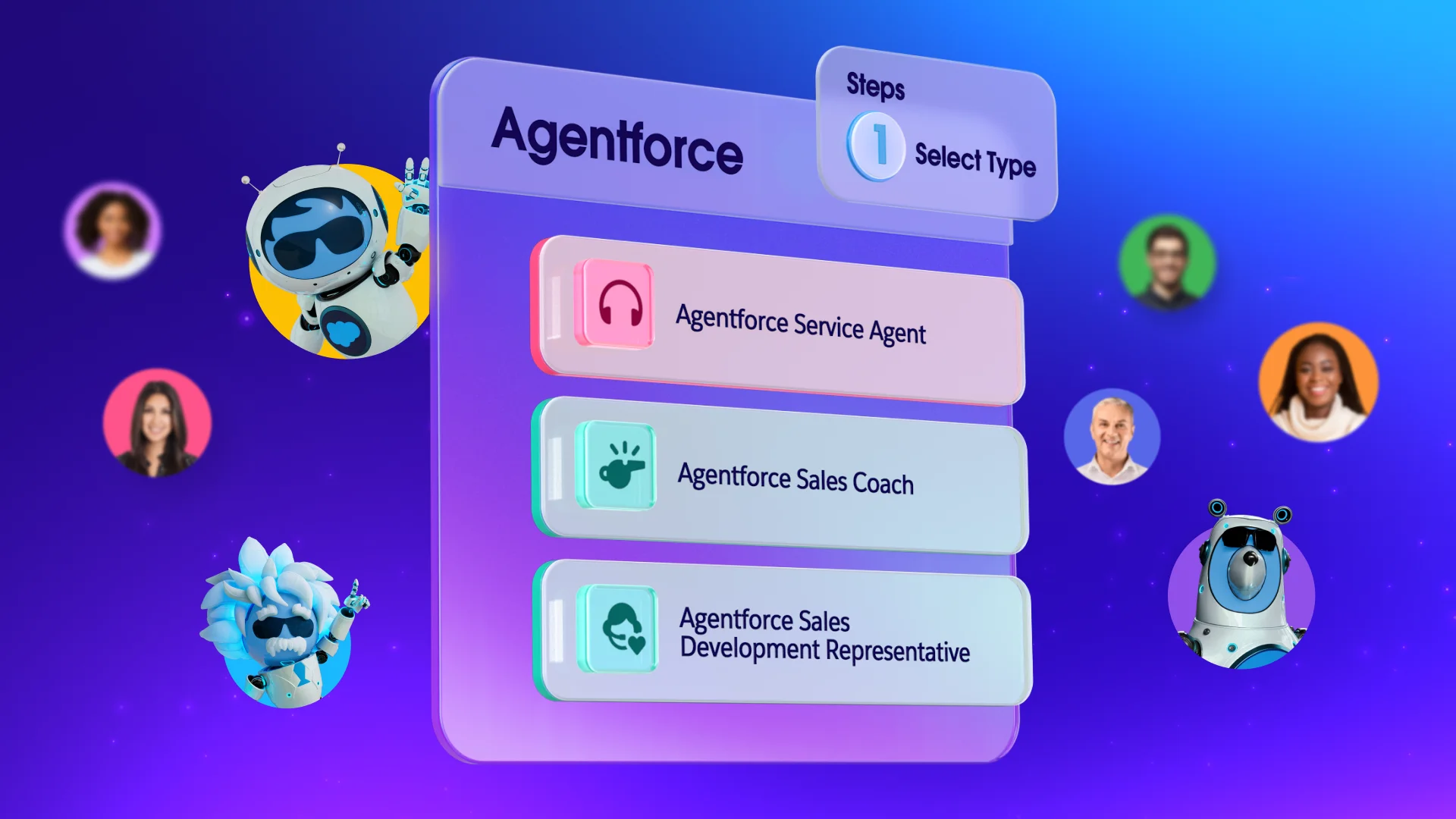
Which agent do you need? Map your AI agents to a primary objective within your business processes. Choose yours:
- Sales agents: Qualify inbound leads, score prospects, and draft outreach — so no lead sits uncontacted. Try a sales agent here.
- Service agents: Answer common customer questions 24/7, handle cancellations, and escalate the cases that need a human. Try a service agent here.
- Marketing agents: Personalize email campaigns, segment your audience, and suggest next-best-action content for different buyer stages. Try a marketing agent here.
- Employee agents: Help your internal team — pull deal status, summarize account records, draft emails — so they stay focused on the work that moves the needle. Try an employee agent here.
Before you activate a single AI agent, get specific about what’s breaking down. Where does your team stall?
- Is it getting leads or following up with them?
- Are customer service requests piling up after hours?
- Is your team spending too much time on admin work instead of selling?
This strategy starts with the most honest problem statements. Write it down: “We lose leads because nobody follows up within the first hour.” That sentence is your North Star. From there, put together a few other issues, and start them after this one has been built.
Step 2: Connect them on your business platforms
A multi-agent strategy only delivers when your agents share data. That’s why AI agents built natively into your CRM — rather than bolted on — tend to perform better. They already know your business. So, stay connected.
Activating your AI agent within your CRM is quick and straightforward. With accessible, step-by-step training available, you can easily guide your team through the setup process and start automating workflows in no time. Buy your CRM with AI agents built right in, or add any app interactions with AgentExchange, the free online app store by Salesforce.
Get the Guide to AI for Small Business
Save time, automate tasks, and set your team up for success with this free guide to all things AI and business.


Step 3: Build and test
Building it is easy, actually. You just need the right tools and some free training. Start with a pilot — one agent, one use case, one team. To build your agent you can follow a few different learning paths:
- Build an AI Agent with Agentforce: Learn how to set up and test a conversational AI agent on Trailhead.
- How to Train Your AI Agent: Step-by-step guidance on importing data, defining intents, and refining your agent.
- State of the AI Connected Customer Report: Insights on customer preferences and trust regarding AI interactions.
Measure what happens. Are leads being followed up faster? Are service tickets resolving without human intervention? Are your reps spending less time on admin?
Use that data to refine the agent’s instructions, expand its knowledge base, and sharpen its guardrails before scaling. This AI strategy guide recommends a 90-day rollout: assess and set up in month one, train and adopt in month two, measure and scale in month three. That rhythm works just as well for multi-agent builds.
Step 4: Launch and keep training alive
The best multi AI agent strategy for startups isn’t just a technology decision — it’s a people decision. Your team needs to understand what the agents do, trust them to handle certain tasks, and know when to step in.
Build AI literacy across your organization. Share wins. Create space for questions. The businesses that scale fastest with AI aren’t the ones with the most sophisticated tech stack — they’re the ones where the whole team is rowing in the same direction.
Here are some available training courses on Trailhead, Salesforce’s free online learning platform:
- Design and Implement AI Agents with Agentforce: A deeper trail covering how to plan, build, test, deploy, and monitor an AI agent.
- Become an Agentblazer: Salesforce’s full AI agent certification path that covers everything from AI ethics and agent basics to advanced multi-agent architectures.
- Grow Your Business With AI Agents: Learn how autonomous AI can scale your business in this free e-book.
Master your multi-agent strategy today
With the right AI agent strategy, your lean business runs like a much larger one: Faster follow-up, smarter service, and more time for the work that actually matters. Your agents await.
Not sure where to start? Get started with an employee agent on Salesforce for free or activate Foundations to try out Agentforce Coworker today.
AI supported the writers and editors who created this article.
What is a multi-agent strategy for small business?
A multi AI agent strategy is a plan for deploying multiple coordinated AI agents — each with a specific role — to handle different parts of your business simultaneously. Instead of one general-purpose tool, you’re building a team of specialized agents that work together across sales, service, and marketing.
Do I need technical expertise to build multiple AI agents?
Not necessarily. Platforms like Agentforce are built with low-code and no-code tools that let business owners and admins configure agents without writing code. Trailhead’s free Agentforce Basics module is a good starting point for anyone new to agent building.
How is a multi-agent strategy different from regular automation?
Traditional automation follows a fixed script — if X, then Y. AI agents are different: They reason, adapt, and take action based on context. A multi-agent system goes further, letting specialized agents hand tasks off to each other, share data, and tackle complex, multi-step workflows that simple automation can’t handle.
How do I know if my business is ready for a multiple AI agent strategy?
A good signal is that you’re already feeling stretched — leads aren’t getting followed up, service requests are backing up, or your team is spending too much time on repetitive tasks. If you have a CRM with reasonably clean data and at least one clearly defined workflow you want to improve, you’re ready to start.
Is my customer data safe when using AI agents?
With the right platform, yes. Salesforce’s Einstein Trust Layer ensures that your customer data is used to power your agents without being shared with third-party AI models or used for training. Look for platforms with encryption, role-based access controls, and audit trails — and make sure any AI you use is compliant with your local data privacy regulations.