
No code? No problem. The landscape for no-code AI tools for small business owners has changed fast — and there are real options that get you running in minutes, not months.
Here’s the thing most AI tool roundups miss: Having more tools doesn’t mean getting more done. What lean teams actually need is fewer decisions, faster action, and technology that already knows the context of their business. This list covers the no-code AI tools worth your time — and shows you where a connected platform beats a patchwork of point solutions every time.
What “no-code AI” actually means for your business
When people say no-code, they mean software you can set up, customize, and automate without writing a single line of code — just drag, drop, click, or describe in plain language what you want the tool to do. Modern no-code platforms now include features for integrating machine learning and AI — so you can add predictive analytics and automated decision-making without needing a specialized background.
For small and medium businesses (SMBs), this matters because the cost of hiring technical talent to configure software often outweighs the software itself. No-code changes that equation.
Why SMBs are moving fast on AI
According to the latest Small and Medium Business Trends Report, three out of four small businesses are already investing in artificial intelligence (AI). But 88% of SMBs engaging with AI are still in the exploring phase — meaning the window to get ahead is still open.
The barrier isn’t interest. It’s complexity. No-code AI tools for SMBs close that gap by making setup something any team member can handle. Discover third-party AI agents and integrations on the AgentExchange marketplace to extend your toolkit.
Get the Guide to AI for Small Business
Save time, automate tasks, and set your team up for success with this free guide to all things AI and business.


What to look for in any no-code AI tool
When evaluating tools, run them through this checklist:
- Setup speed: Can you go live today, without external help?
- Data connectivity: Does it connect to your existing customer and sales data, or does it operate in its own silo?
- AI quality: Is the AI trained on industry-specific expertise, or is it a generic model that produces responses you’d be embarrassed to send?
- Security: Do you know where your customer data goes when it powers AI features? 64% of customers think companies are reckless with their data — trust is a real competitive advantage.
- Scalability: Can it grow with you, or will you have to migrate when you hit 10 employees?
The no-code AI toolbox for every entrepreneur
There’s no shortage of AI tools making bold promises. Here’s what’s actually useful across the core parts of running a business:
No-code tools for customer relationships and sales
If you’re still tracking leads in a spreadsheet, you’re already losing deals to whoever follows up faster. A customer relationship management (CRM) platform with built-in AI handles the follow-up problem without requiring a dedicated sales ops hire.
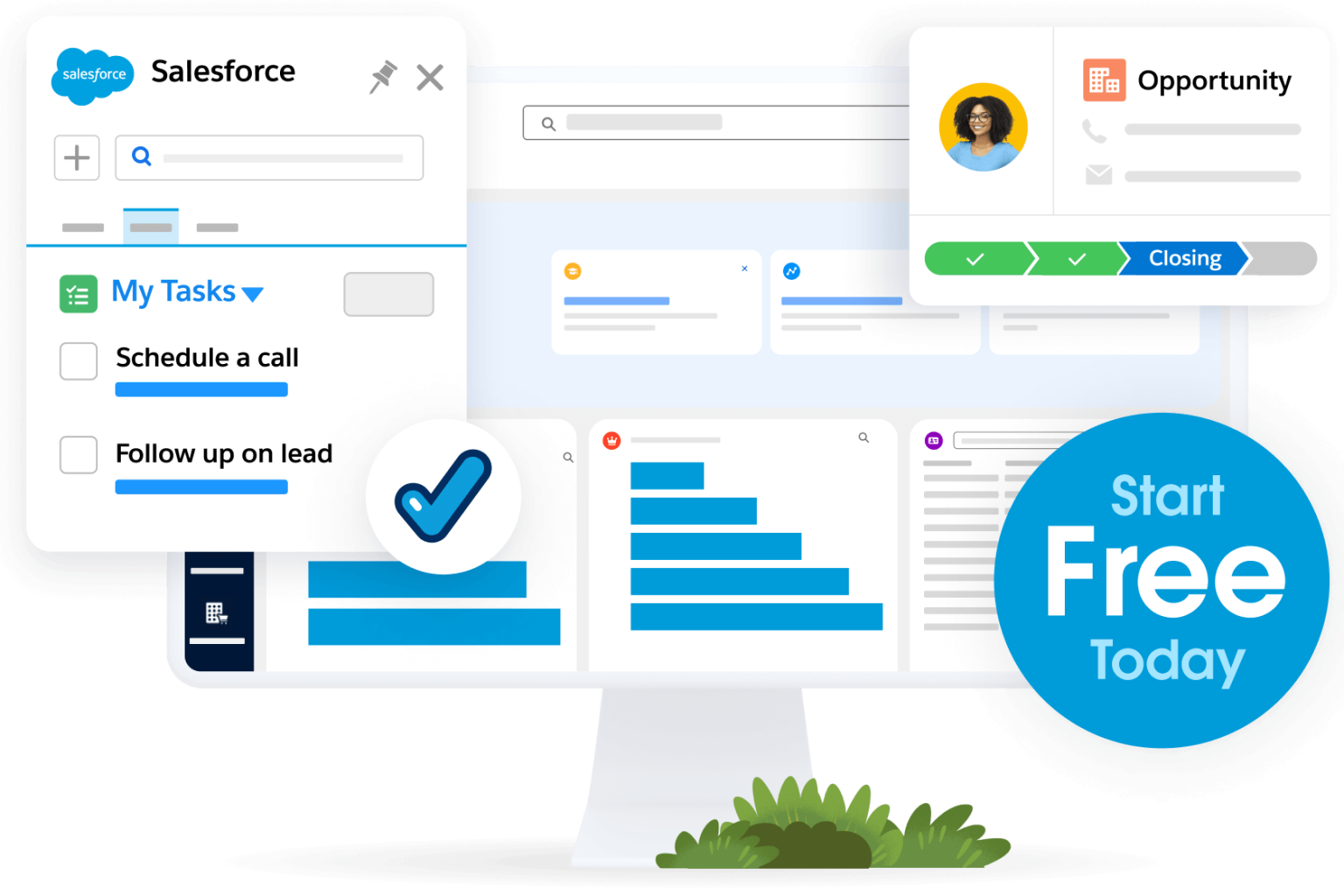
- Salesforce Suites: Purpose-built no-code AI CRM for startups and small businesses. You can be up and running same-day — no developers, no consultants, no long implementation timeline.
- Employee agent: An employee agent that understands your customer context, answers questions, and helps your team work faster across sales, service, and marketing.
- Unified data: 76% of SMB customers say their teams are now operating off the same view of the customer — no more reconciling conflicting data spread across tools.
Grow your ambitions with the #1 AI CRM.
See what’s possible with the AI-powered CRM suite for growing teams.
No-code tools for marketing and customer communication
Email marketing, social scheduling, and campaign automation used to require an agency or a marketing coordinator. Now they’re table stakes for most no-code platforms.
Look for tools that connect to your CRM so your marketing isn’t firing into a void. A marketing CRM should include multi-email nurture campaigns built right in — meaning your marketing, sales, and service data live in one place, and your AI assistant already knows what’s happened with each customer before you hit send. Here are a few marketing no-code tools to consider:
- Starter Suite (Marketing): A business operating system for SMBs and growing startups that combines CRM with AI-powered marketing and campaign automation (among many, many other things).
- Canva Magic Studio: An AI-driven design tool that allows entrepreneurs to generate marketing assets from simple text prompts.
- Slackbot: A no-code hub for getting work done like creating blog posts, social media copy, and collaborating on marketing in minutes.
No-code tools for workflow automation
Repetitive tasks are where no-code AI pays for itself fastest. Whether it’s routing a new lead to the right rep, sending a follow-up when a deal goes quiet, or triggering a service alert — these are workflows that don’t need a human in the loop every time.
Build no-code automations using a visual builder — no code required. Set up employee onboarding flows, approval routing, automated notifications, and more. Here are a few tools to consider:
- Salesforce Flow: A visual builder for creating complex, automated workflows and Slack integrations without code.
- AgentExchange: Connects thousands of apps to automate repetitive tasks through a trusted integration platform.
- Make (formerly Integromat): An advanced visual platform for designing and automating complex workflows across various applications.
- MuleSoft Composer: Empowers non-developers to integrate data and automate processes directly within Salesforce.
No-code tools for content and customer service
Generic AI content is already everywhere — and customers can tell. The risk for small business owners isn’t that AI will replace them — it’s that poorly trained AI will erode the personal touch that makes customers choose you in the first place.
Customer service AI agents are trained on your business data. They know your products, your tone, your customer history. The effect is responses that sound like you and your team. Here are a few examples:
- Service Cloud: A no-code platform to manage customer cases and automate service workflows with autonomous agents.
- Pro Suite: Provides advanced service capabilities including a self-service portal for knowledge articles and intelligent workflows to route cases effectively.
- Service AI rep: An autonomous AI agent trained on your business data that manages customer cases, automates workflows, and generates context-aware responses for service teams.
No-code tools for data and reporting
Pulling insights from messy data no longer requires a data scientist. Visual, no-code platforms let non-technical users build interactive dashboards quickly — surfacing the right information at the right moment, without a SQL query in sight. When your CRM, marketing, and service data all live in one place, your reporting is automatically more accurate.
- Tableau Pulse: Provides personalized, automated insights and newsfeed-like digests of your key metrics using generative AI.
- Salesforce Suites (Analytics): A native report builder for real-time visibility into your sales and service performance.
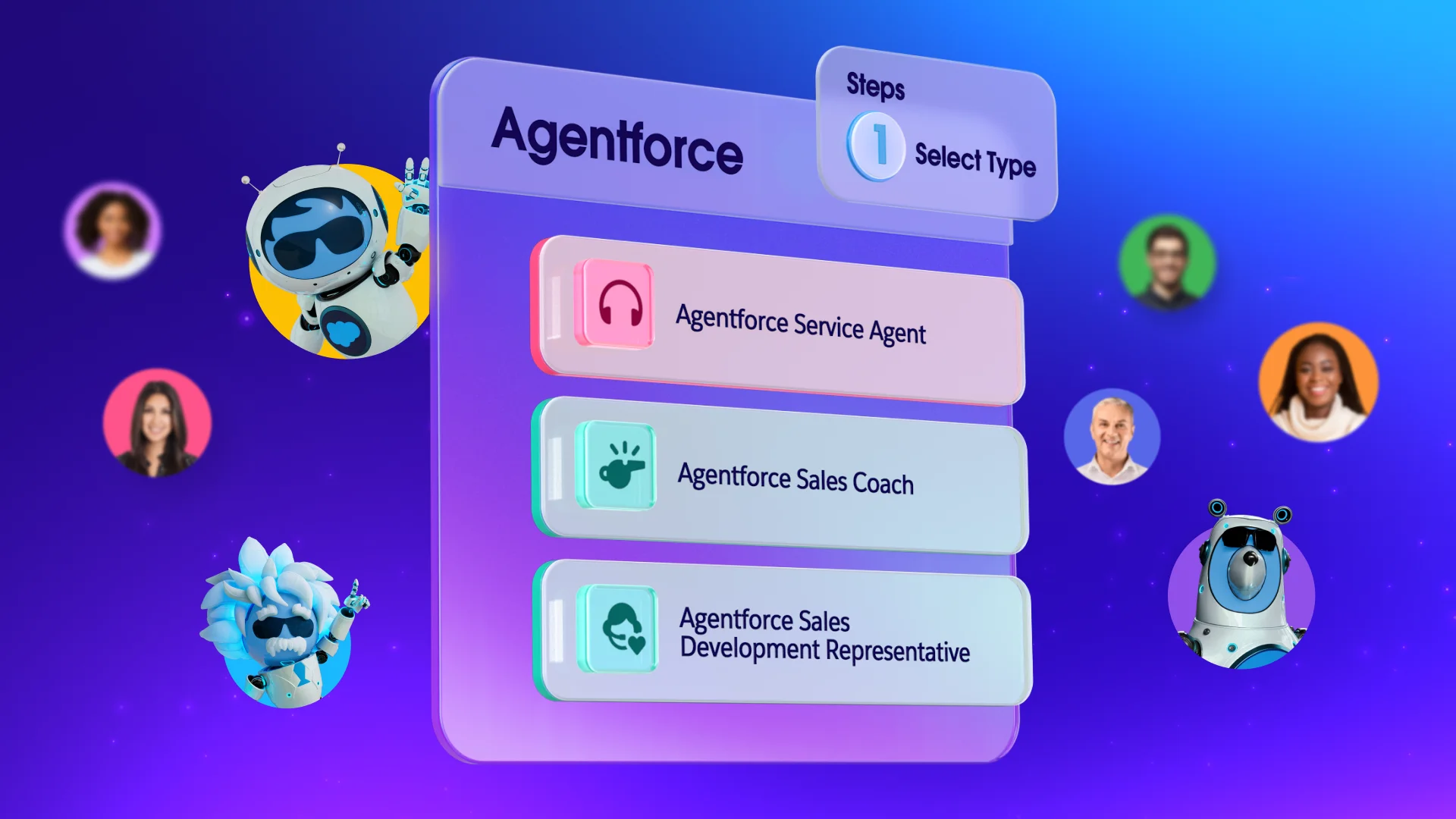
- Agentforce (Data 360): Connects all your customer data across various tools for a single source of truth.
Why a connected platform beats a stack of no-code AI tools
It’s tempting to build a stack — one tool for email, one for CRM, one for AI writing, one for scheduling. Each one is free or cheap. The problem is integration: Every new tool is a new place for data to get lost, a new login to manage, and a new source of inconsistency.
The no-code AI tools that deliver the most ROI are the ones connected to the rest of your business. According to Salesforce research, 91% of SMBs with AI say it boosts their revenue — but the gains are concentrated among businesses that implemented AI in a connected, systematic way, not point solutions bolted onto each other.
Looking to turn your AI potential into business reality?
Follow this free guide with step-by-step instructions, the latest use cases, expert interviews, and interactive worksheets for your team.

No-code, no problem: Your AI toolbox is full
The question isn’t whether to adopt no-code AI tools for small business owners — it’s which ones will actually compound over time. Connect your tools and see what’s possible. Try out Salesforce Suites for free or activate Foundations to test out Agentforce today.
AI supported the writers and editors who created this article.
What are no-code AI tools for small business owners?
No-code AI tools are software platforms that let you set up, customize, and automate AI-powered features without writing any code — using drag-and-drop builders, visual workflows, or plain-language prompts. For small business owners, they make enterprise-grade capabilities accessible on a lean team budget.
Do I need a technical background to use no-code AI tools for SMBs?
No. That’s the point. Most modern no-code AI tools are designed so that any team member — not just an IT admin — can build automations, configure AI assistants, and connect data sources. Salesforce Suites, for example, lets you activate an AI assistant and set up your CRM in the same day with no external help required.
Are no-code AI tools secure enough for customer data?
Security varies by platform, but it’s a critical question to ask. Salesforce builds AI features on the Einstein Trust Layer, which means your customer data is protected by enterprise-grade security even when powering AI features — no copy-pasting into third-party tools, no uncertainty about where data goes.
What’s the difference between a no-code AI tool and an AI agent?
A no-code AI tool typically helps you automate a specific task — drafting an email, summarizing a record, routing a lead. An AI agent is autonomous: It can take a sequence of actions, make decisions, and complete multistep workflows without you initiating each step.
How do no-code AI tools for startups scale as the business grows?
The best ones scale natively — meaning you don’t have to migrate platforms or rebuild your workflows when your team grows. Salesforce Suites are designed to move from Free to Starter to Pro as your needs evolve, without the migration headache. Your data, automations, and AI configuration carry forward.