

“Hello! It’s your virtual assistant here, and I’m ready to dive in. I’ve got your meetings scheduled, your sales pipeline prioritized, and your marketing to-do list set. Where would you like to start?” Imagine that being the first thing you see when you open your laptop with your morning coffee. While you were sleeping, your new virtual teammate was busy lining up your day, following up on sales leads, and prepping marketing so you can hit the ground running.
This is how a virtual assistant (VA) for your small business can step in to lighten that load and act as a force multiplier for your employees. By bringing in a digital helper, you create space for your team to focus on the creative and strategic work that actually scales for your small and medium business (SMB).
Why your small business needs a virtual assistant
You may be managing your business on your own, and if that’s the case, a virtual assistant (or AI agent) is needed to help you with just about everything — period. If you have a small team, you probably struggle to maintain consistency when lead volumes start to increase or customer inquiries pour in after hours. A virtual assistant acts as a reliable teammate 24/7 supporting you wherever you need.
When it comes to the market, small teams like yours need to stay lean while remaining agile enough to pivot when demands shift suddenly. Using a virtual AI assistant allows you to handle more volume without the overhead of traditional office expansion. And, when you’re ready to hire, they can help you with that too.
And we all know that human error is natural when people are overworked, but smart AI tools help keep your records clean and organized. A virtual assistant follows set rules to ensure every piece of data is where it belongs, leaving less room for error. We could all use that.
How to welcome a virtual assistant to your team
Introducing new technology to your team should feel like hiring a helpful colleague rather than installing a complex piece of software. You want every employee to see an AI assistant as a tool that frees them from the chores they enjoy the least. Here are a few ways to get started:
- Define the VA’s exact role and responsibilities (booking meetings, updating records).
- Train your team on how to interact with the tool to maximize efficiency.
- Connect it to your business management tools, like customer relationship management (CRM), for personalized and real-time facts. (Fun fact: Most AI assistants are already built into a modern CRM, which makes things even easier for you.)
Set clear expectations (and guidelines)
Define exactly which tasks your VA will handle, such as booking meetings or updating contact lists. When everyone knows the role of the virtual assistant (or multiple AI assistants, oh my!), there’s less confusion about workflows and responsibilities. These specifications can be set when you activate the agent, or when you implement and train them to your brand guidelines and protocols.
Train your team
Ensure your team understands how to interact with these tools to get the most value out of your investment. Teaching them to work alongside your AI assistant creates a culture of innovation and efficiency. To do this, set up team training sessions, interactive workflows, and examples with learning platforms (like Trailhead, Salesforce’s free online learning database).




Connect your virtual assistant to your data
To be truly effective, your digital tools need to have access to the right information about your customers and their needs. Linking a virtual assistant to a centralized system ensures that every interaction is based on real-time facts. Here’s how to get started:
Organize your customer information
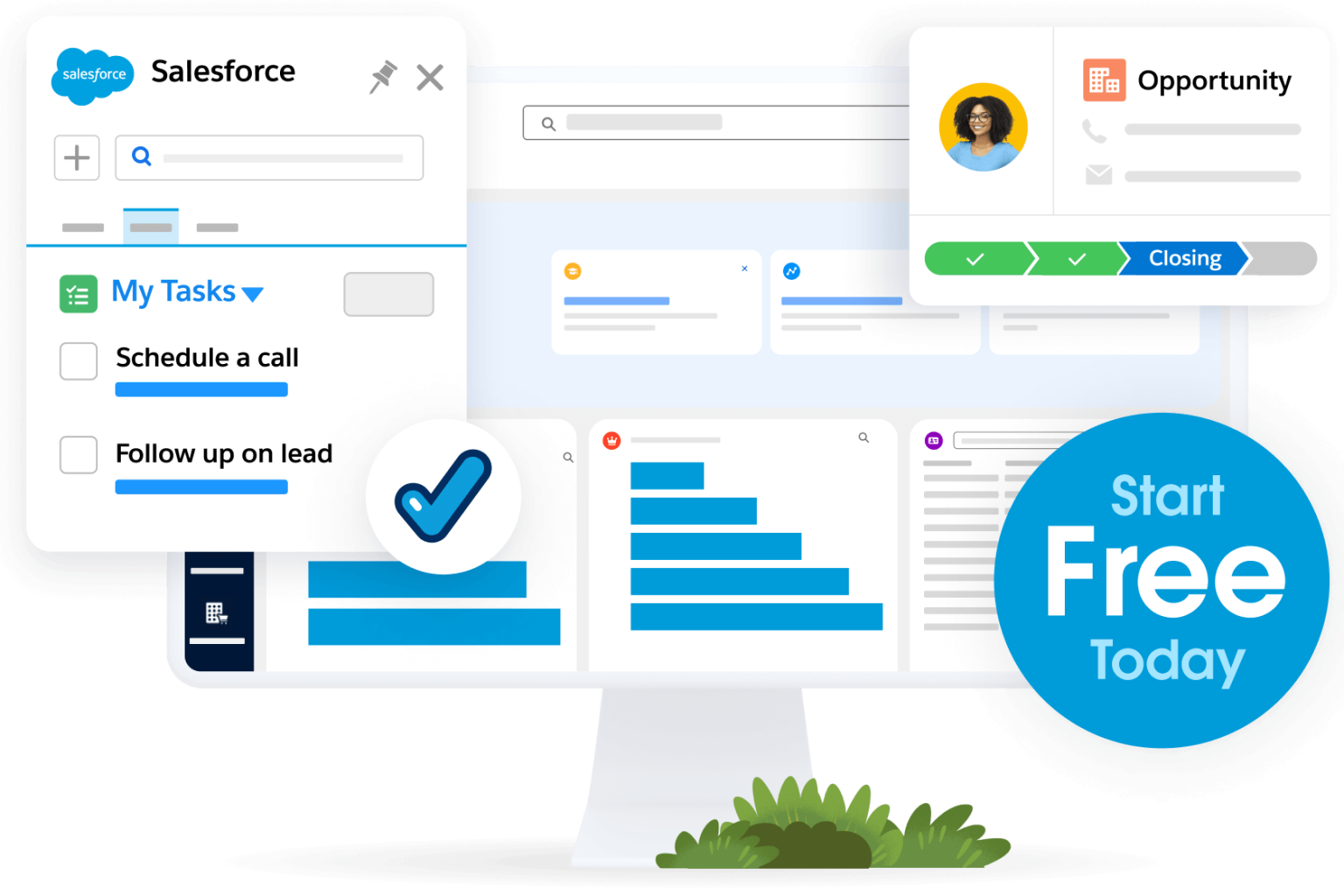
Using CRM software helps your team (and your AI agents) keep track of every conversation and purchase in one place. When your virtual assistant is connected to your CRM, it can personalize messages and provide better service. The good news is that when you start your CRM journey with Salesforce, you have an embedded employee agent that’s ready to go when you are. (An employee agent is just another fancy term for a virtual assistant, helping you from the inside out.)
Grow your ambitions with the #1 AI CRM.
See what’s possible with the AI-powered CRM suite for growing teams.
Activate the power of intelligence
Adding artificial intelligence (AI) to your workflow allows your systems to learn from past interactions and predict what your team and your customers might need next. An AI agent can identify patterns that humans might miss on a busy workday. It can help assist your teams with marketing campaigns, sales calls, service follow-ups, and even commerce shopping experiences. It truly is the assistant you’ve always needed.
Build a foundation for growth with any assistant
As you look toward the future, the technology you choose today will determine how easily you can expand into new markets. An AI assistant isn’t just a temporary fix but a building block for a sustainable and scalable business model.
Integrate with your existing tools
Your software should work together seamlessly so that information flows from sales to marketing to service without friction. A virtual assistant for small business works best when it’s part of a unified platform that connects every part of your organization.
- Sales: Automate lead prioritization and qualification, and draft personalized follow-up emails.
- Marketing: Write and test high-performing email subject lines and advertising copy, and manage email campaigns.
- Service: Draft comprehensive service replies, automate case routing, and provide instant responses to common customer questions.
- Productivity: Consolidate data into a single CRM interface, summarize internal documents, and automate data synchronization.
Prepare for advanced automation
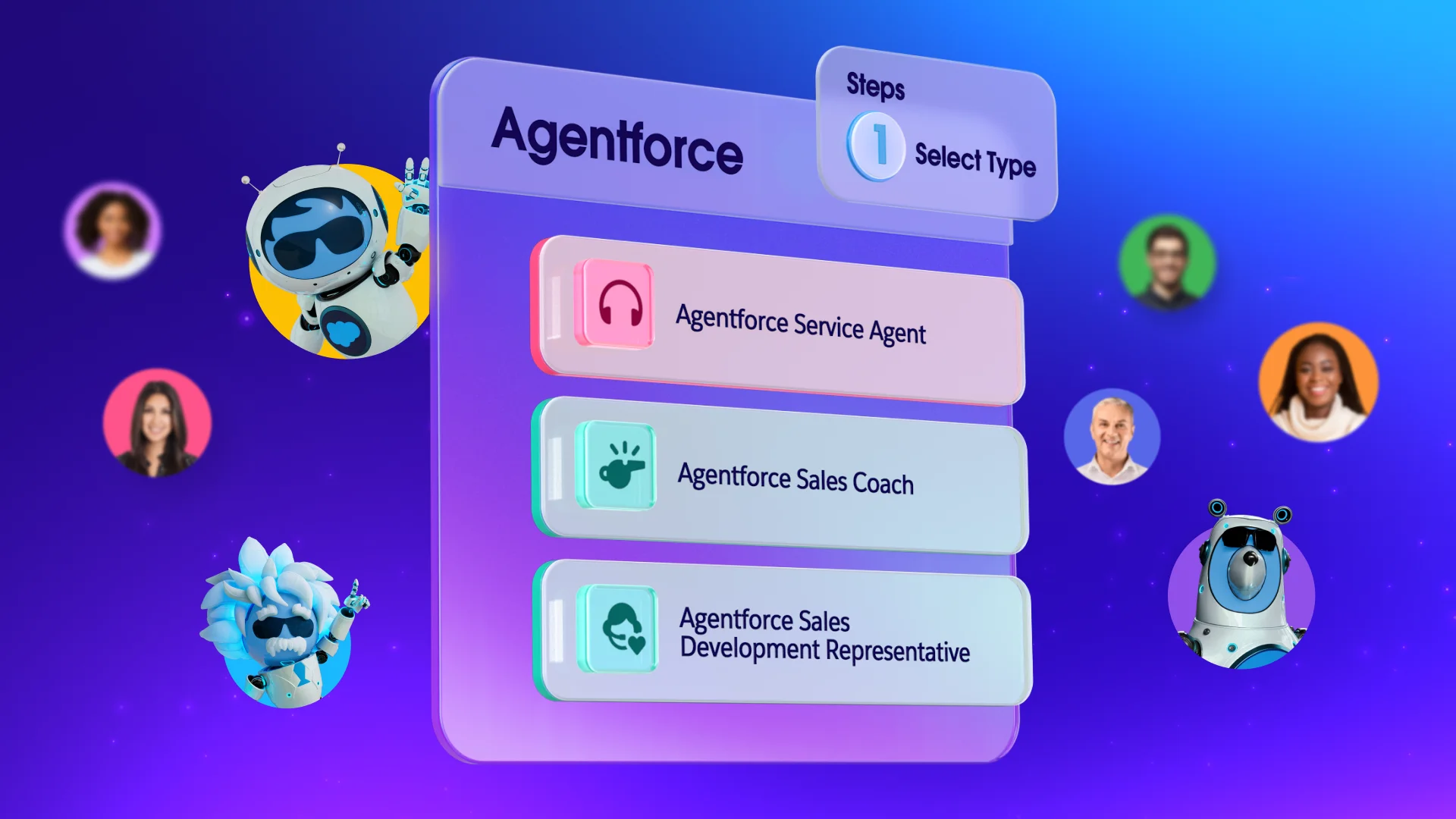
Once your team is comfortable with basic help, you can look into more advanced options like Agentforce, powered by Headless 360 to handle complex reasoning. This level of support turns a virtual assistant into a proactive partner that suggests actions and solves problems.
Steps to implement a virtual assistant for your small business
It’s time to implement your digital assistant for everyone to use. Follow the recommended steps below to get started:
- Centralize your customer data by consolidating information from sales, marketing, and service into your CRM to create a unified source of truth.
- Cleanse your records by running monthly deduplication jobs and implementing merge rules to retain accurate, recent information.
- Standardize what matters by enforcing consistent formatting for fields and converting open text fields into standardized picklists.
- Structure your knowledge base by reviewing knowledge articles, product documentation, and FAQs to ensure they’re up-to-date, clearly written, and organized by topic.
- Activate AI for every team by navigating to the embedded AI features in your Suite CRM settings. The employee agent is already activated when you sign in, so you can begin training right away.
- Monitor your progress by keeping an eye on how much time is being saved and where your team is redirecting their efforts.
- Iterate for better results — as your business evolves, your digital tools should evolve too. Regularly update the tasks assigned to your virtual assistant to ensure you’re always maximizing efficiency.
Get Salesforce free for 30 days.
No credit card required, no software to install.

Welcome your virtual assistant with open arms at Salesforce
Embracing a virtual assistant empowers your team rather than replacing them. These AI agents handle repetitive tasks, freeing your team for strategic, human-centric work. By setting clear expectations and connecting to a unified data source like Salesforce, you build a smarter, more scalable foundation for your business’s future.
Get started with Salesforce for free or activate Foundations to try out Agentforce today.
AI supported the writers and editors who created this article.
What exactly is a digital assistant for a startup?
A digital helper is a software tool or bot that handles automated tasks like scheduling, data entry, and basic customer replies. These tools help small teams stay organized without needing to hire more administrative staff.
How does this technology improve customer service?
By providing instant responses to common questions, these tools ensure customers are never left waiting for a reply. You can learn more about managing these interactions through Service Cloud resources.
Is it difficult to set up automation for a small team?
Most modern platforms are designed for easy setup with no coding required, allowing you to start simple and grow. You can begin by automating one specific task and then expand as your team gets comfortable.
Can these tools help with my marketing efforts?
Yes, they can manage email lists, track campaign performance, and even suggest the best times to send out promotions. This ensures your marketing stays consistent even when you’re busy running other parts of the business.
Will a digital assistant replace my employees?
No, the goal is to augment your team by taking over the boring tasks so your people can focus on work that requires empathy and judgment. It acts as a support system that makes every employee more effective.