Woman in orange blouse working on laptop with content management system hero banner interface displayed on screen against blue background.

What Is a Content Management System (CMS)? Everything You Need to Know

A content management system (CMS) is a software solution that enables authors, editors, and marketers to write, edit, approve, publish — and otherwise manage — digital content without writing code.

CMS features and their enterprise value

FeatureWhat it doesWhy it matters
Content modelingDefines reusable content types and structured fields independent of layoutDetermines whether content can be reused across channels and reliably extracted by answer engines, rather than being locked in page templates
Visual editorLets authors create and update content through a point-and-click interfaceNon-technical teams publish independently, freeing engineering for higher-value work
Workflow and approvalsRoutes content through defined review stages before publishingCritical for regulated, brand-sensitive, or legally reviewed content — nothing publishes without the right sign-offs
Template governanceEnforces design and brand standards across every page or content typeKeeps distributed teams on-brand without constant oversight from a central design team
DAM integrationConnects the CMS to the digital asset libraryImages, videos, and brand files are managed in one place and referenced rather than duplicated
Analytics and personalizationTies content performance data to publishing decisions and audience targetingContent strategy improves over time; audiences receive relevant experiences rather than generic ones
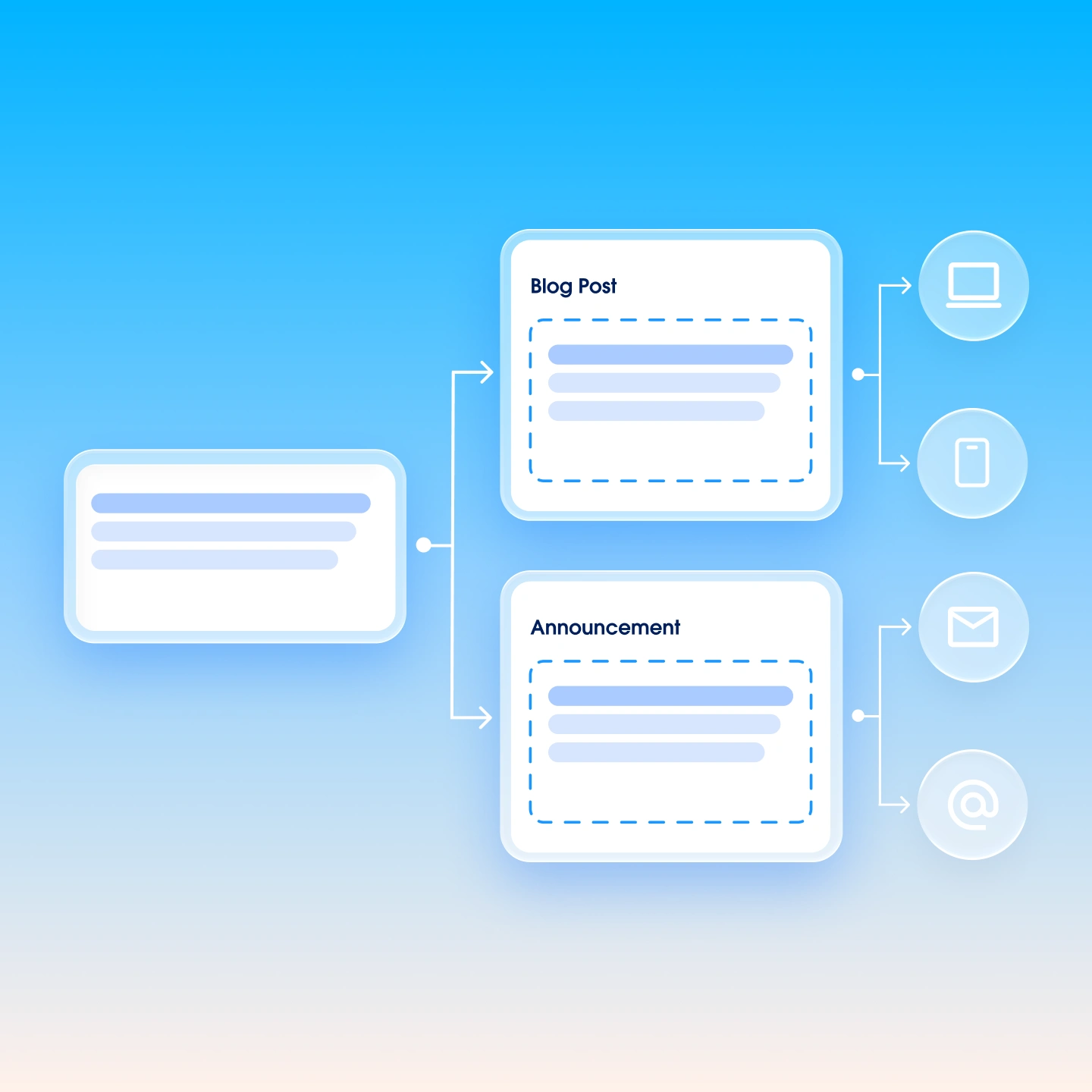
Multi-channel deliveryPublishes content to websites, apps, email, and other surfaces from a single sourceEliminates the need to manually recreate content for every channel
Role-based permissionsControls who can create, edit, approve, and publish based on team and functionReduces publishing errors and enforces governance across large contributor teams
SEO toolsHelps marketers manage metadata, URL structure, and internal linkingMarketing teams optimize content for search without opening developer tickets
AEO toolsHelps marketers optimize content structure — through schema markup, semantic tagging, and direct-answer formatting — so AI answer engines can extract and cite it accuratelySEO earns clicks; AEO earns mentions. As buyers increasingly get answers from AI tools without visiting a website, structured content that AI models can trust and attribute becomes a core visibility requirement

CMS model comparison

ModelPresentation layerContent deliveryBest for
Headless CMSNone — no built-in web renderingAPI onlyTeams delivering content to a website plus other channels, with marketers authoring in structured fields
Traditional CMSExists within the CMS for web deliveryWeb rendering + API to external front endsTeams that need web output and some API flexibility
Hybrid CMSFull WYSIWYG page-building plus API deliveryBoth traditional and API-basedMarketers who need a visual editor alongside multi-channel delivery

Content platform types and their roles

Platform typePrimary purposeTypical use case
Content Management System (CMS)Content authoring, workflow, and publishing — the governance layerManaging and publishing content to websites, apps, and digital channels
Digital Asset Management (DAM)Digital asset storage and managementCentralizing images, videos, and brand files for use across systems
Digital Experience Platform (DXP)Full customer experience orchestration, including content, customer data, personalization, and journey managementCoordinating personalized experiences across the full customer lifecycle
Product Information Management (PIM)Product data and specification managementFeeding accurate product content into CMS and commerce platforms

AI supported the writers and editors who created this article.