


Slackbot can now do anything Salesforce can — just ask.
Find out more
Work smarter and get more done with Slack.
Unify people, projects, knowledge, and culture in a user-friendly work operating system . Enable productivity and collaboration for employees on both desktop and mobile devices, all while maintaining the security and reliability your business depends on.


Discover a new way of working to get teams across the finish line.
Flexible channel architecture, powerful productivity tools and purpose-built AI for every role and team.

Meet Slackbot: Agentic AI for personal productivity
Slackbot is your out-of-the-box personal AI agent for work, bringing together Slack conversations, files, projects, and trusted Salesforce data to deliver fast, personalised support. Slackbot lives in your flow of work, helping you find anything quickly, stay organised, take action, and create and refine content.
Collaborate together in unlimited public and private channels.
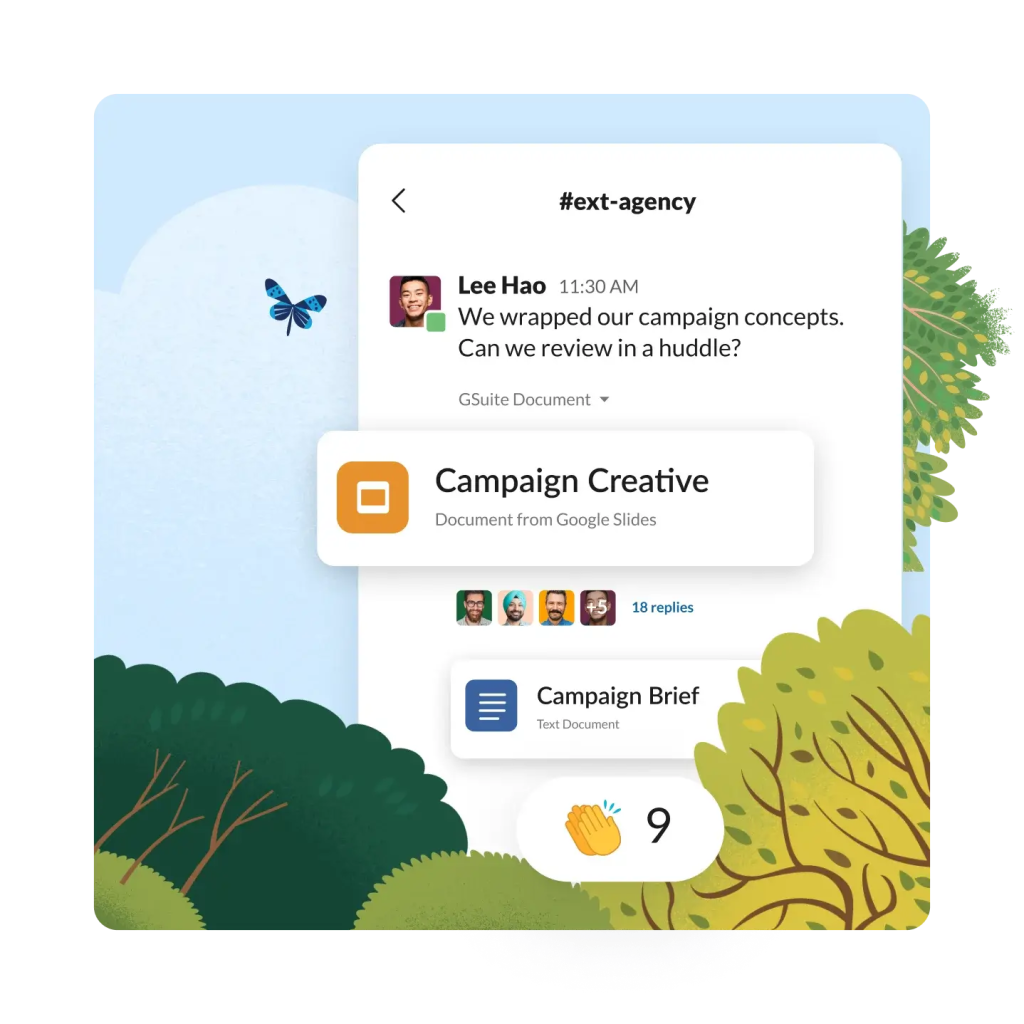
Co-ordinate and align easily to work faster together with everyone in flexible channels. Create, curate and share information with your team with Slack canvas and communicate in real time or asynchronously with huddles and clips. Bring all the power of working in Slack to external stakeholders with Slack Connect.
Focus discussion around projects, customers or topic and collaborate across organisational boundaries in channels. When your teams share files, contribute to conversations and connect apps in channels, they naturally add to a searchable repository of your company's knowledge.

Jump into a huddle with your team when you quickly need more information, ask a question or make a decision in real time, without adding another meeting to the calendar.

Create short video or voice recordings for your team with optional screen share and transcripts for full context. Share clips in direct messages or in channel for your team to play and replay when they have time.

Bring your external stakeholders out of your inbox and into Slack Connect. Do everything you do in Slack with partners, vendors and customers and rest assured that you are sharing files and data in a secure and compliant environment.
Work is easier with AI in Slack.
AI is everywhere in Slack, helping you to get answers quickly and accurately, catch up on what you've missed and make better, more informed decisions every day.
Slackbot is your personal AI agent for work built right into Slack, learning how you work and connecting insights across your permissioned messages, files, apps, and Salesforce data. Unlike other AI tools, it understands you and your work, helping you to move faster as a true partner.

Ask a question in your own words and enterprise search will query all of your connected systems to provide a personalised, permission-aware result. Findings are surfaced in an easy-to-read summary, with context, to unlock the knowledge stored across your connected business apps.

With just a click, you can recap channels, summarise threads, and review huddles notes to get up to speed on topics you may have missed. AI in Slack gives you the information you need to stay organised and in the know, without information overload.

Since your data never leaves Slack, it stays protected in our secure environment 100% of the time. This not only creates higher quality content for you, but also ensures that your data is safe and never shared. AI in Slack runs completely within our trusted and secure platform, so your data is always in your control.

Accelerate work and help teams focus with configurable solutions and searchability in Slack.
Move work forward in the context of conversations happening with lists, canvas and search in Slack to get work done without context switching or toggling between apps.
From Marketing campaigns to product launches and internal kick-offs, your business is always rallying around the next goal. Get to done faster by capturing and structuring the most important parts of your conversation. Visualise all the work that needs to be done by documenting project details like task owners, due dates, or additional files in columns, or “fields." Automate requests and triage to-do's across functions, ranging from legal approvals to help desk requests. Sharing lists across Slack is seamless, easily invite your teammates or share a list in channel with one click.

Canvases are found in direct messages and channels where you can collect, curate and share information with your teams. Start with ready-to-go templates, make copies of previous canvases or create your own. Canvases are useful for employee onboarding, monthly newsletters, out-of-office coverage plans and more. Embed powerful workflows to automate complex processes and empower your teams to find and action information to boost productivity.

Take the guesswork out of getting work started with pre-made templates for every project, programme and process. With templates, you can instantly spin up a new channel, filled with pre-configured canvases, lists and workflows, so your team can collaborate and move work forward faster. Templates were created for the most common use cases, so whether you’re managing a project or triaging help requests, you can kick work off without starting from scratch.

When when work happens in channels, it's naturally building the collective knowledge of your organisation. With agent-powered search in Slack, information that was once hidden in email threads becomes unlocked for teams to learn from and improve their performance. Slack searches conversation in public channels and surfaces data found in connected apps and automation.


Extend the impact of the world's #1 CRM with the power of Slack.
Powered by CRM Data
Take action with context when CRM data from Salesforce meet conversations in Slack.
Work Orchestration in Slack
Empower people to work with agents to get more done.
Salesforce and Slack
Bring all your CRM data into Slack with native integrations.
Slack for Departments
Connect Slack with your CRM data from sales and service to marketing and more to better connect with customers.
Slack for Industries
Slack makes all kinds of work seamless, to help teams in any industry boost productivity.


Having Salesforce and Slack together will be valuable in focusing on two core areas: automate as much as possible and enable cross-functional stakeholders to make better decisions faster.
Sheryl AndersonManager, Digital Workplace and Solutions, Rivian

Get the most out of Slack with thousands of partner apps and experts.


Learn new skills with free, guided learning on Trailhead.

Keep up with the latest productivity trends, insights and conversations.

Report
Read Slack's State of Work 2023 Report.

Article
Experience the future of work with AI and automation in Slack.

Guide
See how 9 businesses boosted efficiency and productivity with Slack.

Webinar
Work smarter and faster with trusted AI in Slack.
Ready to take the next step?

Start your trial.
Try Slack for free. No credit card, no installations.

Talk to an expert.
Tell us a bit more so the right person can keep in touch faster.

Watch Demo
See how Slack works seamlessly across Salesforce's deeply unified platform.
Automation and AI FAQs
Automation in Slack helps improve team performance in every line of business. With AI-ready workflows, Slack customers can automate administrative tasks like weekly stand-ups and approvals to free up time for more strategic or creative work.
Slack workflows are a central part of the automation process. They’re easy to create with many no- and low-code options. Slack customers use workflows to do things like manage scrum activities, communicate within sales and service departments to increase customer satisfaction and more.
Slack integrates with over 2,600 apps including deep integrations with Salesforce’s Customer 360 solutions. These integrations unlock the power of customer data and insights for all your lines of business and you can connect all the enterprise apps your teams uses in one click via the Slack app directory.
The State of Work 2023 report surveyed over 18,000 workers. The results found that people adopting AI are 90% more likely to report higher levels of productivity yet, just 27% of companies currently use AI tools to help increase efficiency. Slack’s AI strategy gives companies the power to leverage their historical knowledge with generative AI to help increase productivity and drive decision making.
